Options and Upgrades
Instruction Manual: evolution 5000 E5710 and E5720 Encoder Page 3-7
ST.TM.E10074.1
The Additional Audio option module comprises Assembly S12293 and Card
S11976. See Table 3.1 for the slots that it can be installed in.
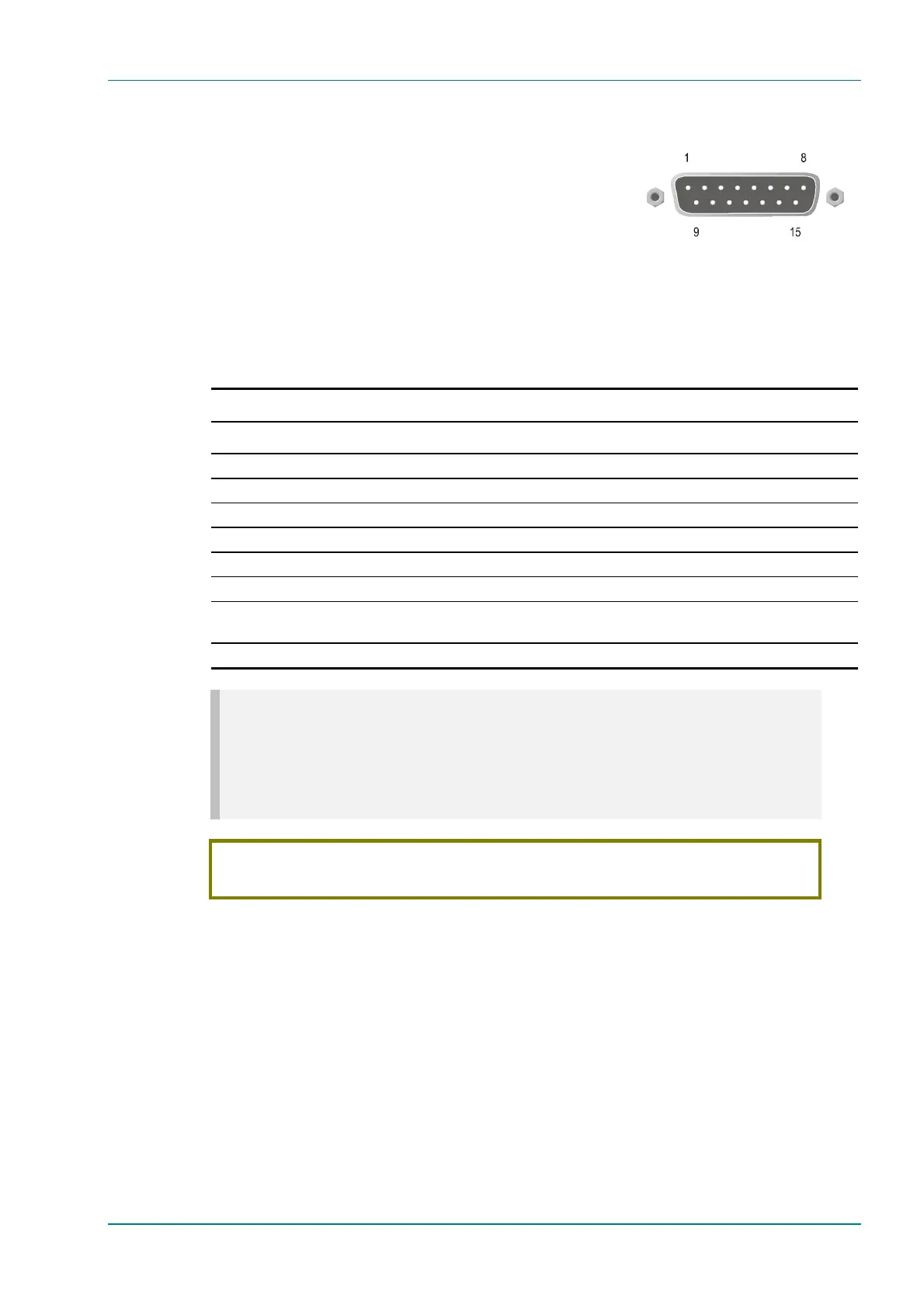
Audio In Connector
Connect the audio cable to the AUDIO IN
connector. The 15-way, D-type male connector
is used in different ways according to the audio
input and the encoding configuration selected.
The connector provides two stereo pairs. They may be independently
configured as either analogue or digital. The left channel is used to input
digital audio.
Table 3.4: Audio In Connector
Pin Signal Pin Signal
Analogue Digital Analogue Digital
1 Left Channel A (+) AES/EBU (A) (+) 9 Left Channel A (-) AES/EBU (A) (-)
2 Not connected 10 Right Channel A (+)
3 Right Channel A (-) 11 Not connected
4 Left Channel B (+) AES/EBU (B) (+) 12 Left Channel B (-) AES/EBU (B) (-)
5 Not connected 13 Right Channel B (+)
6 Right Channel B (-) 14 Not connected
7 AES/EBU
Reference (Signal)
15 AES/EBU
Reference (Ground)
8 Not connected
NOTES…
1. In analogue mode termination is either 20 kW or 600 W.
2. In AES/EBU mode termination is 110 W (default).
3. When the Encoder is powered down the digital channel is selected with 110 W termination.
4. The digital audio input does not support SPDIF.
CAUTION…
To ensure EMC compliance, use the audio connector supplied with the Encoder.



 To Next Page