Operating the Equipment Locally
Instruction Manual: evolution 5000 E5710 and E5720 Encoder Page 4-53
ST.TM.E10074.1
Source Option
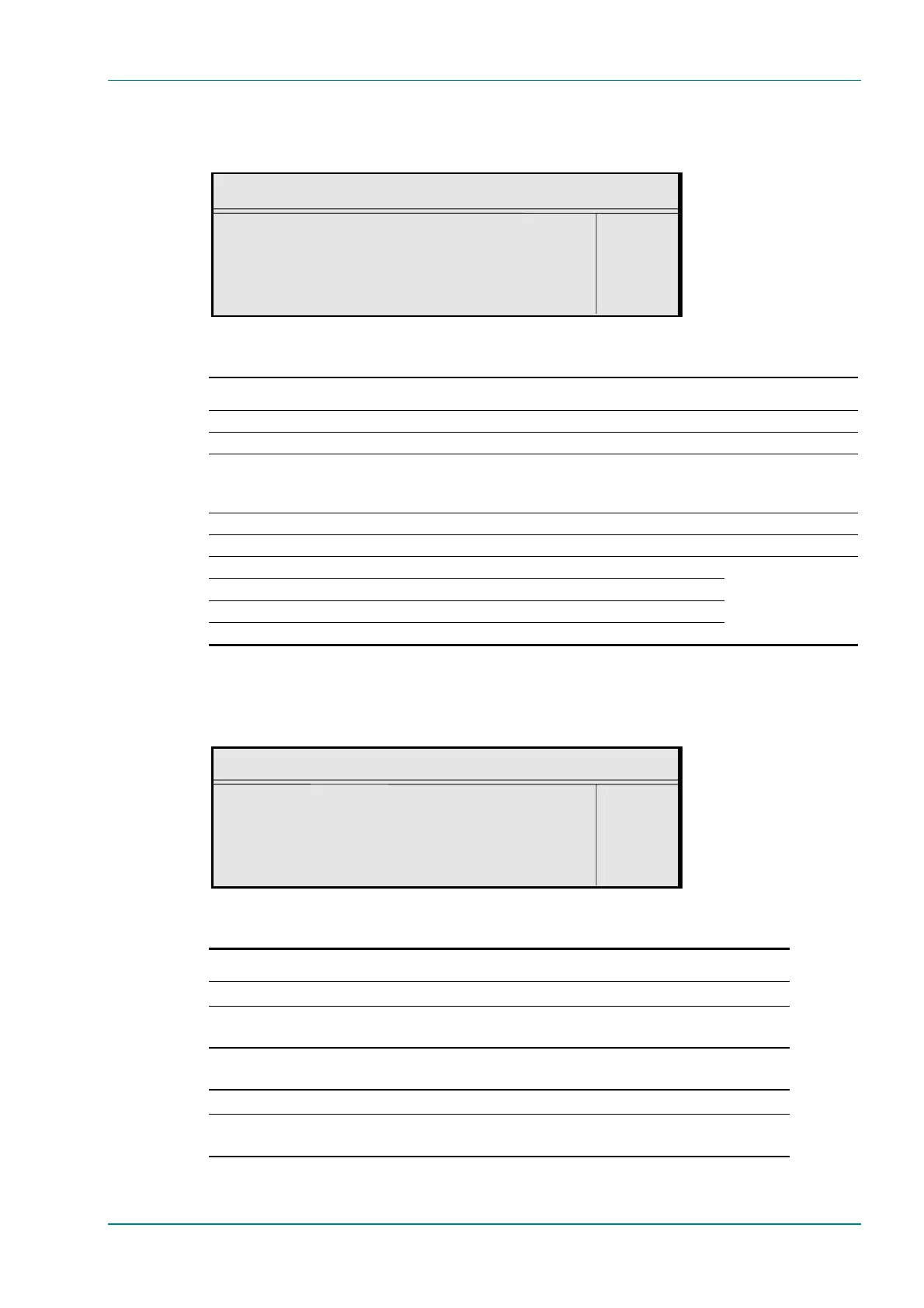
To access the Source option, press the Source softkey in the Audio A
Menu.
Source
Audio Source : +
Analogue —
Enter l
Update using softkeys Quit l
Table 4.41: Source Options
Selected Option Description
Off No audio packets are sent in the transport stream and audio is removed from the SI.
Mute Audio silence.
Test Tone The internal test tone is used as the audio source.
Only possible for MPEG and Dolby Digital (AC-3). The bit-rate will automatically change to
96 kbit/s.
Analogue Analogue audio input on AUDIO IN connector.
Digital Digital audio input 1 on AUDIO IN connector.
SDI Embedded 1 Digital audio de-embedded from digital video input using DID 0x2FF.
SDI Embedded 2 Digital audio de-embedded from digital video input using DID 0x2FF.
SDI Embedded 3 Digital audio de-embedded from digital video input using DID 0x1FD.
SDI Embedded 4 Digital audio de-embedded from digital video input using DID 0x1FD.
Coding Standard Option
To access the Coding Standard option, press the Coding Standard
softkey in the Audio A Menu.
Coding Standard
Audio Coding Standard : +
Dolby Digital (AC-3) —
Enter l
Update using softkeys Quit l
Table 4.42: Coding Standard Options
Selected Option Description
MPEG Layer 2 MPEG Layer 2 audio coding standard.
AC-3 Pass-Thru Pre-encoded (in Dolby Encoder) AC-3 audio coding standard. See Annex G, Audio
Modes, for information when using this mode.
Dolby E Pass-Thru Dolby E audio coding standard (pre-encoded in Dolby Encoder). See Annex G,
Audio Modes, for information when using this mode.
Dolby Digital (AC-3) Dolby Digital (AC-3) audio coding standard.
Linear PCM Linear PCM audio coding standard. See Annex G, Audio Modes, for information
when using this mode.
These are default DIDs



 To Next Page