Operating the Equipment Locally
Page 4-34 Instruction Manual: evolution 5000 E5710 and E5720 Encoder
ST.TM.E10074.1
Ident Text Option
To access the Ident Text option, press the Ident Text softkey from the
Video Source Menu. This is the text that is displayed if the video output is
lost (see OP Video Loss Option, on page 4-35).
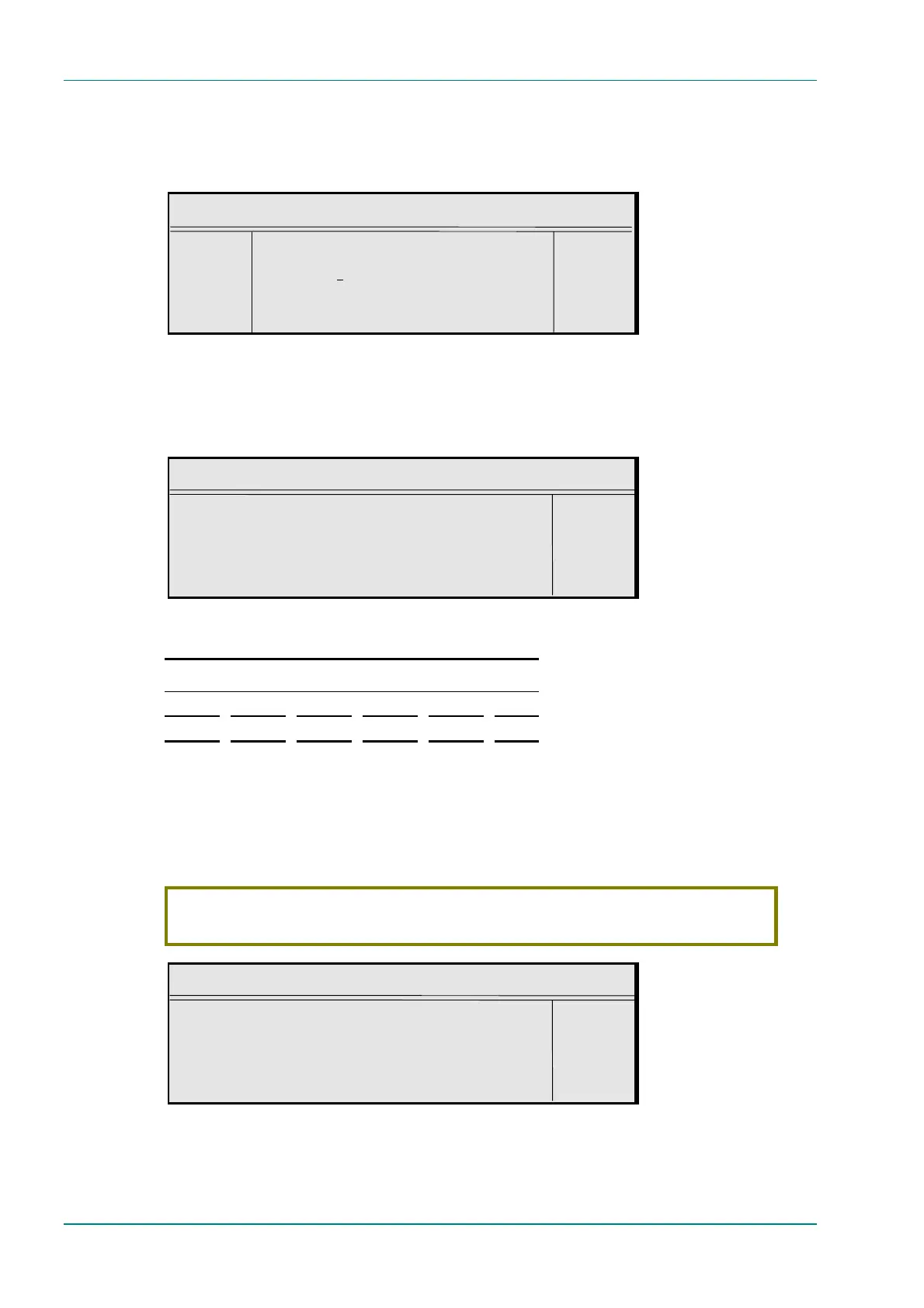
Ident Text
¬ Left Ident Text : +
® Right `Ident Mode’ —
l Ins Enter l
l Del Update using softkeys Quit l
Text Colour Option
To access the Text Colour option, press the Text Colour softkey from the
Video Source Menu. This gives a choice of colours for the text which is
displayed when the video output is lost (if that option has been selected).
Text Colour
Text Colour : +
Black —
Enter l
Update using softkeys Quit l
Table 4.24: Text Colour Options
Available Options
White Blue Magenta Yellow Green Pink
Black Red Orange Grey Cyan
Background Colour Option
To access the Background Colour option, press the Background Colour
softkey from the Video Source Menu. This gives a choice of colours for the
background to the text which is displayed when the video output is lost (if
that option has been selected).
CAUTION…
Make the background colour a contrast to the text otherwise the text will not be seen!
Background Colour
Background Colour : +
White —
Enter l
Update using softkeys Quit l



 To Next Page