Operating the Equipment Locally
Instruction Manual: evolution 5000 E5710 and E5720 Encoder Page 4-25
ST.TM.E10074.1
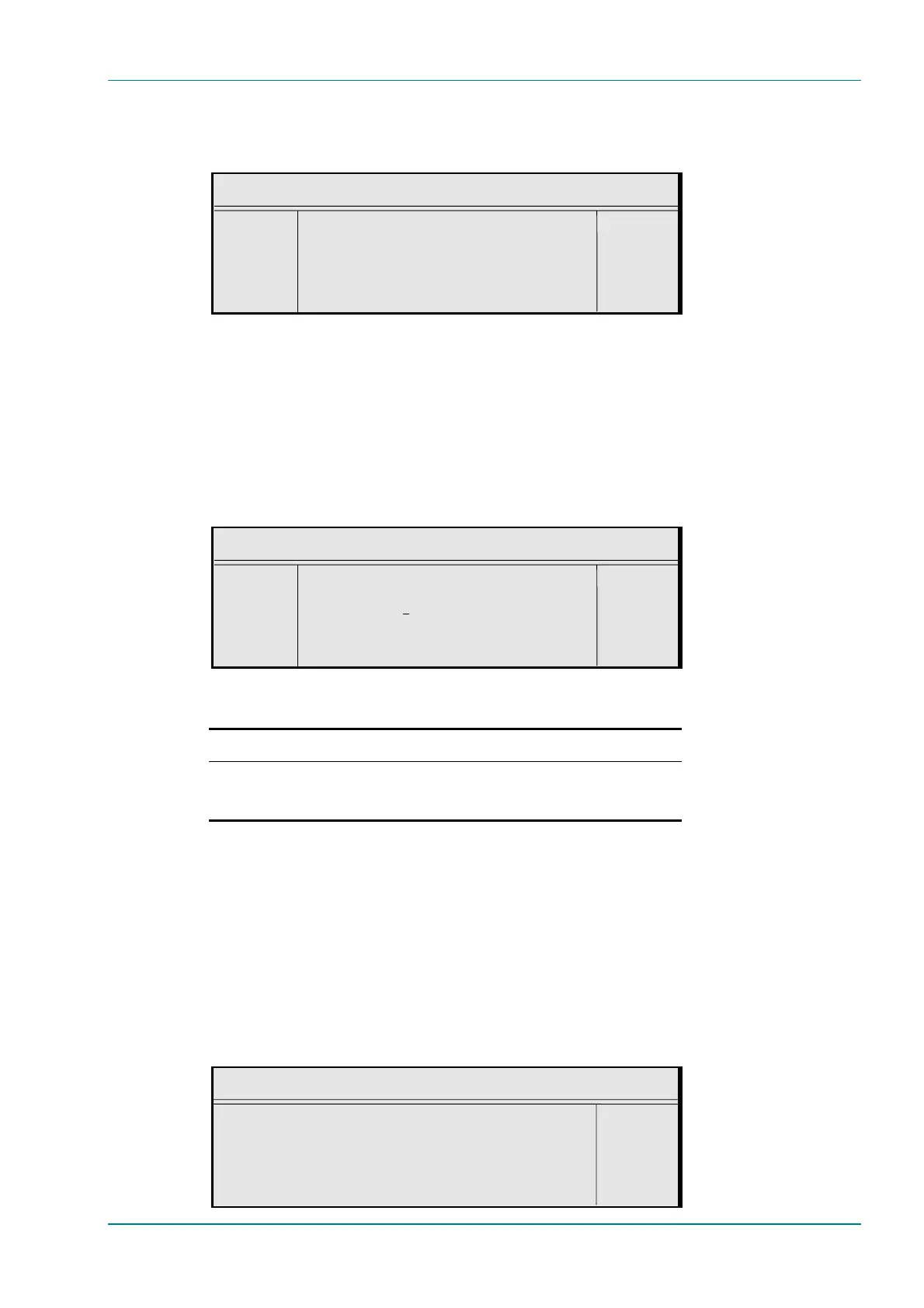
Local Date Option
To access the Local Date option, press the Local Date softkey in the
General Menu.
Local Date
¬ Left Local Date : +
® Right `8 June 2001’ —
l Ins Enter l
l Del Update using softkeys Quit l
UTC Offset Option
The Universal Time Co-ordinate (UTC) is effectively the same as Greenwich
Mean Time (GMT). When including SI in the output transport stream the
Encoder is required to output a Time and Date Table (TDT). This uses UTC.
Therefore, as the local time is input on the front panel a UTC offset is
needed so that the UTC time for the TDT table is generated.
To access the UTC Offset option, press the UTC Offset softkey in the
General Menu.
UTC Offset
¬ Left UTC Offset : +
® Right `0 Hours’ —
l Ins Enter l
l Del Update using softkeys Quit l
Table 4.14: UTC Offset Options
Selected Option Description
Min: –12 Hours
Max: 15 Hours
Step Size: 1 Hour
UTC offset. A positive value indicates East of Greenwich, and
a negative value indicates West of Greenwich.
If the specified UTC offset is outside the valid input range, a confirmation
screen is displayed which shows the minimum/maximum value allowed.
Temperature Option
The Temperature option is shown in the General Menu. It indicates the
current internal temperature.
Screen Saver Option
To access the Screen Saver option, press the Screen Saver softkey in the
General Menu.
Screen Saver
Screen Saver : +
Top Level Menu —
Enter l
Update using softkeys Quit l



 To Next Page