Operating the Equipment Locally
Instruction Manual: evolution 5000 E5710 and E5720 Encoder Page 4-61
ST.TM.E10074.1
Dolby Srnd Mode Option
NOTES…
1. This option is only shown when the Coding Standard is Dolby Digital (AC-3).
2. This parameter appears in the bit-stream only when operating in the two-channel mode (Audio
Coding Mode = 2/0 L,R).
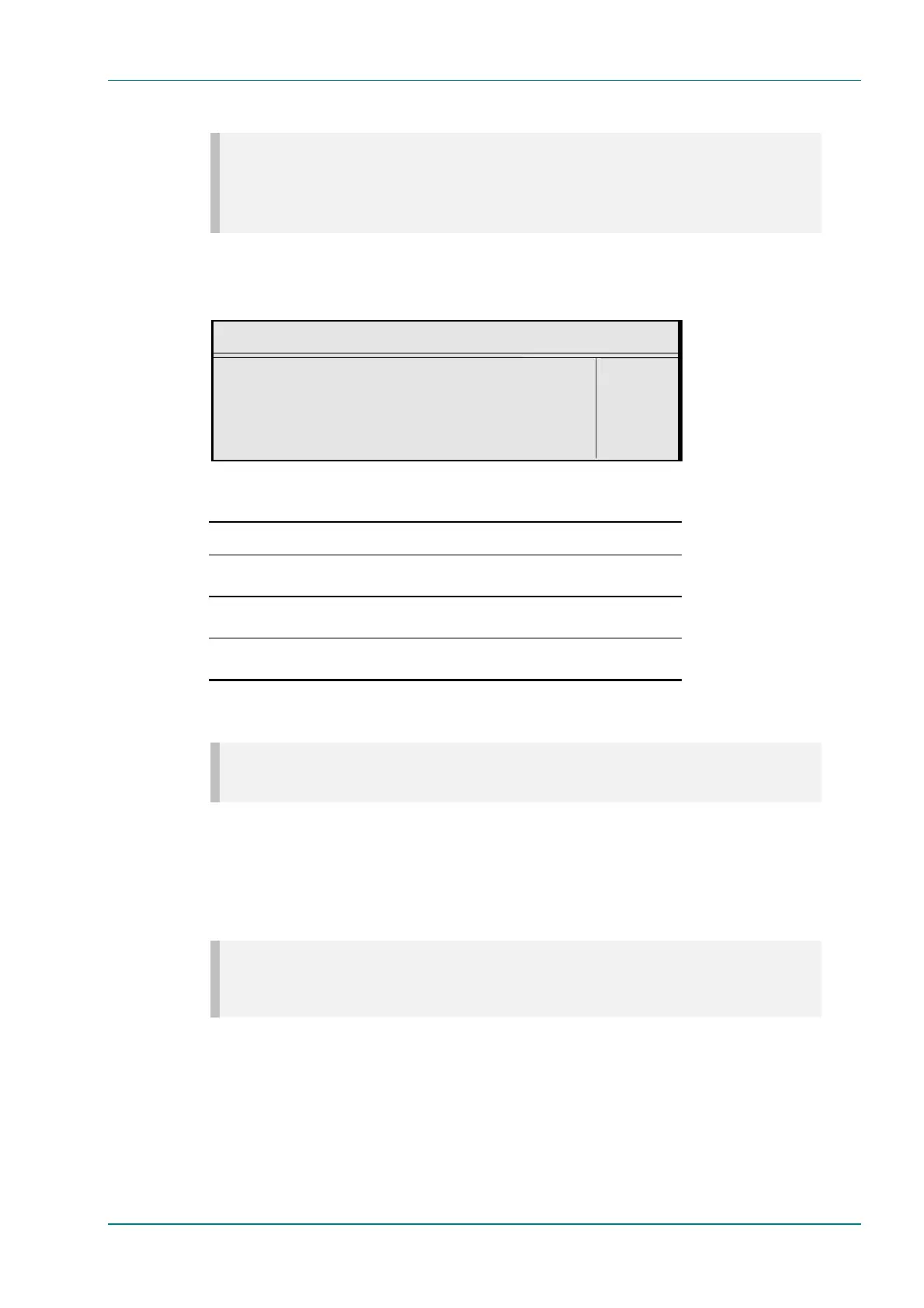
To access the Dolby Srnd Mode option, press the Dolby Srnd Mode
softkey in the Audio A Menu. This indicates whether a two-channel Dolby
Digital (AC-3) bit-stream is conveying a Dolby Surround encoded program.
Dolby Srnd Mode
Dolby Surround Mode : +
Not Indicated —
Enter l
Update using softkeys Quit l
Table 4.54: Dolby Srnd Mode Options
Selected Option Description
Not indicated It is not known if the bit-stream is conveying a Dolby Surround
encoded program.
Not Dolby Surround The bit-stream is not conveying a Dolby Surround encoded
program.
Dolby Surround The bit-stream is conveying a Dolby Surround encoded
program.
Production Info Option
NOTE…
This option is only shown when the Coding Standard is Dolby Digital (AC-3).
To access the Production Info option, press the Production Info softkey
in the Audio A Menu. This indicates whether the Mixing Level and Room
Type parameters exist within the bit-stream. The options are On and Off.
Mixing Level Option
NOTE…
This option is only shown when the Coding Standard is Dolby Digital (AC-3) and the Production Info
parameter is set to On.
To access the Mixing Level option, press the Mixing Level softkey in the
Audio A Menu. This parameter indicates the acoustic sound pressure level
of the dialog level during the final audio mixing session. This makes it
possible for the programme to be replayed at the same loudness or at a
known difference from the original.
This menu assumes a working knowledge of Dolby Digital encoding
processes on the part of the user.



 To Next Page