Operating the Equipment Locally
Page 4-22 Instruction Manual: evolution 5000 E5710 and E5720 Encoder
ST.TM.E10074.1
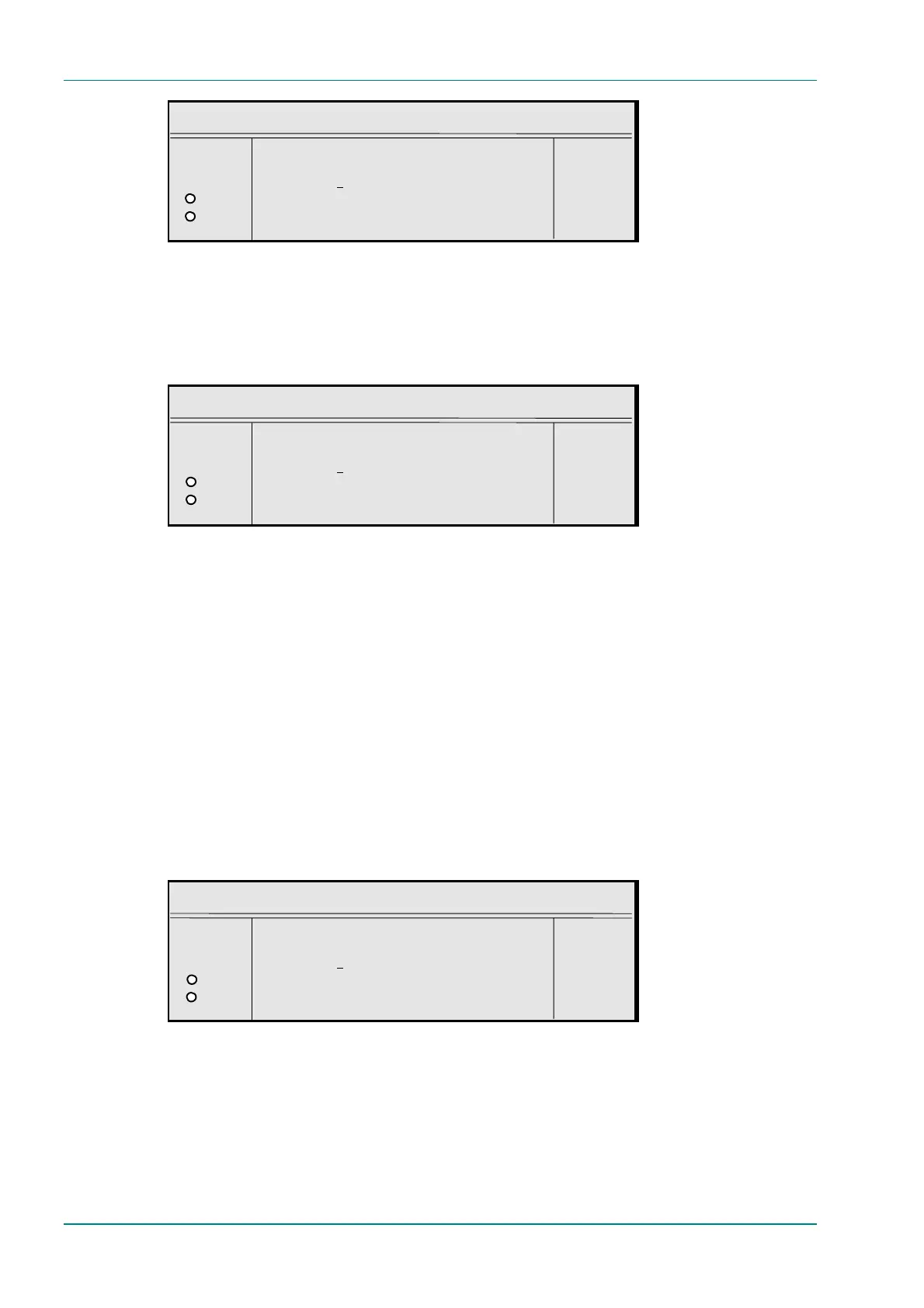
Gateway Address
¬ Left Gateway Address : +
® Right `000.000.000.000’ —
O Enter l
O Update using softkeys Quit l
SNMP Master Option
To access the SNMP Master option, press the SNMP Master softkey in the
Remote Control Menu. This gives the SNMP Master’s IP address. If this is
set, only one SNMP controller will be allowed access to the Encoder. It can
be set to 000.000.000.000 to allow any controller access.
SNMP Master
¬ Left SNMP Master IP Address : +
® Right `000.000.000.000’ —
O Enter l
O Update using softkeys Quit l
Last SNMP Master Option
The Last SNMP Master option is found in the Remote Control Menu. This
gives the last SNMP Master’s IP address. It cannot be changed.
Last SNMP Poll Option
The Last SNMP Poll option is found in the Remote Control Menu. It cannot
be changed
SNMP Trap IP Option
To access the SNMP Trap IP option, press the SNMP Trap IP softkey in
the Remote Control Menu.
If this option is set, trap messages will be sent to the specified IP address.
If this is 000.000.000.000 then trap messages will be sent to the last
SNMP master.
SNMP Trap IP
¬ Left Send SNMP Traps to IP Address : +
® Right `000.000.000.000’ —
O Enter l
O Update using softkeys Quit l
SABus Address Option
To access the SABus Address option, press the SABus Address softkey in
the Remote Control Menu. The SABus protocol is multi-drop, and has an
address byte for differentiating between the devices on the SABus (the
address option).



 To Next Page