Operating the Equipment Locally
Instruction Manual: evolution 5000 E5710 and E5720 Encoder Page 4-67
ST.TM.E10074.1
only shown if
M2/EOM2/DAT
option fitted
Data
Menu
Data B - RS422....
Data X A - RS232....
Data X B - RS422....
Setup
Menu
Shaded options are showing status and
cannot be changed.
Data X B - RS422
Menu
Data B - RS422
Menu
Encoding
Bit-rate
RS422 PID
Test Mode
SNMP oid index
Version
Data X A - RS232
Menu
Encoding
Baud Rate
RS232 PID
Hardware Release
Software Release
only shown if
M2/EOM2/DAT
option fitted
X = the number of the option slot.
Encoding
Bit-rate
RS422 PID
Hardware Release
Software Release
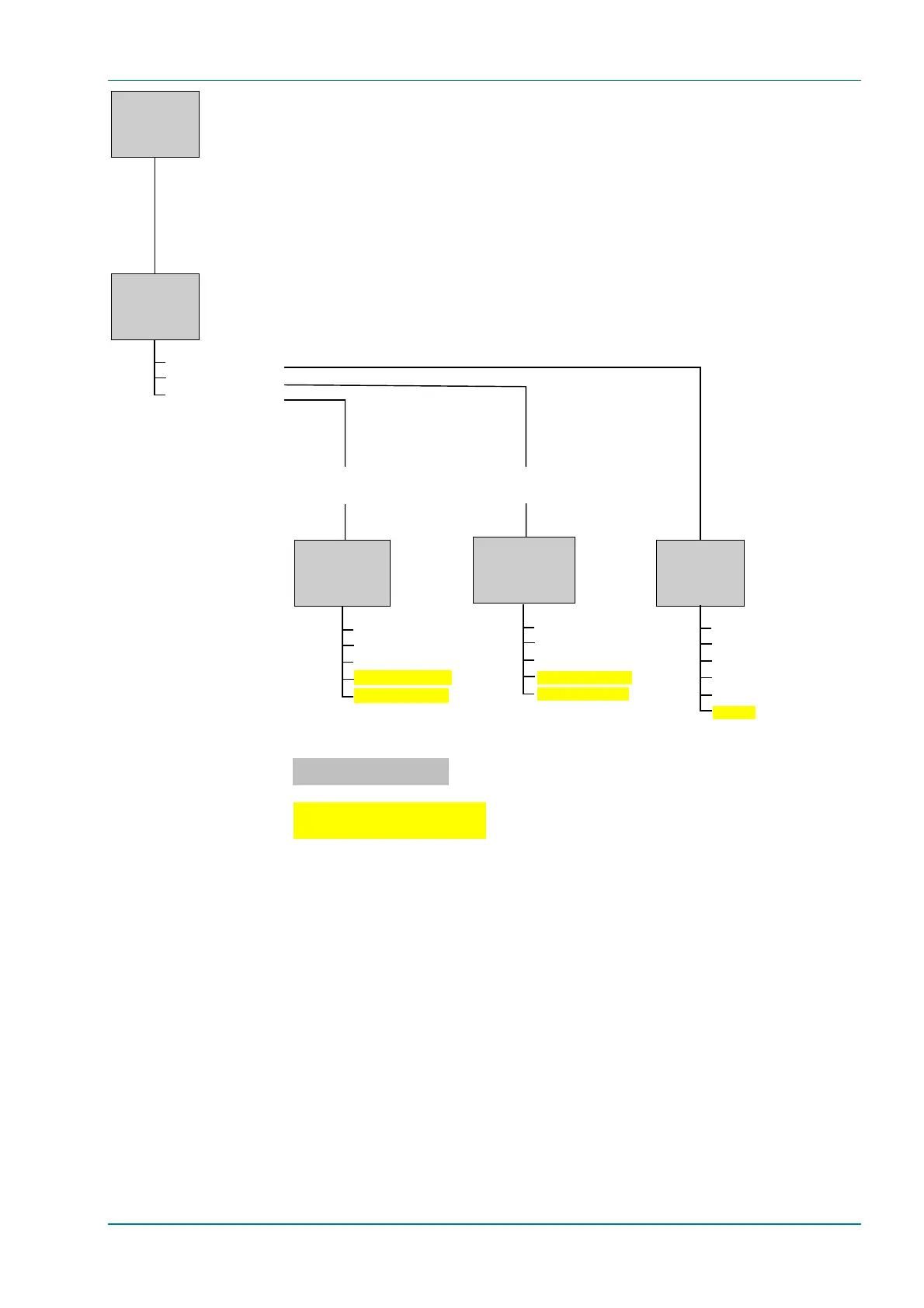
Figure 4.16: Menu Hierarchy – Setup/Data Menu
4.10.2 Data B - RS422 Menu
Encoding Option
To access the Encoding option, press the Encoding softkey in the
Data B - RS422 Menu. This enables the RS-422 synchronous data channel
to be switched On or Off.
Bit-rate Option
To access the Bit-rate option, press the Bit-rate softkey in the
Data B - RS422 Menu. This enables the bit-rate of the RS-422
synchronous data channel to be set.



 To Next Page