Operating the Equipment Locally
Page 4-24 Instruction Manual: evolution 5000 E5710 and E5720 Encoder
ST.TM.E10074.1
SABus Data Bits Option
To access the SABus Data Bits option, press the SABus Data Bits softkey
in the Remote Control Menu.
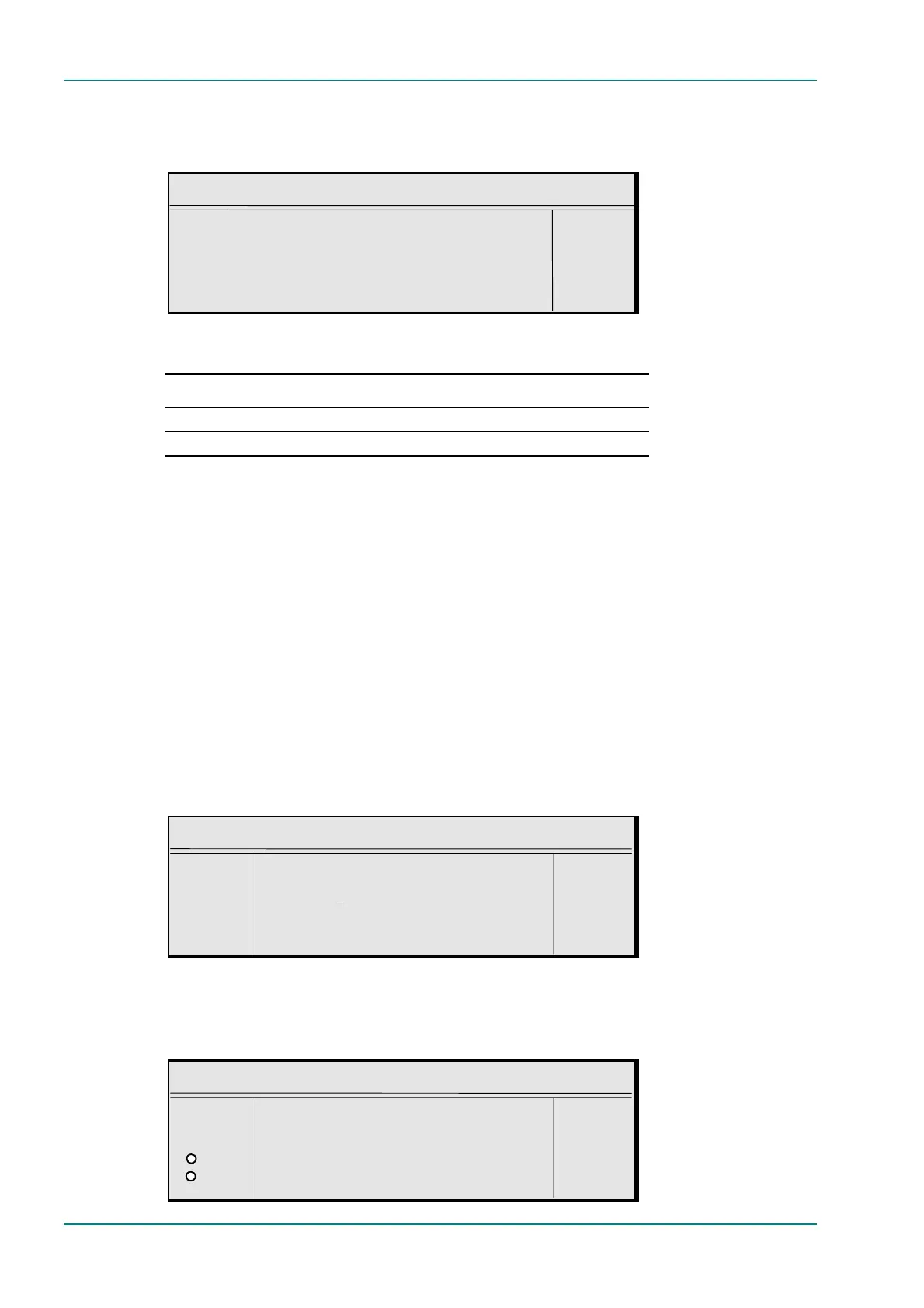
SABus Data Bits
SABus Data Bits : +
8 (1 stop bit) —
Enter l
Update using softkeys Quit l
Table 4.13: SABus Data Bits Options
Selected Option Description
8 (1 stop bit)
7 (2 stop bits)
4.7.5 General Menu
Overview
The General Menu is selected from the System Menu by pressing the
General softkey. This menu provides options for amending the general
parameters of the Encoder. See Figure 4.9 for the General Menu structure.
Model Number Option
The Model Number option is shown in the General Menu. It cannot be
changed.
Config Name Option
To access the Config Name option, press the Config Name softkey in the
General Menu. These are the names of stored Encoder set-ups. They can
be recalled from the Configs Menu (see Section 4.15, Configs Menu).
Config Name
¬ Left Config Name : +
® Right `Auto 8 Mbit/s’ —
l Ins Enter l
l Del Update using softkeys Quit l
Local Time Option
To access the Local Time option, press the Local Time softkey in the
General Menu.
Local Time
¬ Left Local Time : +
® Right `14:08:38’ —
O Enter l
O Update using softkeys Quit l



 To Next Page