Operating the Equipment Locally
Instruction Manual: evolution 5000 E5710 and E5720 Encoder Page 4-65
ST.TM.E10074.1
Embedded 1-2 DID Option
To access the Embedded 1-2 DID option, press the Embedded 1-2 DID
softkey in the Audio A Menu. Refer to Annex G, Audio Modes for
information about DIDs.
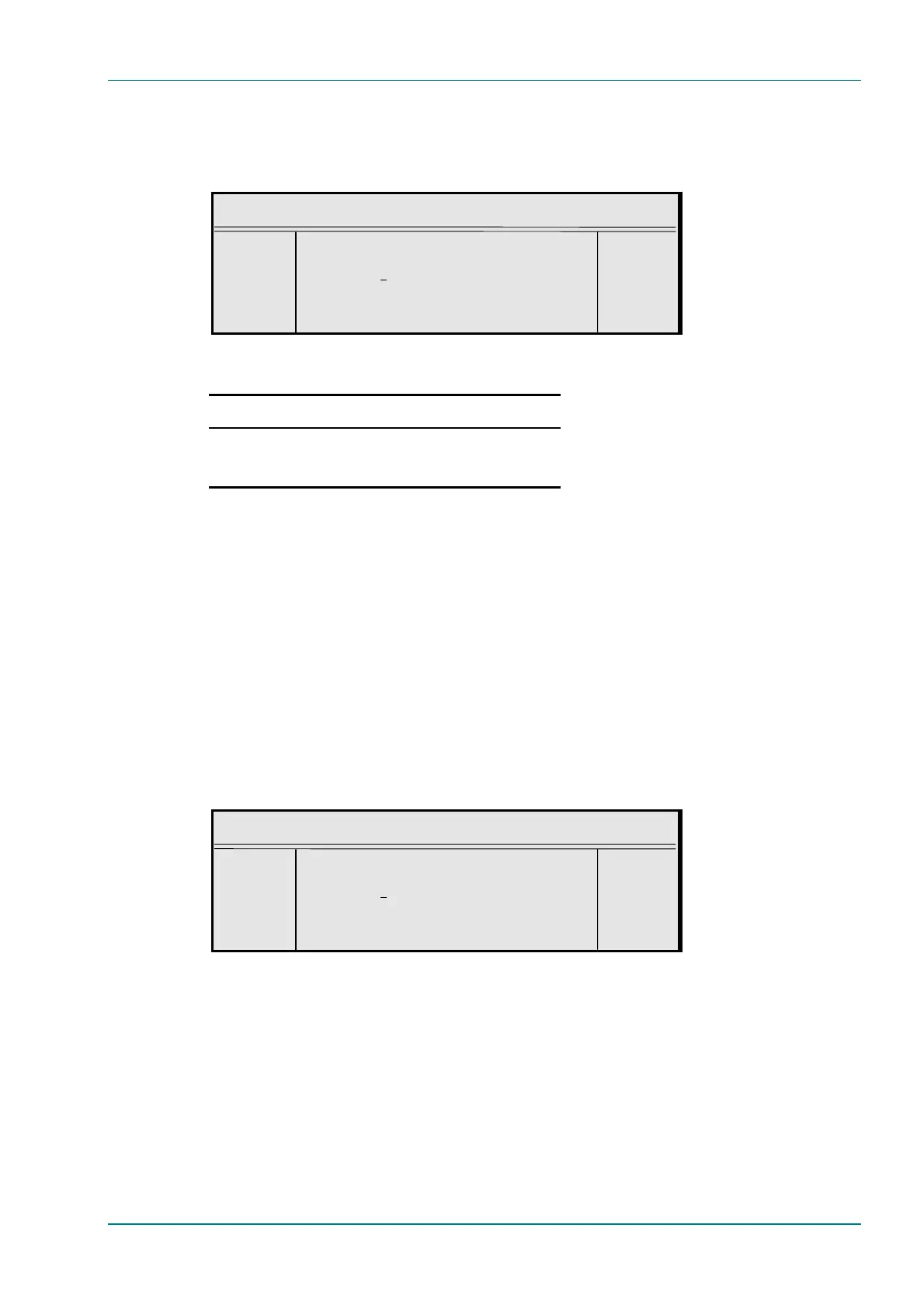
Embedded 1-2 DID
¬ Left Embedded 1-2 DID : +
® Right `1034 (Auto – 2FFh)’ —
l Ins Enter l
l Del Update using softkeys Quit l
Table 4.58: Embedded 1-2 DID Options
Selected Option Description
Min: 0
Max: 1023
Other: >1023
Off
Select DID
Default DID
Embedded 3-4 DID Option
The Embedded 3-4 DID option is selected from the Audio A Menu by
pressing the Embedded 3-4 DID softkey. The Embedded 3-4 DID option
has the same choices as the Embedded 1-2 DID option.
Audio PID Option
The Audio PID option is selected from the Audio A Menu by pressing the
Audio PID softkey. The option is used for entering or updating audio
PIDs. Enter a PID using the softkeys, then press the Enter softkey to
accept it.
To be DVB compliant, PIDs below 32 are reserved. Therefore PIDs 32 to
8191 are available for use. In the event of a clash, one of the PIDs will be
changed by the Encoder’s internal checking algorithm
Audio PID
¬ Left Audio PID : +
® Right `111 (006Fh)’ —
l Ins Enter l
l Del Update using softkeys Quit l
Hardware Release Option
This option indicates the hardware release of the audio. It is for status only
and cannot be changed.
Software Release Option
This option indicates the software release of the currently selected audio
standard. It is for status only and cannot be changed.



 To Next Page