Operating the Equipment Locally
Instruction Manual: evolution 5000 E5710 and E5720 Encoder Page 4-39
ST.TM.E10074.1
CAUTION…
When using the Encoder with a PRO IRD M2/PSR/3/422BAS in 4:2:2 mode the upper video bit-rate limit
of the IRD is 25 Mbit/s.
Delay Option
This option indicates the current video delay. It is for status only and
cannot be changed.
Resolution Option
This option gives both horizontal and vertical resolution. To access the
Resolution option, press the Resolution softkey in the Video Encoder
Menu.
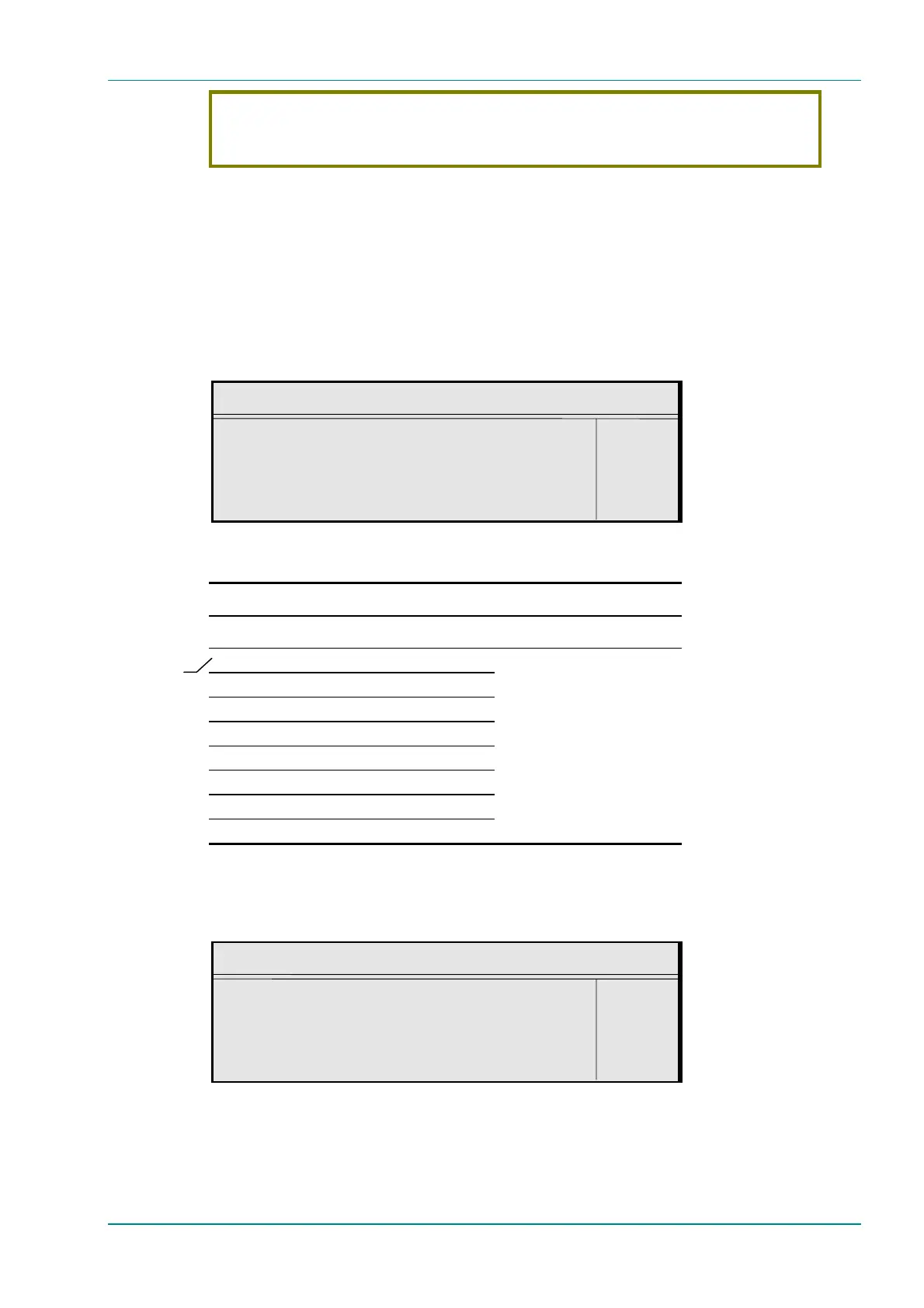
Resolution
Resolution : +
720x576 —
Enter l
Update using softkeys Quit l
Table 4.31: Resolution Options
Selected Option Description
625 Line Modes 525 Line Modes
Auto (720x576) Auto (720x480)
720 x576 720 x480
704 x576 704x480
640 x576 640x480
544 x576 544x480
480 x576 480x480
352x576 352x480
352x288 (SIF) 352x240 (SIF)
Relates to the number of pixels
across the screen and the
number of lines down the screen
(pixels x lines).
Aspect Ratio Option
To access the Aspect Ratio option, press the Aspect Ratio softkey in the
Video Encoder Menu. This option does not affect the image processing.
Aspect Ratio
Aspect Ratio : +
4:3 —
Enter l
Update using softkeys Quit l
In Auto, pixel
value in
brackets
varies with
bit-rate that
is set.



 To Next Page