Operating the Equipment Locally
Instruction Manual: evolution 5000 E5710 and E5720 Encoder Page 4-89
ST.TM.E10074.1
Select the required one by pressing the associated softkey. Nothing more
need be done. The Encoder is ready for use.
This menu provides options for loading and storing predefined
configurations and updating and restoring backup configurations.
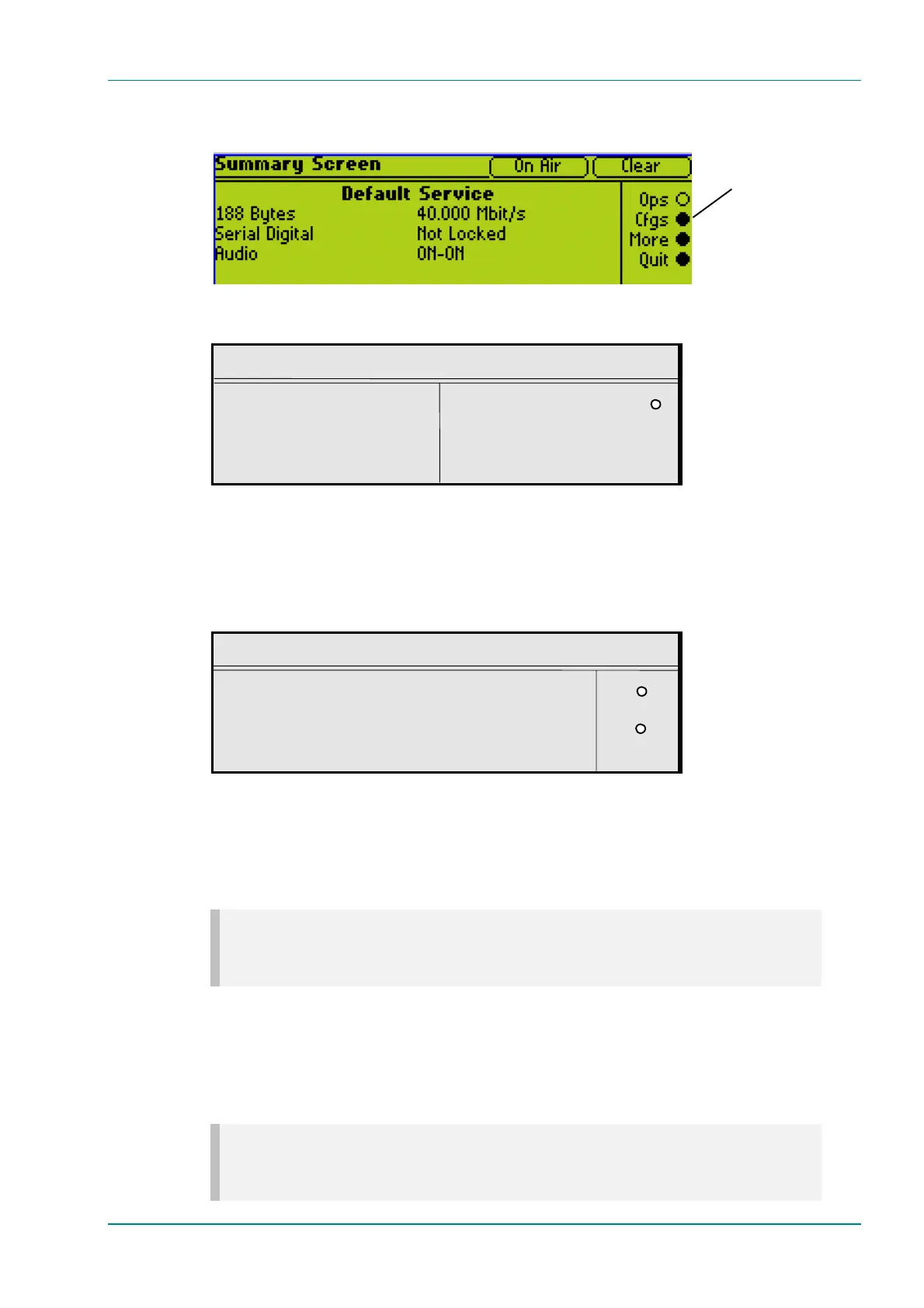
Config Menu
l Load Active Config Factory 525 Defaults l
l Store Active Config Factory 625 Defaults l
l Load Configs from Backup
l Store Configs in Backup Quit l
4.15.3 Load Active Config Option
To access the Load Active Config option, press the Load Active Config
softkey in the Config Menu. Use the softkeys to select the required
configuration to be loaded. See Annex C, Predefined User Configurations
for details of predefined configurations.
Select Cfg to Load
l 1: Auto 2 Mbit/s +
l 2: Auto 4 Mbit/s PgDnê
l 3: Auto 6 Mbit/s l
l 4: Auto 8 Mbit/s Quit l
4.15.4 Store Active Config Option
To access the Store Active Config option, press the Store Active Config
softkey in the Config Menu. Use the softkeys to select the position where
the configuration is to be stored.
NOTE…
There is no confirmation screen, the configuration is overwritten immediately the softkey indicating the
storage position is selected.
4.15.5 Load Configs From Backup Option
This option enables the 16 user configurations to be overwritten with the
16 backup configurations. To update the backup configurations press the
Load Configs from Backup softkey in the Config Menu.
NOTE…
The 16 backup configurations are loaded immediately the Load Configs from Backup softkey is
pressed although the current Encoder configuration remains unchanged.
Press the Cfgs softkey
for quick access to the
Config menu



 To Next Page