Chapter 6
83
UM10350_PCNC770_Manual_0916A
PathPilot Interface
SN Start – Sets a starng serial number. Add zeros in front of the rst digit as a hint to the number
of decimals to be engraved in the series (including leading zeros). For example, if '0012' is entered,
'0012,' '0013,' '0014,' '…' will be engraved. If '99' is entered, '99,' '100,' '101,' '…' will be engraved.
The current serial number is stored internally; to view, hover over the SN Start DRO.
NOTE: Leave the Text DRO blank to only engrave a set of sequenal serial numbers; likewise, leave SN Start
blank to only engrave a line of text. It is an error if both the Text DRO and SN Start are blank.
Font – Lists the True Type font les found in the font directory. Scroll through and click on the desired
font; clicking presents a sample in the box below the list. Some font les do not render in this box,
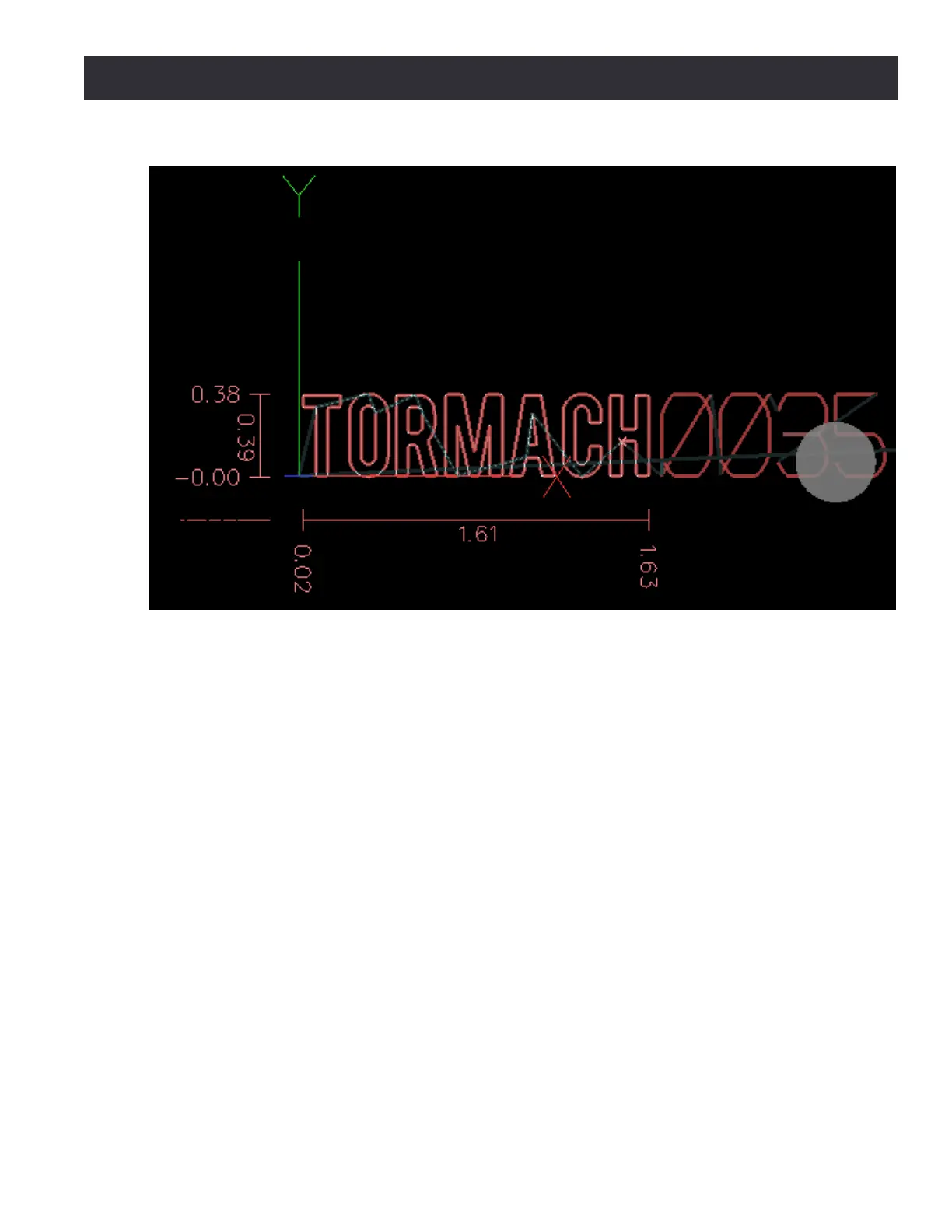
but may be viewed by posng the le and checking the font in the Main tab’s preview window
(see Figure 6.31). True Type font les may be added to the Font list by transferring font les to the
gcode/engraving_ fonts sub-directory in the controller's home directory (for more informaon,
refer to File Tab secon earlier in this chapter). Power the controller o and back on to refresh new
les in the Font list.
Z DROs
Z Start – Sets the locaon of the surface to engrave.
Depth of Cut – Is the depth the cuer is fed into the workpiece.
Z Clear – This is the Z locaon the tool moves or retracts to at the start and end of the engraving
roune, and when moving between characters.
Figure 6.31



 To Next Page