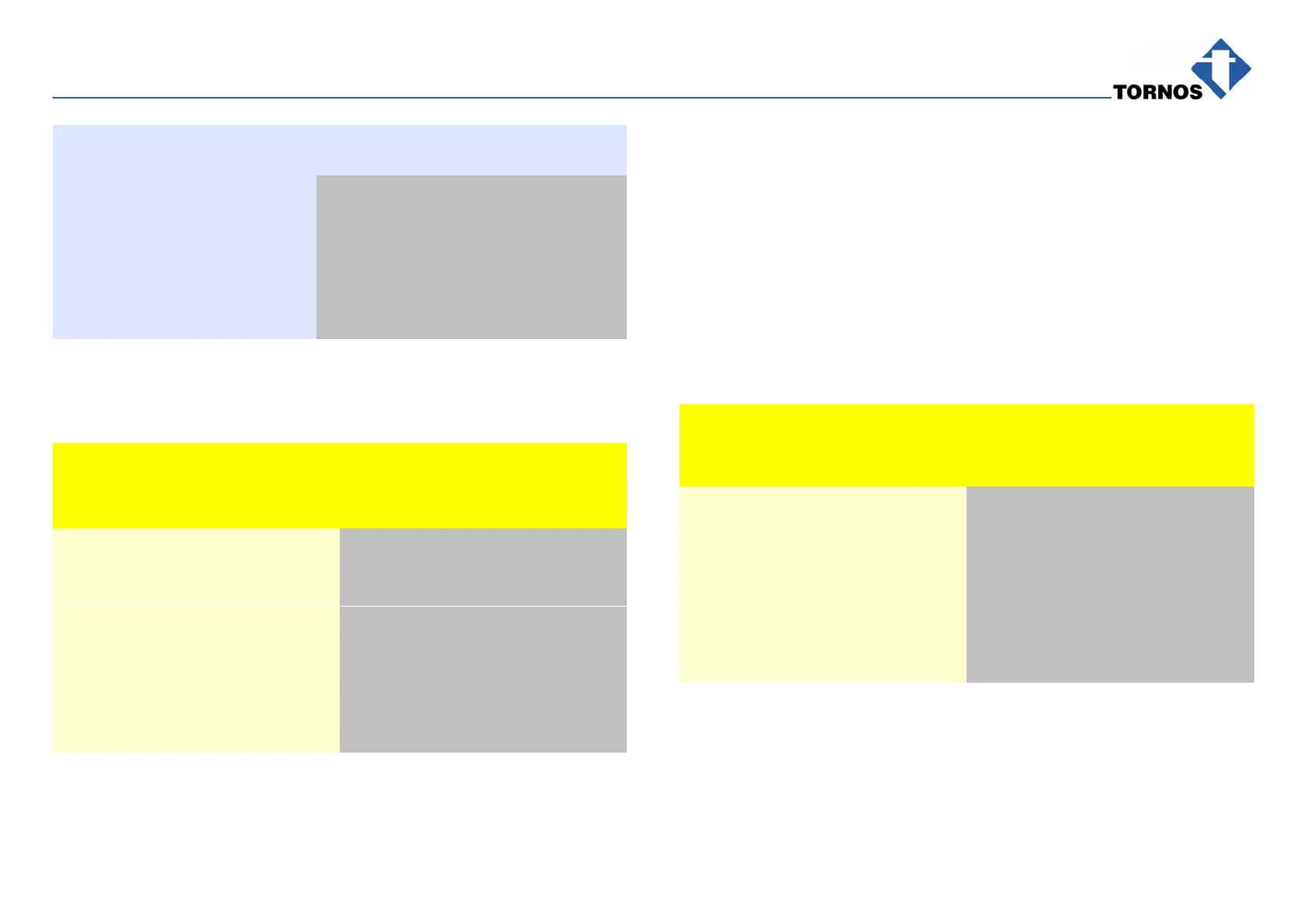
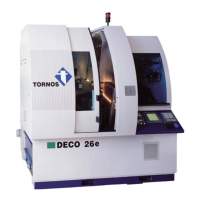
OPTIONS & ALLIED TOOLING − DECO 7/10 − DECO 7a/10a − DECO 7e/10e
300236 en − 02/07 Chap. 8.2 /5
MONITORING SYSTEM DATA
Feature Description Data
Sensing distance 80 mm (55 mm
from cover 050)
Beam concentricity, optimum 0.1 mm
Twist drill ∅, controllable (acc. to
practice)
fixed
live
0.5 mm
0.8 mm
Flat drill ∅, controllable (acc. to
practice)
fixed 0.5 mm
ASSEMBLING
For good operation, the laser sensor must be put in an aluminium cover.
It must be adjusted as follows:
What to do ? Notes
Fit Cover 050 and Fixing Studs 030
on Laser Sensor 290.
Fit a support by means of the
available rods and clamps.
The rods are threaded and can be
affixed to the machine.
Fit the electric cable.
Fit Electro-Distributor 160.
Fit the air pipe and flow limiter.
Check the system for good oper-
ation.
Setting & testing (305069)
OPERATION
Operation principle: triangulation. The sensing distance is determined from the
beam reflection angle. Sensing distance for best results : 80 mm (or 55 mm
from the cover), when the beam concentricity is optimal.
Pneumatic system for cleaning the laser beam hole and the tool at the pres-
ence check
Multiple application due to the available rods and clamps for cutoff, part pickoff,
end-working tools, etc.
SETTING AND TESTING THE OPERATION
To start with : Sensor assembled and fitted,
see Page 6/4 and 6/1.
What to do ? Notes
Put the laser sensor on a flat even
surface.
Sensing distance = 80 mm
(or 55 mm from the cover 050)
When the beam appears (red
point), make it sharp and focused
as far as possible.
If the beam is not sharp enough,
move Aluminium Cover 050 from
top to bottom to obtain the most
focused red point.
Turn the screw of Limiter 200 to
adjust the cleaning air flowrate.


 To Next Page