UTT Technologies User Management Menu
http://www.uttglobal.com Page 95
Allow Undefined LAN PCs: Select to allow the undefined LAN hosts from
accessing the Device and access the Internet through the Device.
Export: Click to download the IP/MAC binding (that is, static ARP binding) script
file to the local host. Then run the file and restart the host to add all the static ARP
entries to the host to prevent ARP spoofing.
Note: If you want to unselect the Allow Undefined LAN PCs check box to block
the undefined LAN hosts from accessing or passing through the Device, you
should make sure that you have added the IP/MAC address pair of the host that
you use to administer the Device into the
IP/MAC Binding List.
9.2.3 Binding Settings
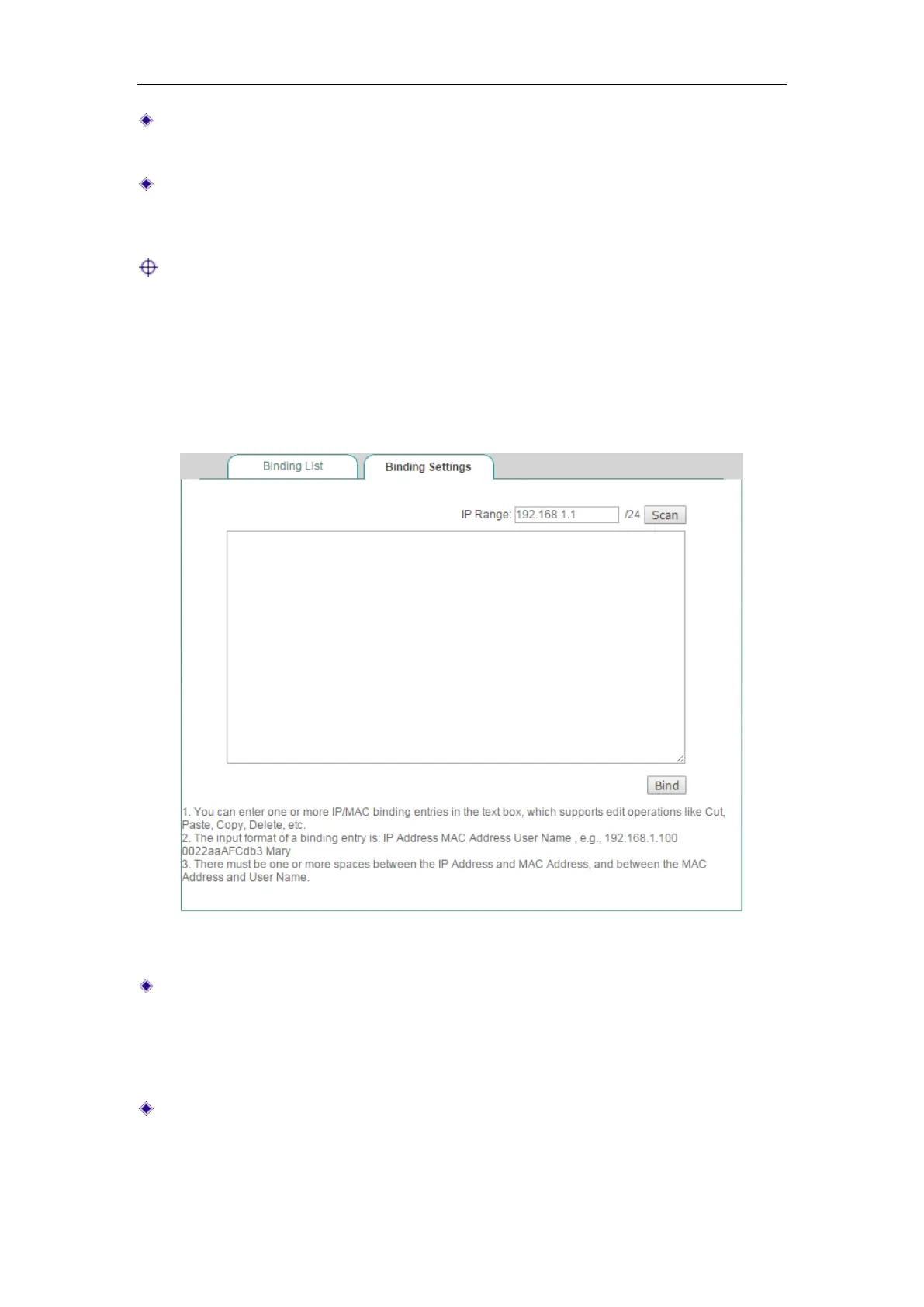
Figure 9-7 IP/MAC Binding Settings
Scan: If you click the Scan button, the Device will immediately scan the LAN to
detect active hosts connected to the Device, learn and display dynamic ARP
information (that is, IP and MAC address pairs). Note that if you have added a
LAN host’s IP and MAC address pair in the
IP/MAC Binding List, this IP/MAC
address pair will not be displayed here.
Bind: Click it to bind all the valid IP and MAC address pairs in the list box.
Also, you can manually create one or more IP/MAC bindings, the operation is as
follows: Add one or more IP/MAC address pair entries in the list box, and then



 To Next Page