UTT Technologies Status Menu
http://www.uttglobal.com Page 195
Chapter 15. Status Menu
In Status menu, you can easily view the running state and the system information of
the device.
15.1 Interface Status
The Interface Status page described in this section is the same as the description of
Start > Interface Status page, please refer to the section: 3.2 Interface Status.
15.2 System Information
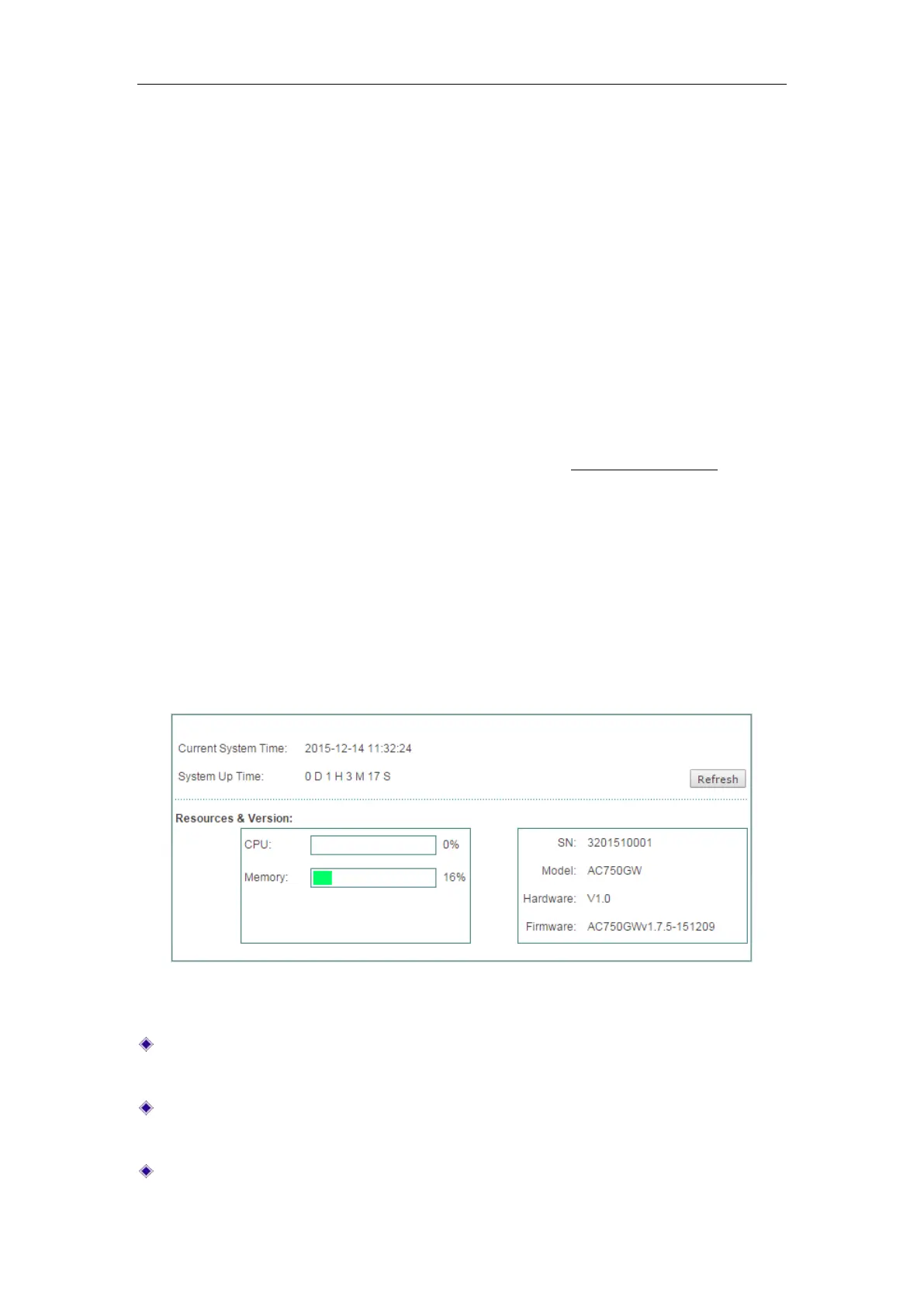
In the System > System Information page, administrators can view system information,
such as current system time, system uptime, system resources usage information, SN,
firmware version, etc. Through system information, the administrator can identify and
diagnose the source of network problems or potential problems, which helps improve
the network performance and enhance network security.
Figure 15-1 System Information
Current System Time: Displays the current date and time information of the
Device (Unit: Y-M-D, H:M:S).
System Up Time: Displays the elapsed time (in days, hours, minutes and seconds)
since the Device was last started.
CPU: Displays the percentage of the current CPU utilization.



 To Next Page