UTT Technologies VPN Menu
http://www.uttglobal.com Page 175
13.3.5 IPSec List
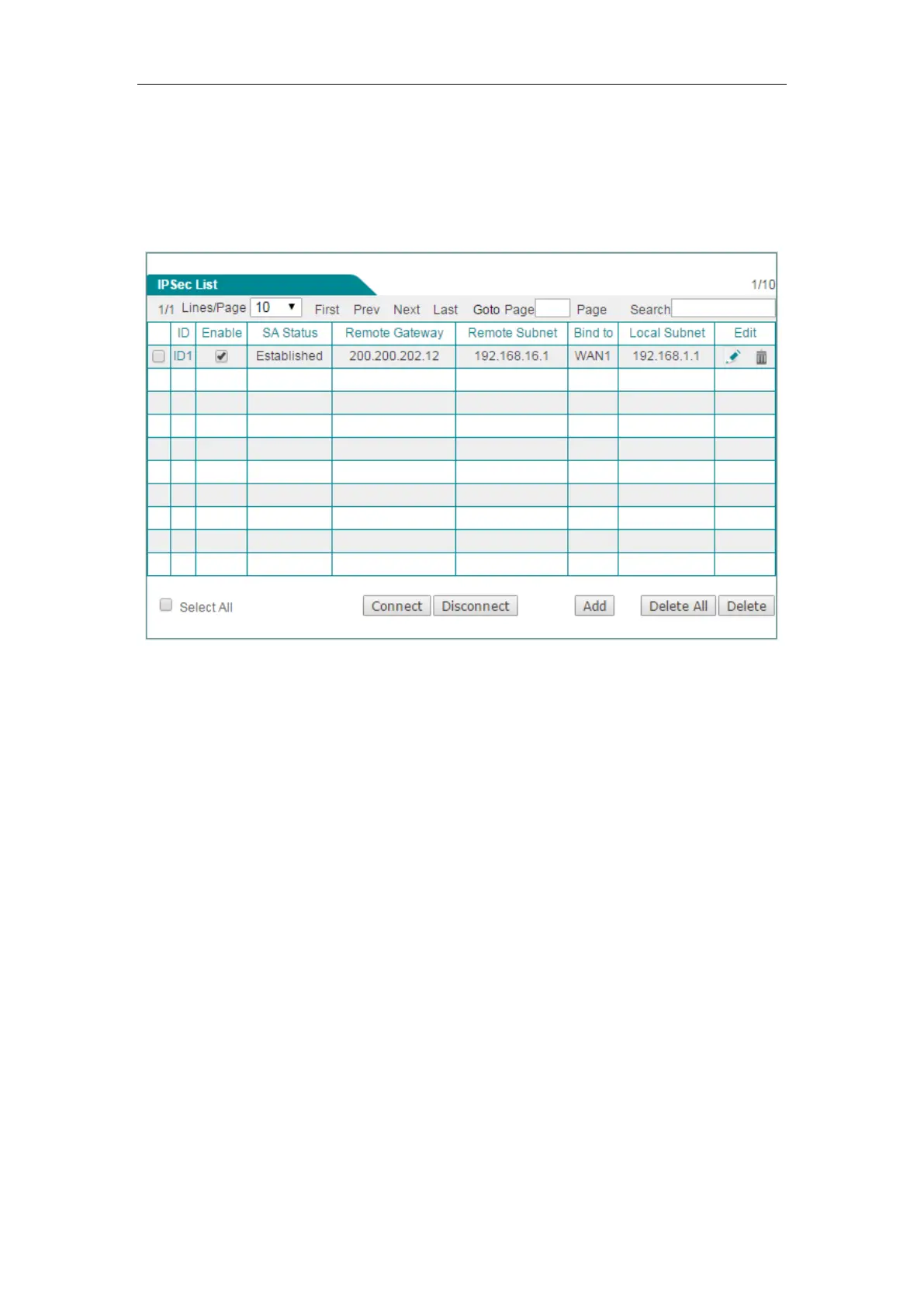
You can view the IPSec entry configuration and status information in the IPSec List.
Note when the connection type is
Answer-Only, the Connect button is invalid.
Figure 13-12 IPSec List
13.3.6 IPSec settings
There are three connection types to choose: Bidirectional, Originate-Only, and
Answer-Only. For each connection type, the configuration parameters are divided into
two categories: basic and advanced parameters. Therein, the basic parameters for
each type are different, but the advanced parameters are the same. The following will
describe the basic parameters for each connection type respectively, and then
describe the advanced parameters for them.
1) Basic Parameters Settings
(1) Bidirectional
If both IPSec endpoints have static IP addresses, you can choose Bidirectional as the
connection type. In this case, the local Device can act as an initiator or responder.



 To Next Page