UTT Technologies Network Menu
http://www.uttglobal.com Page 35
4.4.2.2 Static DHCP Settings
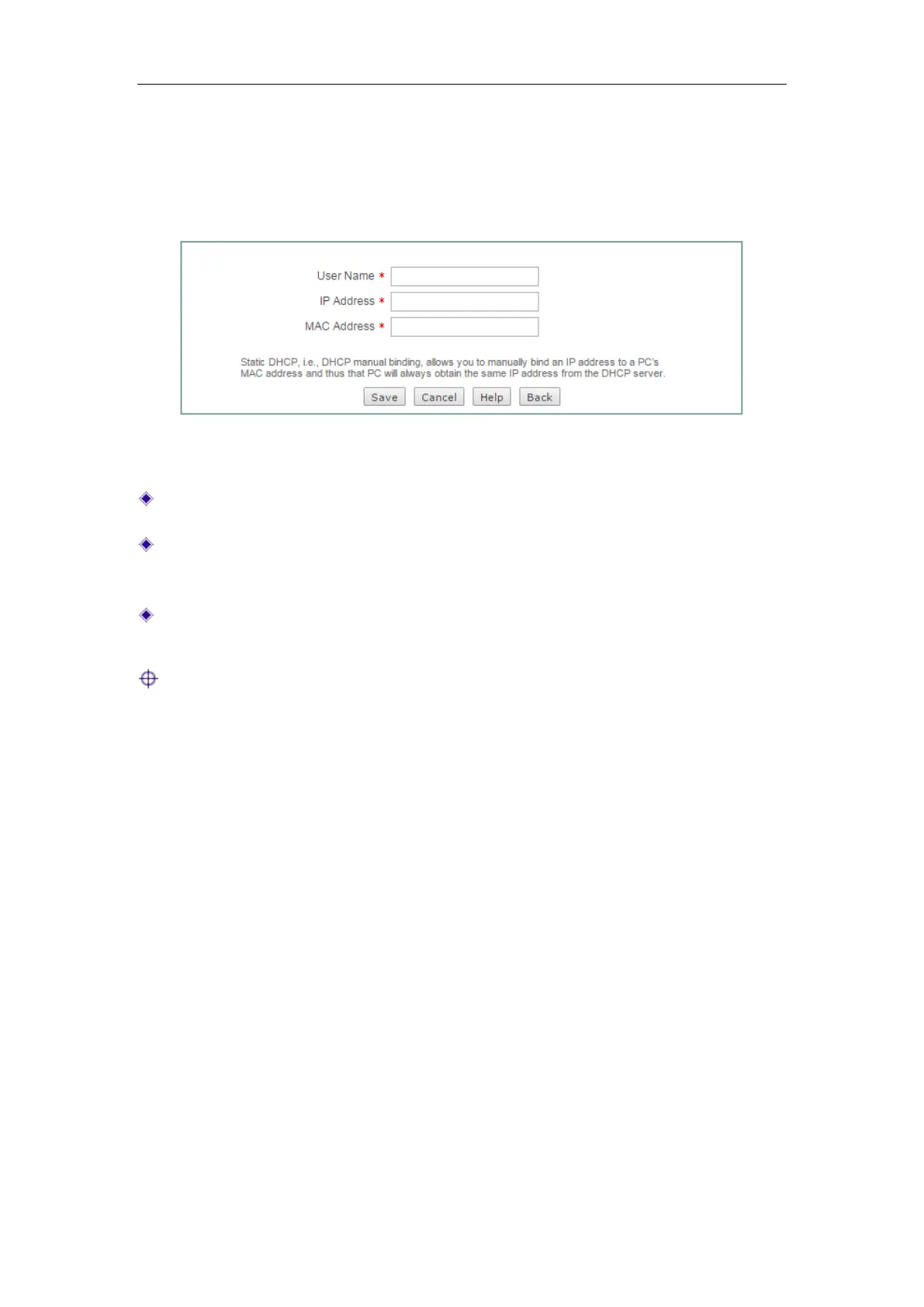
Click the Add button on the page as shown in Figure 4-15 to enter into the Static
DHCP Settings page as shown below, and then configure it.
Figure 4-16 Static DHCP settings
User Name: Specify a unique name for the static DHCP entry.
IP Address: Specify the reserved IP address, which must be the valid IP address
within the range of IP addresses assigned by the DHCP server.
MAC Address: Specify the MAC address of the computer to use this reserved IP
address in a fixed way.
Note:
1) After the setting is successful, the Device will assign the preset IP address for the
specified computer in a fixed way.
2) The assigned IP addresses must be within the range provided by the DHCP
server.
4.4.3 DHCP Auto Binding
If the hosts change frequently on the local area network, it is very troublesome to
configure static DHCP entries manually. And it will cause some users who can’t access
the Device and Internet. To deal with these issues, the Device provides DHCP
auto-binding feature.
Once the DHCP auto binding is enabled, the Device will immediately scan the LAN to
detect active hosts connected to the Device, learn dynamic ARP information and bind
the related valid IP and MAC address as a static DHCP entry.



 To Next Page