UTT Technologies About this Manual
http://www.uttglobal.com Page 2
list is inactive, it displays a single item. When activated, it drops down a list of items, from which you
may select one.
0.3 Documents Conventions
0.3.1 Format
Notes: You need to pay attention to the notes content.
Parameters: Describe the meaning of parameter or button. If there have “*” before parameters,
it couldn’t be empty.
Bullets: List the parallel content.
Boldface font: Examples of information displayed on the screen.
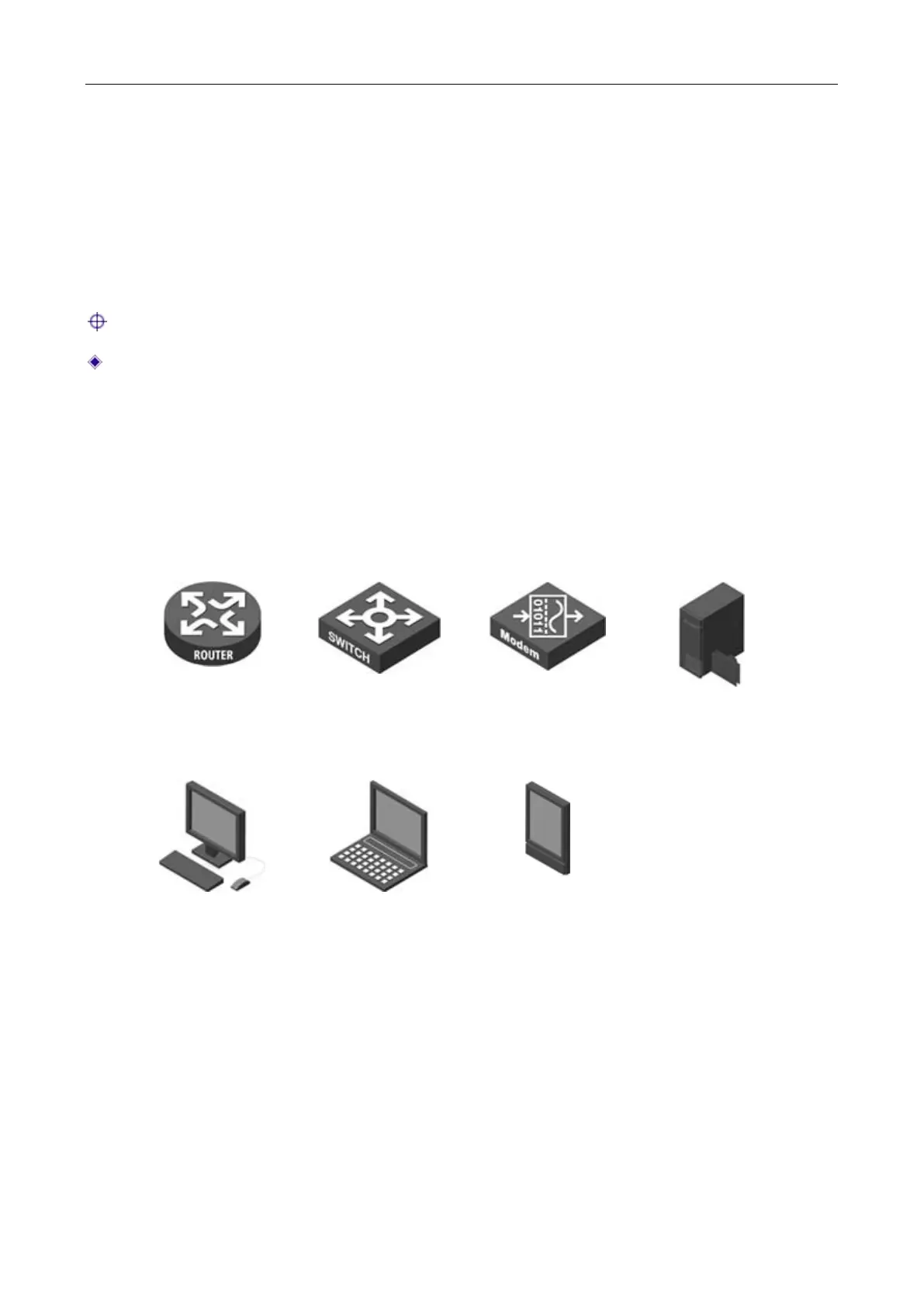
0.3.2 Icons
Router
Switch
Modem
Server
Wired Client
Wireless client
PDA



 To Next Page