UTT Technologies Wireless Menu
http://www.uttglobal.com Page 48
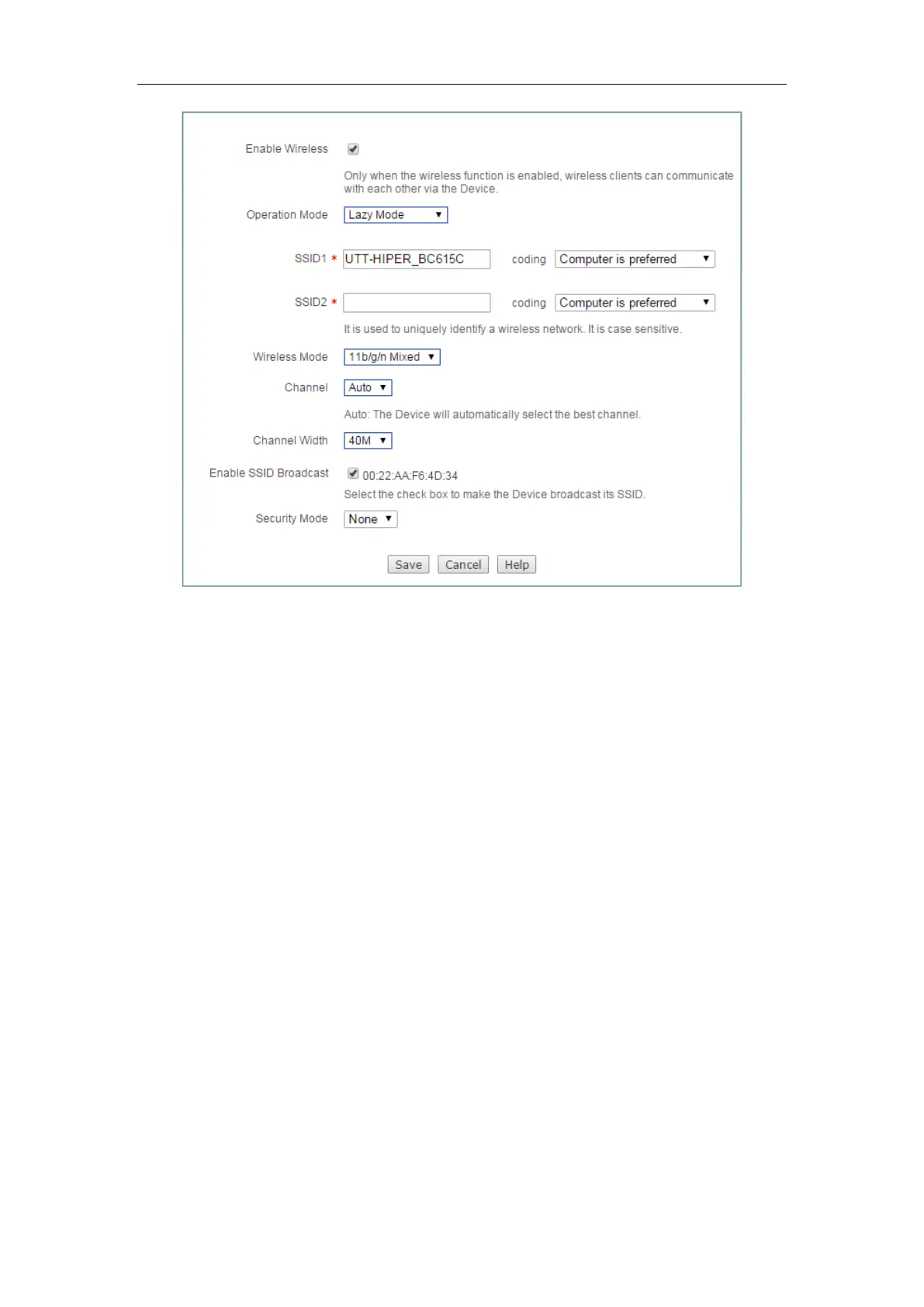
Figure 5-4 Lazy Mode
5.2 Security
To ensure the security of your wireless network, it is strongly recommended to
configure your wireless password. Go to
Wireless > Security page to configure
wireless security mode separately.
There are four kinds of security mode you can use on your wireless network, which
are
None, WEP, WPA/WPA2, WPA-PSK/WPA2-PSK. If you want client access to
the network without security authentication, please choose the default value
None.
On the next section, we will introduce another three types of security mode.
5.2.1 WEP
Wired Equivalent Privacy (WEP) is the basic encryption mode which is not as secure
as WPA.



 To Next Page