UTT Technologies App Control Menu
http://www.uttglobal.com Page 126
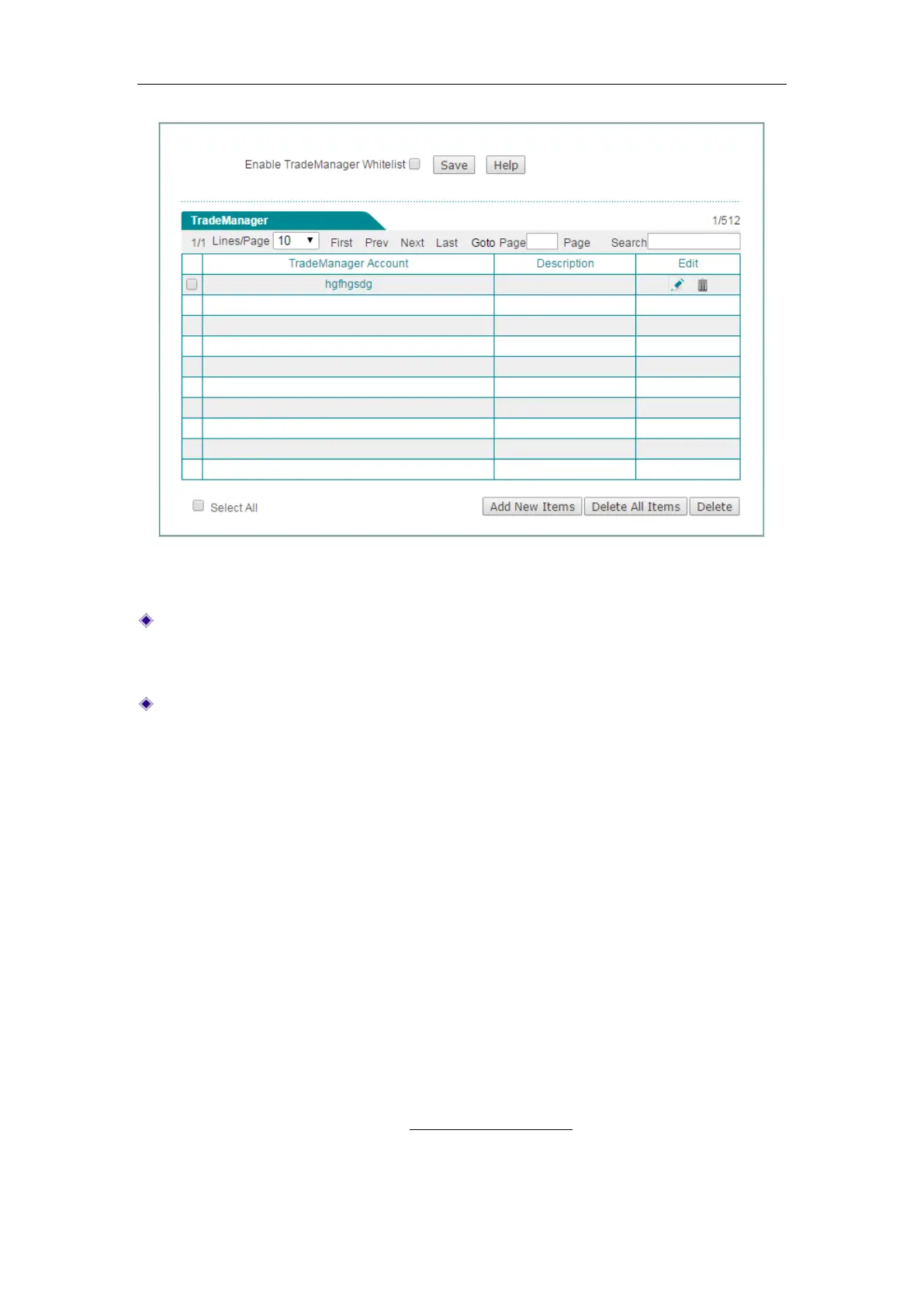
Figure 10-11 TradeManager
Enable TradeManager Whitelist: Select the check box to enable TradeManager
whitelist. If enabled, the accounts in TradeManager list are exempt from the
Internet application management policies.
Add: To add a new TradeManager account, click Add New Items to go to
TradeManager Account page, and then configure it, lastly, click Save.
10.6 Notification
The Device provides notice feature which is used to push notice messages to the
specified LAN users. After you enable notice feature, if a specified LAN user accesses
the Internet via a web browser (e.g., IE, Firefox), the Device will automatically push a
notice message to the user.
The Device provides daily routine notice and account expiration notice. If you enable
daily routine notice feature and specify a notice message, and then when a specified
LAN user accesses the Internet via a web browser, the Device will automatically push
the notice message to the user on the specified time. If you enable account expiration
notice feature and specify a notice message, and when a specified LAN user
accesses the Internet via a web browser, the Device will automatically push the notice
message to the user before the account expires.
Besides notice feature on this page, the Device also provides domain blocking notice
feature. Please refer to the section:
12.3 Domain Filtering for detailed information.



 To Next Page