UTT Technologies Network Menu
http://www.uttglobal.com Page 34
DNS server provided by your ISP on the Device. It is obvious that you can specify
the secondary DNS server provided by your ISP.
4) The Device can act as a DNS proxy server to all LAN users; this greatly simplifies
the LAN hosts setup. For example, there is a LAN DNS proxy server on which a
DNS proxy software is installed (e.g., Wingate), and the LAN users take this
server’s IP address as the primary DNS server address. Now, the Device will be
used as a new gateway for the LAN hosts. In this case, in order to use DNS proxy
service normally, the administrator only need change the Device’s LAN IP
address to the old proxy DNS server’s IP address, and enable DNS proxy on the
Device, without modifying the LAN hosts’ related settings.
4.4.2 Static DHCP
This section describes the static DHCP list and the way to configure a static DHCP.
Using the DHCP Server to automatically configure TCP/IP properties for the LAN
computers is very convenient, but it can cause a computer to be assigned with
different IP address at different times. Some Intranet computers may need a fixed IP
address; in this case, the static DHCP function is required, to bind the computer's MAC
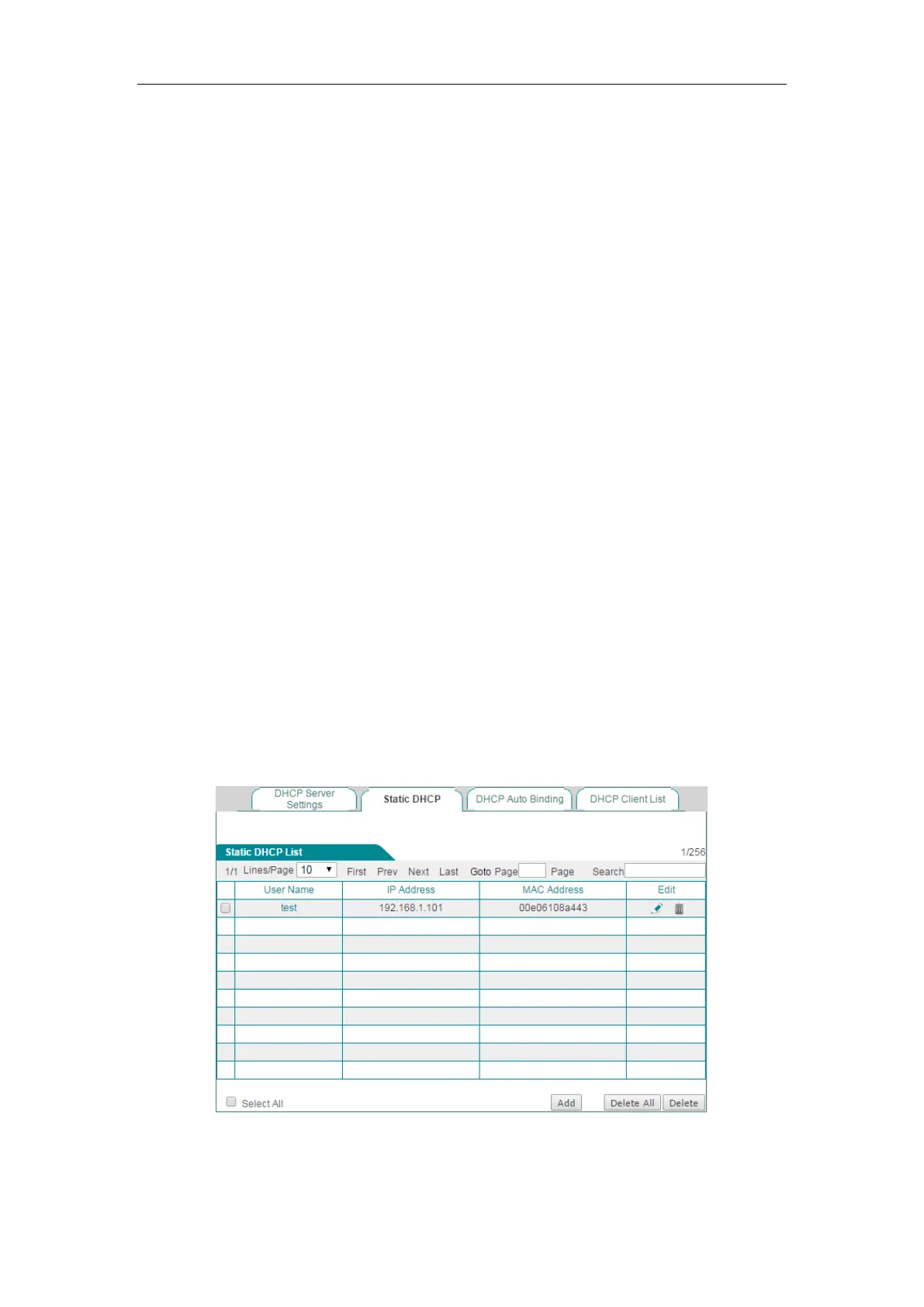
address with an IP address. As shown in Figure 4-15, when a computer with
00E06108A443 as MAC address requests the IP address from the DHCP server, the
DHCP server will find a corresponding fixed IP address (192.168.1.101) based on its
MAC address and assign it to the computer.
4.4.2.1 Static DHCP List
You can add, view, modify and delete static DHCP entries on the Network > DHCP
Server > Static DHCP page.
Figure 4-15 Static DHCP List



 To Next Page