UTT Technologies Network Menu
http://www.uttglobal.com Page 42
4.7 Number of WAN
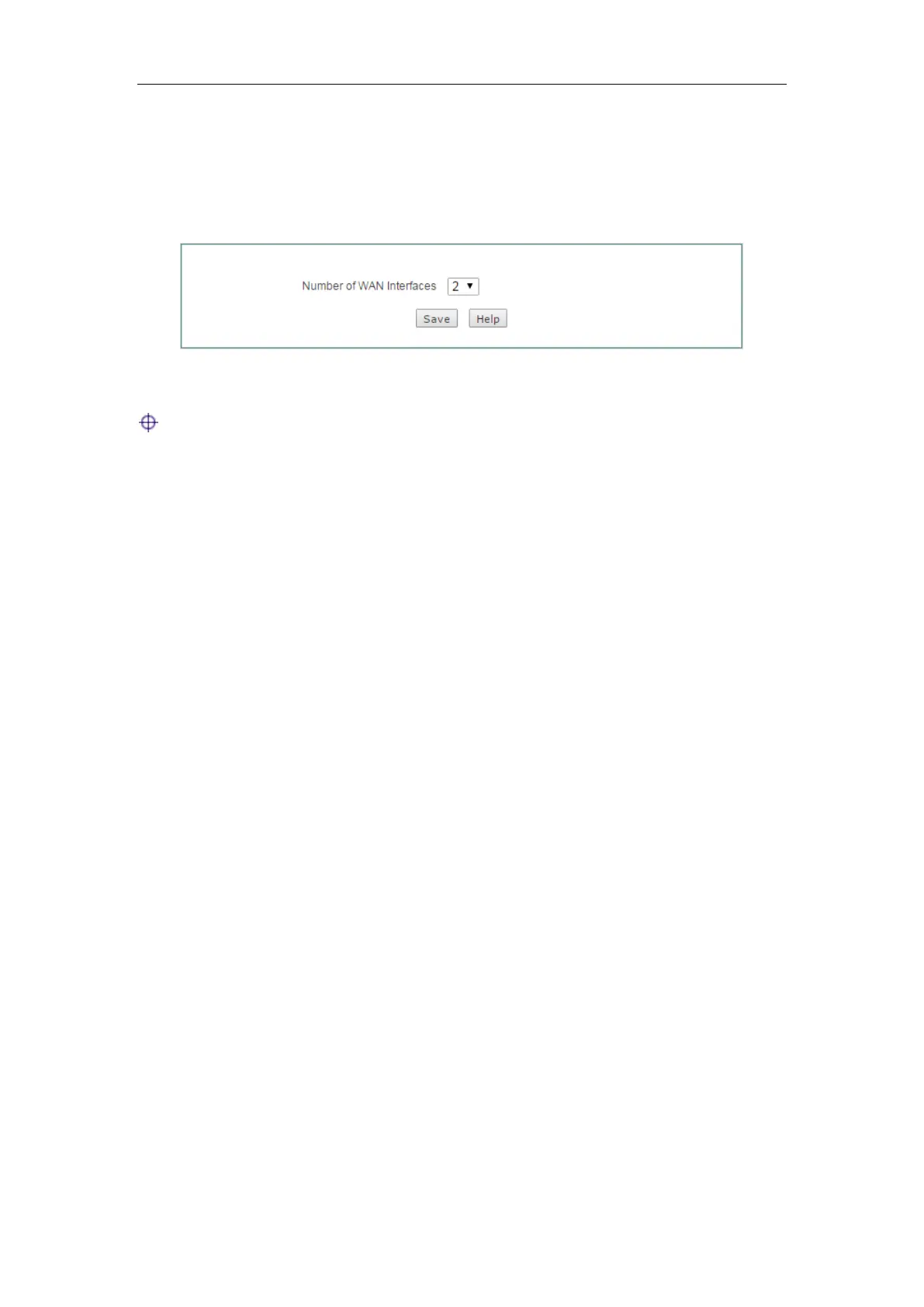
On the Network > Number of WAN page, you can set the number of WAN interface.
Select the number of WAN interface and click the
Save button to save the settings.
Figure 4-26 Number of WAN Settings
Note:
1) After the number of WAN interface is changed, you need to restart the Device for
the setting take effect.
2) After the Device restart, all customer settings will be reset to the factory default
settings.



 To Next Page