UTT Technologies App Control Menu
http://www.uttglobal.com Page 117
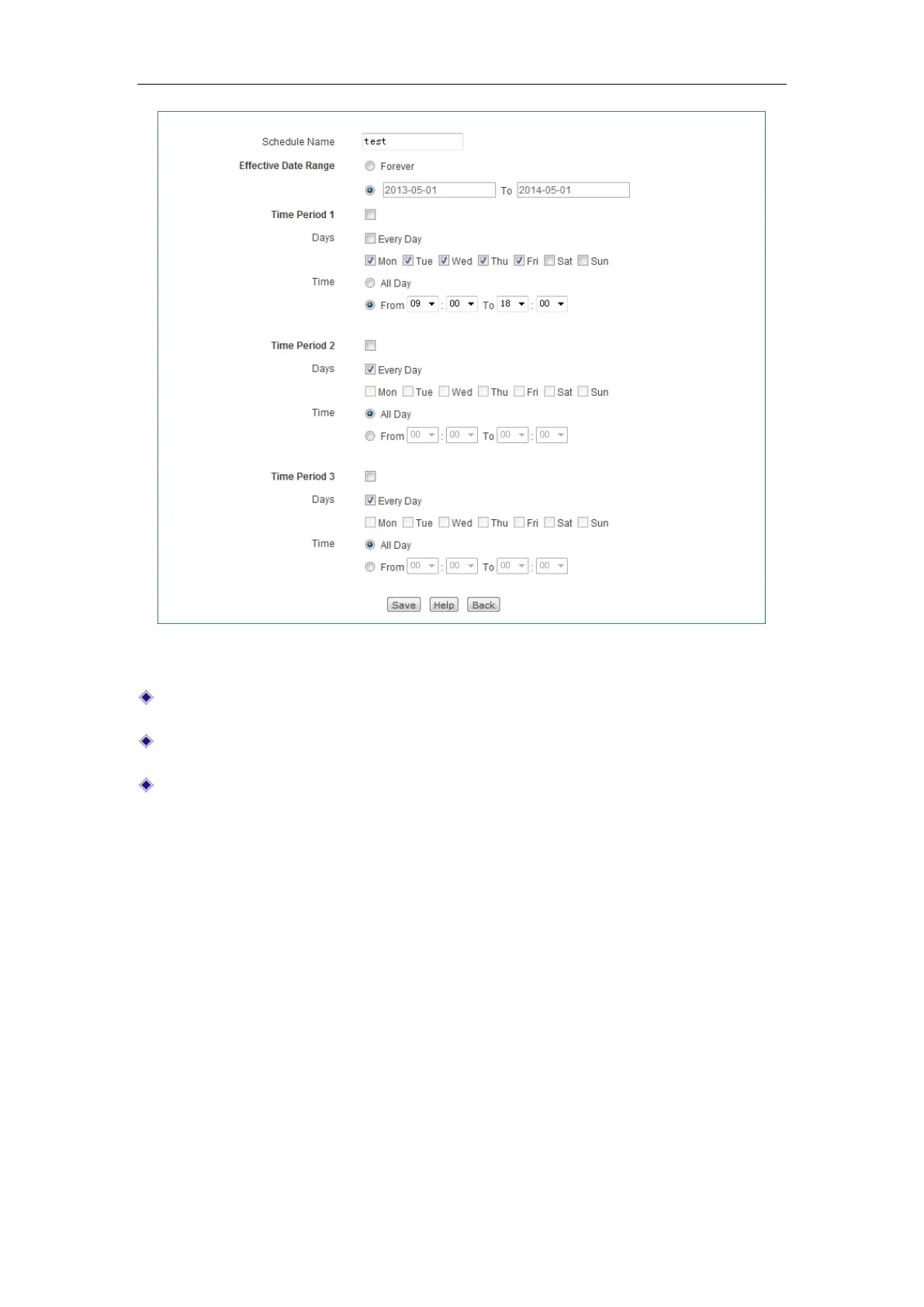
Figure 10-2 Schedule Settings
Schedule Name: Specify a unique name for the schedule.
Effective Date Range: Specify the effective date range for the schedule.
Time Period 1 ~ Time Period 3: Specify further constraints of active time within
the specified date range.
10.2 Application Control
This section describes APP Control > Application Control page, you can configure and
view application management list. An application control entry consists of a date and
application.
1) Application Management List
In App Control> Application Control page, you can enable or disable Internet
application management, and you can add, view, modify, and delete Internet
application management policies in
Application Management List.



 To Next Page