UTT Technologies User Management Menu
http://www.uttglobal.com Page 88
Chapter 9. User Management Menu
9.1 User Status
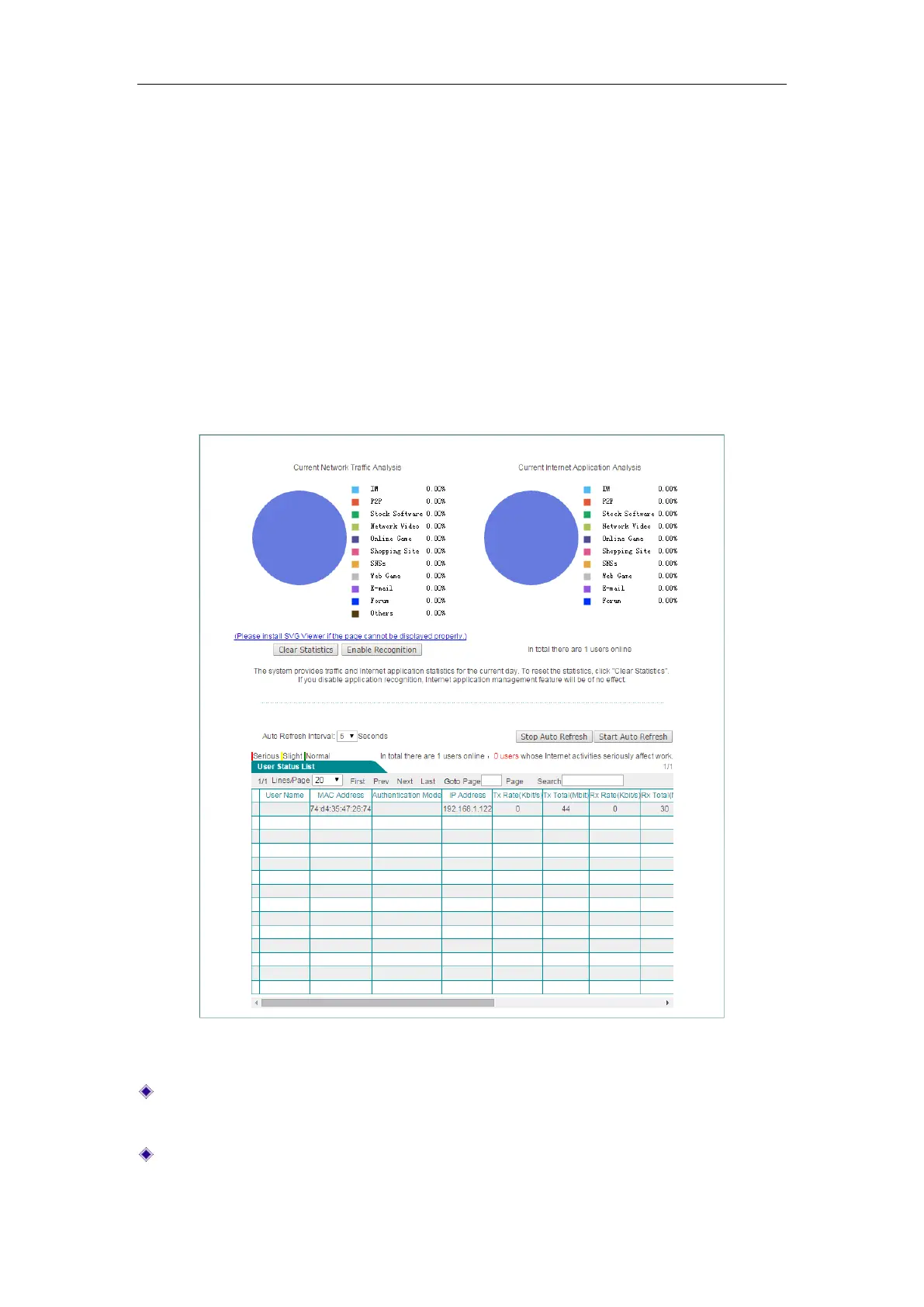
This section describes User Management > User Status page, where you can monitor
and analyze network traffic, online behaviors of the LAN users, and current status
information of each user, including Rx/Tx rate, Rx/Tx total traffic, Internet behavior,
online time, etc.
Figure 9-1 User Behavior Analysis Pie Charts
Current Network Traffic Analysis: Displays the percentage of network traffic made
up by each application in your network.
Current Internet Application Analysis: Displays the percentage of users engaging
in various online activities on your network.



 To Next Page