UTT Technologies User Management Menu
http://www.uttglobal.com Page 89
Clear Statistics: The system provides network traffic and Internet-behavior
statistics for the current day. To reset the current statistics, click the
Clear
Statistics button.
Enable Recognition: Click to enable application recognition. If enabled, the
Internet application management feature (set in
App Control > Application Control
page) will take effect.
Note:
If the SVG Viewer isn’t installed on your PC, the rate chart cannot be displayed
properly. To view the rate chart, click the
(Please install SVG Viewer if the page
cannot display properly.) hyperlink to download and install the SVG Viewer.
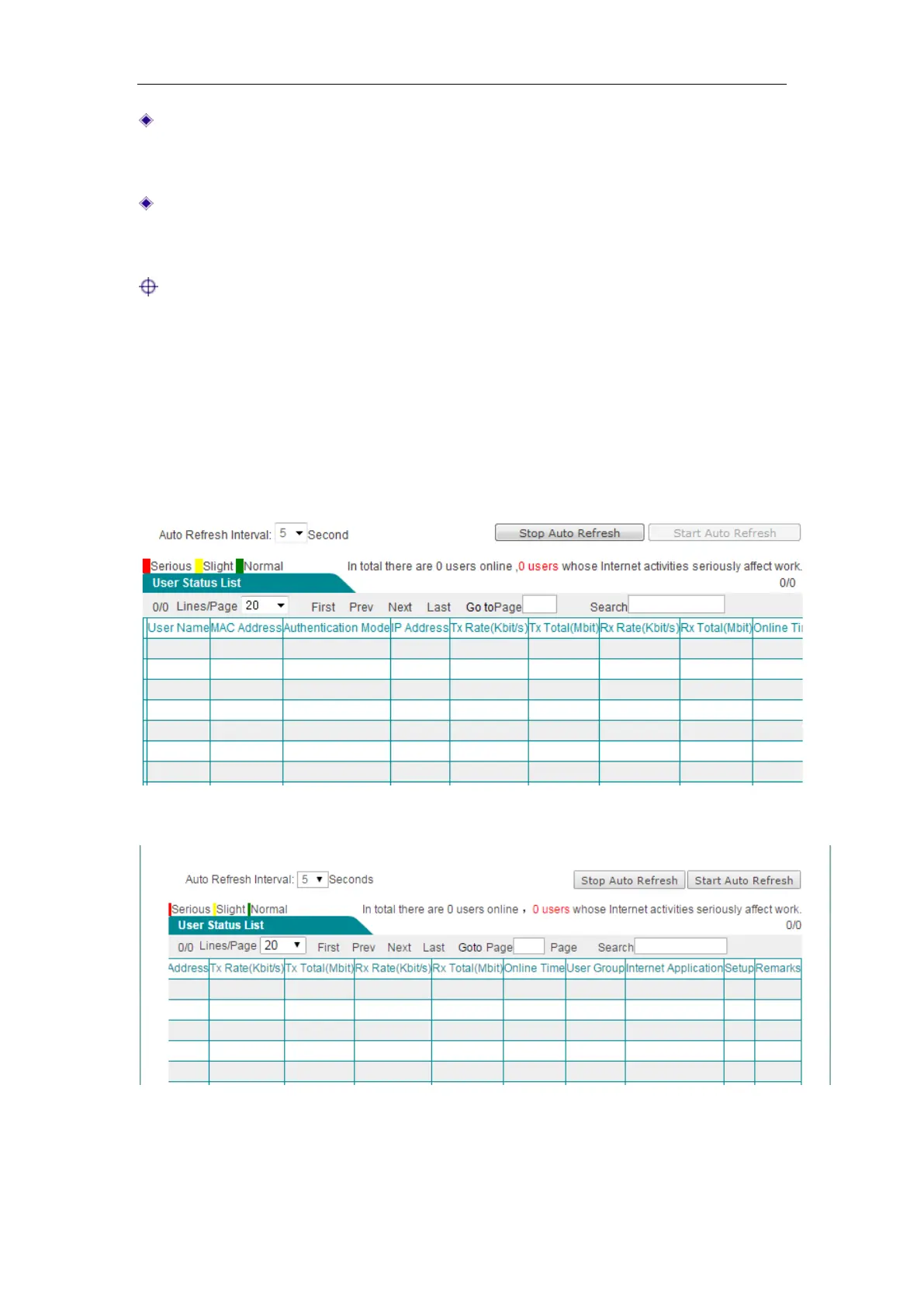
1) User Status List
In User Status List, you can view the current status of each user, including online time,
Rx/Tx rate, Rx/Tx total traffic, Internet behavior, etc.
Figure 9-2 User Status List
Figure 9-3 User Status List (continued)
The first column in User Status List indicates whether a user's online activities affect
work. The color of the first column indicates the impact of different degree: Red stands



 To Next Page