UTT Technologies App Control Menu
http://www.uttglobal.com Page 130
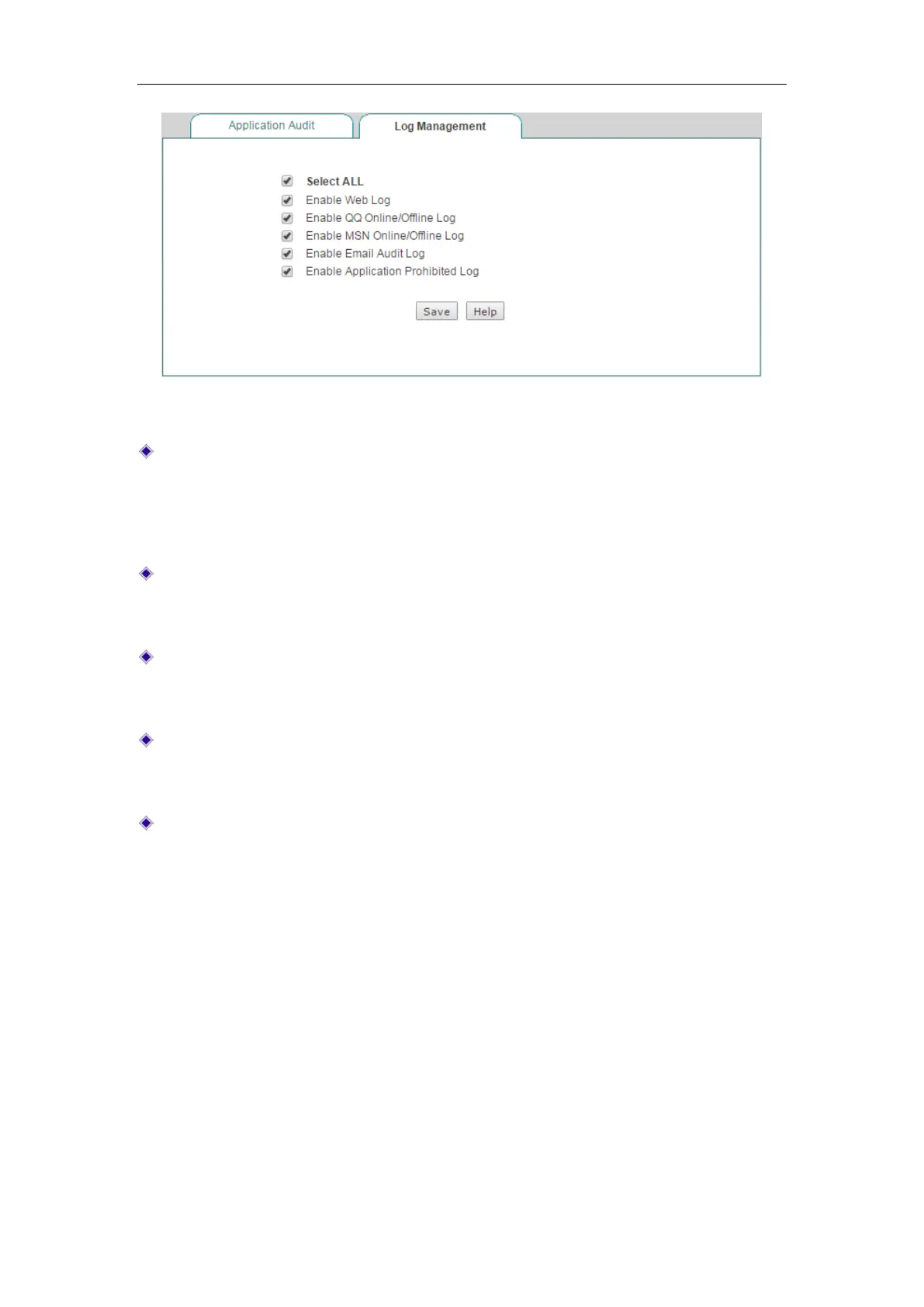
Figure 10-15 Log Management
Enable Web Log: Select the check box to enable web log. If enabled, you can
view the records of website visits in
Application Audit page. E.g., "2012-07-09
09:36:41 srcip=200.200.202.127;url=www.paipai.com" means that the user with
IP address 200.200.202.127 accessed www.paipai.com on July 09, 2012 at
09:36:41.
Enable QQ Online/Offline Log: Select the check box to enable QQ online/offline
log. If enabled, you can view QQ online and offline activities of internal users in
Application Audit page.
Enable MSN Online/Offline Log: Select the check box to enable MSN
online/offline log. If enabled, you can view MSN online and offline activities of
internal users in
Application Audit page.
Enable Email Audit Log: Select the check box to enable email audit log. If enabled,
you can view emails sending and receiving activities of internal users in
Application Audit page.
Enable Application Prohibited Log: Select the check box to enable application
prohibited log. If enabled, you can view the events blocked by Internet application
management policies (set in
App Control > Application Control page) in
Application Audit page.
10.8 Policy Database
This section describes App Control > Policy Database page.
In this page, you can not only view the policies in
Policy Database List but also update
them online.
The Device currently provides eleven types of policies, including Email,
IM, P2P, Stock, Network Video, Online Game, Shopping Site, SNS, Web Game,
Forum and Others. These policies
are referenced by Internet application management
function (set in
App Control > Application Control page).



 To Next Page