UTT Technologies App Control Menu
http://www.uttglobal.com Page 131
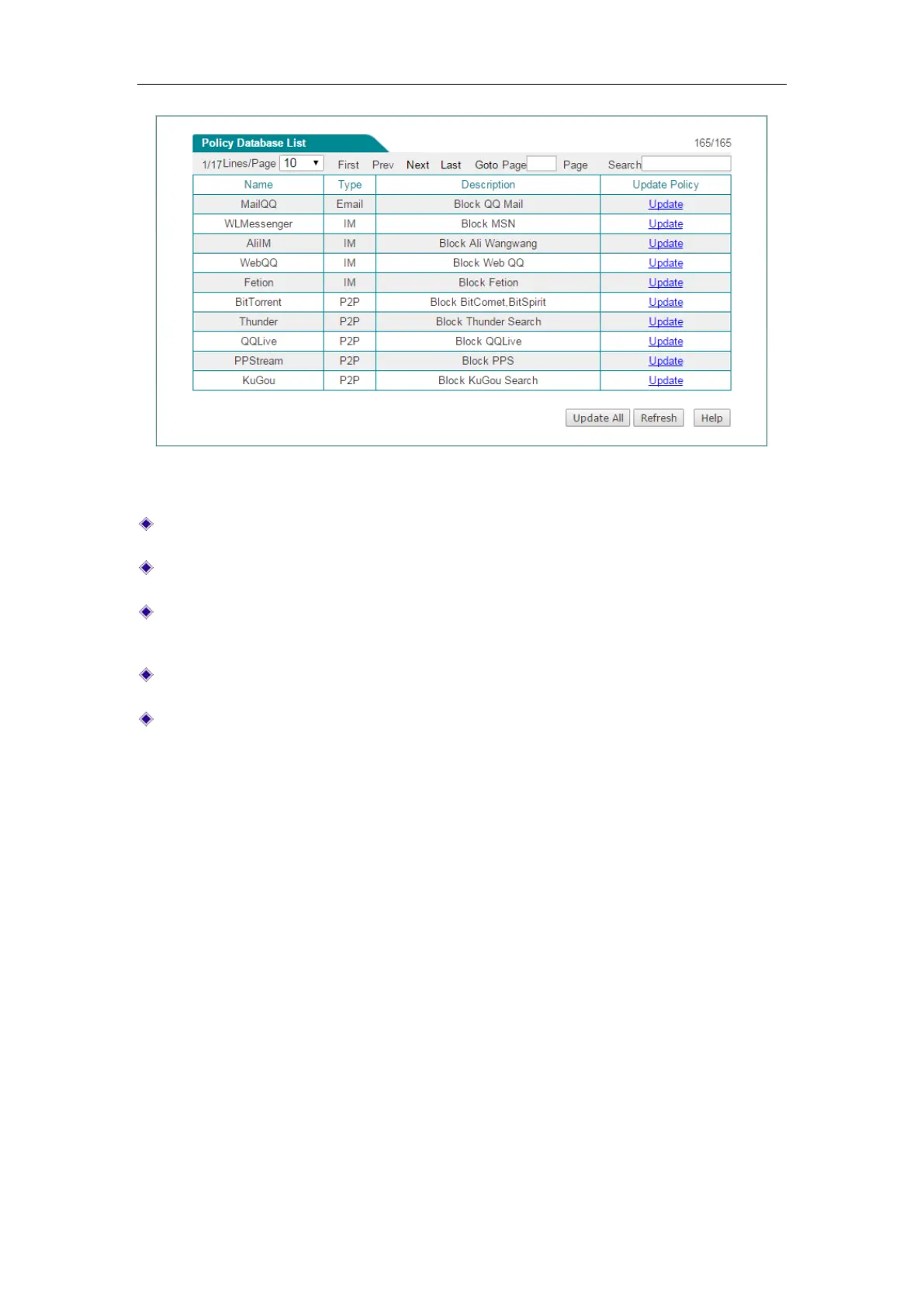
Figure 10-16 Policy Database
Name: Displays the name of the policy.
Type: Displays the type of the policy.
Description: Displays the description of the policy. It is usually used to describe
the purpose of the policy.
Update: Click to update the policy over the Internet.
Update All: Click to update all policies in the list over the Internet.



 To Next Page