UTT Technologies Firewall Menu
http://www.uttglobal.com Page 153
Domain Name: Specify the domain names that will be blocked or allowed
according to the Filtering Mode. You can create up to 90 domain names in the list.
Domain Name List: Displays the domain names that will be blocked or allowed
according to the Filtering Mode. You can delete them by clicking the Delete button or
the
Delete All button.
Note:
1) The matching rule of domain filtering is whole words matching, that is, only a
domain name matches the whole words of the domain name in the
Domain Name
List, the Device will block or allow it according to the Filtering Mode.
2) You can use the wildcard "*" in a domain name to match multiple domain names. For
example, if you have created
www.163.*
in the Domain Name List, then all the domain
names that begin with
www.163.
will be blocked or allowed according to the Filtering
Mode.
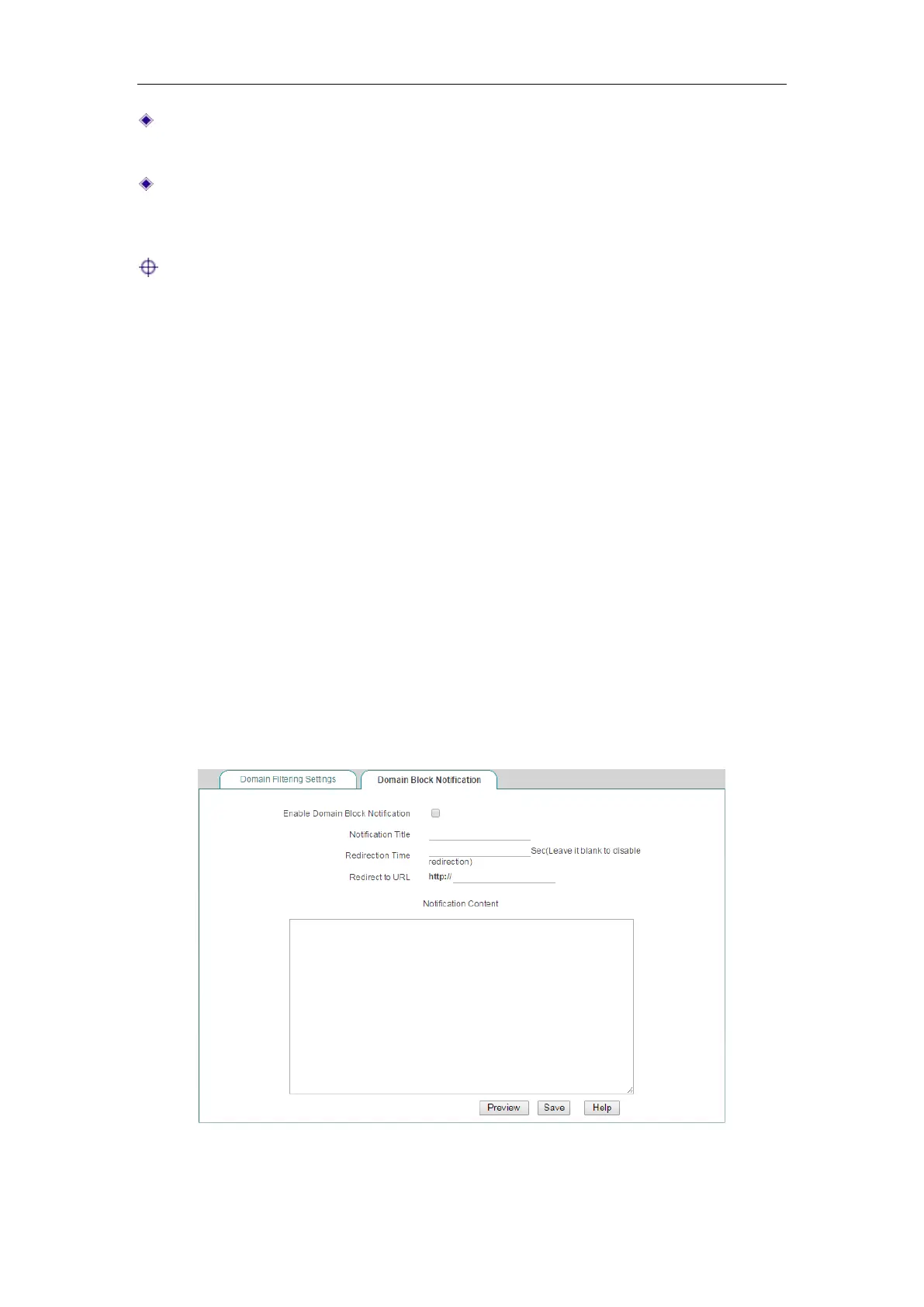
12.3.2 Domain Block Notification
This section describes the Security > Domain Filtering > Domain Block Notification
page.
When domain block notification is enabled, if a LAN user accesses a domain name
which is blocked by the Device, the Device will pop up a notice message to remind the
user that the website is blocked
rather than network problems.
Figure 12-14 Domain Blocking Notice



 To Next Page