UTT Technologies QoS Menu
http://www.uttglobal.com Page 135
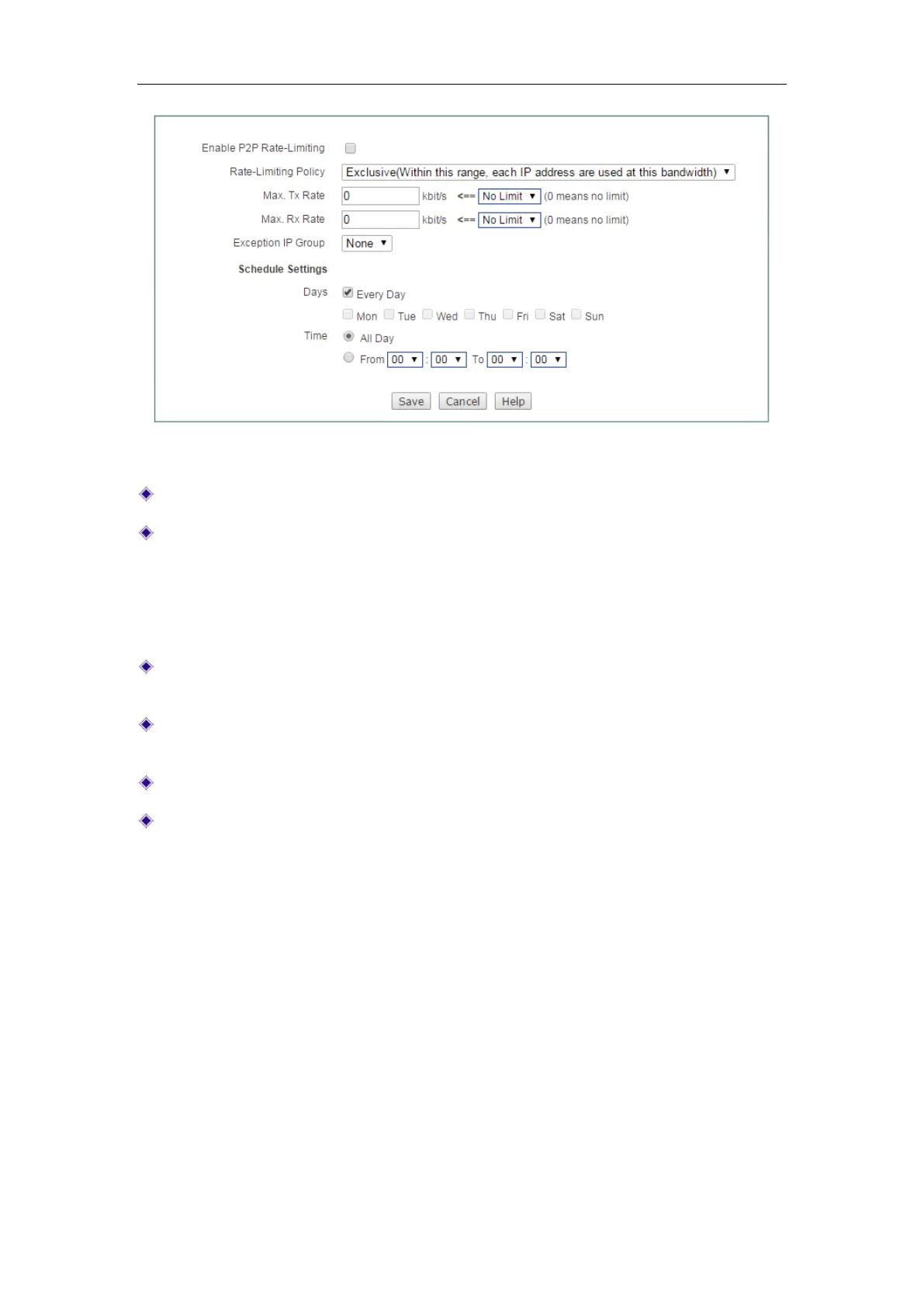
Figure 11-4 P2P Rate Limit
Enable P2P Rate-Limiting: Select to enable P2P Rate-Limiting.
Rate-Limiting Policy: The options are Exclusive and Share.
Exclusive: The specified Max. Tx/Rx Rate is assigned to each member in the
group.
Share: The specified Max. Tx/Rx Rate is shared by all members of the group.
Max. Tx Rate: Specify the maximum upload speed for the members in the group.
0 means unlimited rate.
Max. Rx Rate: Specify the maximum download speed for the members in the
group. 0 means unlimited rate.
Exception IP Group: Specify the group which is out of the P2P Rate limiting.
Schedule Settings: Specify the schedule of this P2P Rate Limiting taking effect.
11.4 Session Limiting
On the QoS > Session Limiting page, you can set the maximum number of concurrent
sessions, concurrent TCP sessions, concurrent UDP sessions, concurrent ICMP
sessions per restricted host.



 To Next Page