UTT Technologies Wireless Menu
http://www.uttglobal.com Page 57
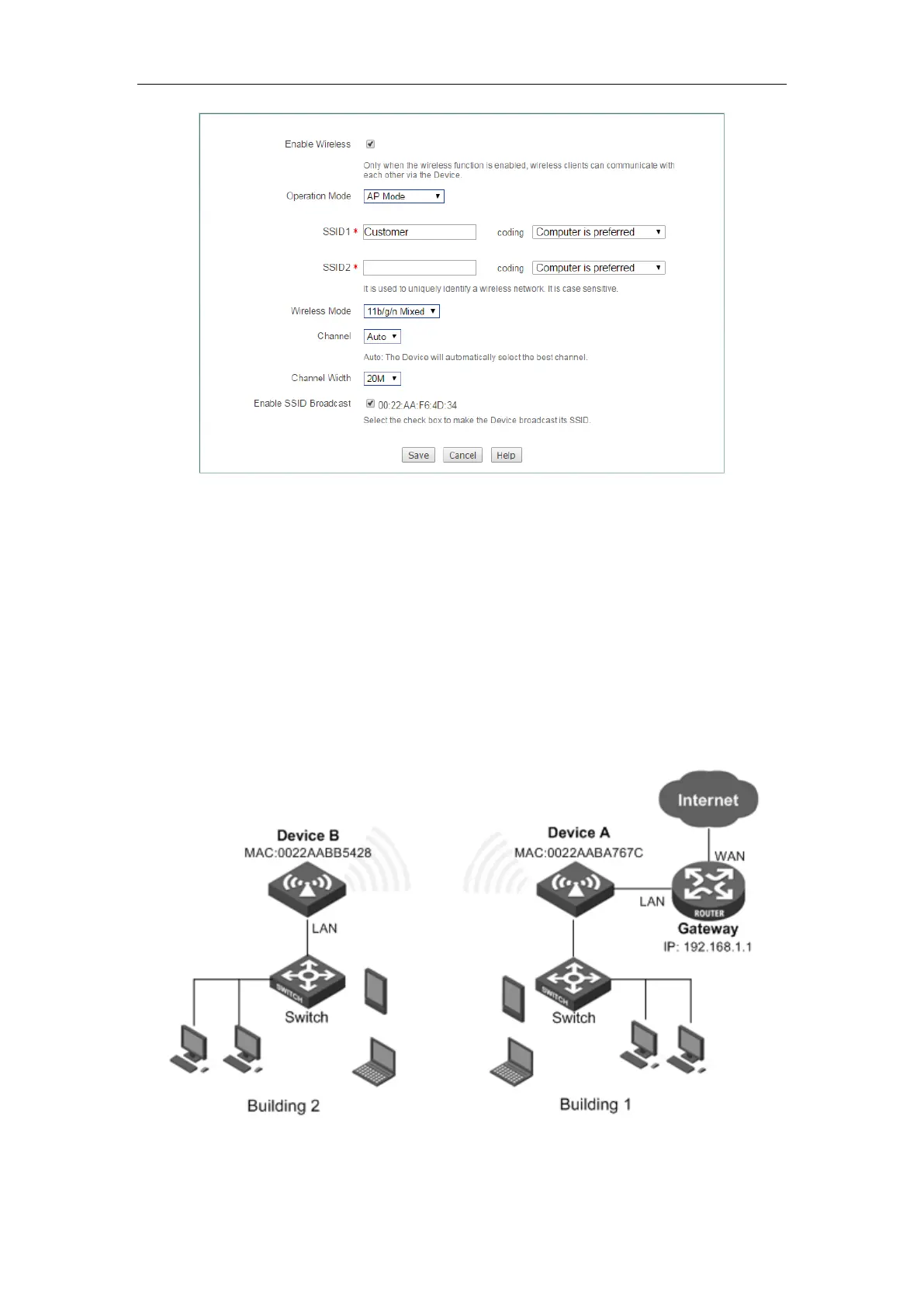
Figure 5-13 AP Mode configuration
Step 4 Enter into the Wireless > Security page, to configure the authentication
methods and key for wireless communication.
Through the above configuration, wireless users can connect to the Device so long as
they pass the authentication, and access to the Internet through it.
5.7 Example of WDS Configuration
Figure 5-14 Repeater Mode networking environment
1) Requirements



 To Next Page