UTT Technologies Start Menu
http://www.uttglobal.com Page 18
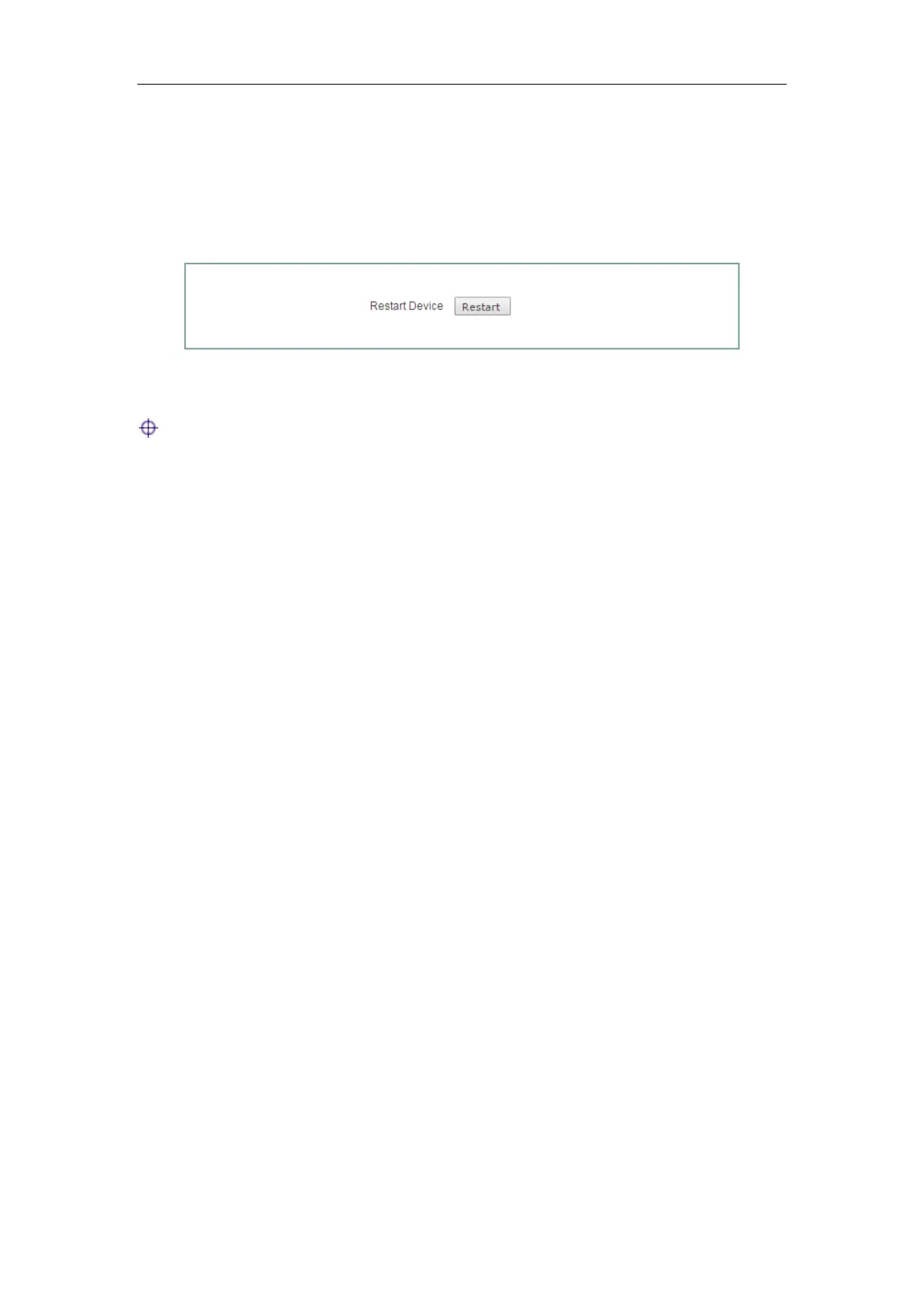
3.4 Restart Device
On the Start > Restart Device page, you can restart the Device. Clicking the Restart
button, the system will pop up a dialog. Then you can click the
OK button to restart the
Device, or click the
Cancel button to cancel the operation.
Figure 3-8 Restart Device
Note: Because restarting the Device will disconnect all the sessions, please do it
with caution.



 To Next Page