UTT Technologies Network Menu
http://www.uttglobal.com Page 25
4.1.8 Renew or Release a DHCP Connection
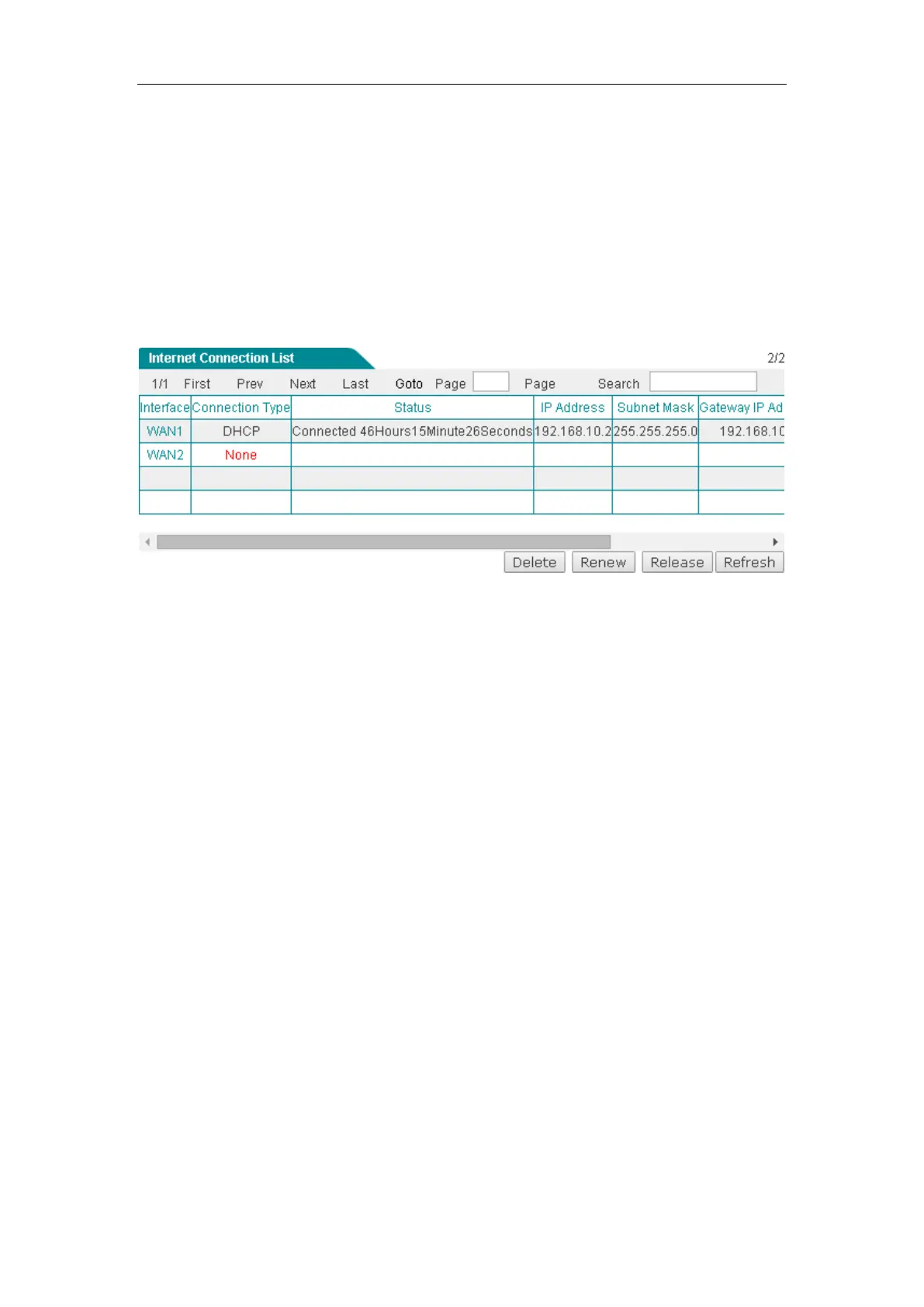
If the connection type is DHCP, when you click the WAN1 hyperlink, the Renew,
Release and Refresh buttons will be shown on the Internet Connection List.
Click the
Renew button to re-acquire an IP address from the ISP’s DHCP server. Click
the
Release button to release the IP address obtained from the ISP’s DHCP server.
Click the
Refresh button to view the current status of the connection.
Figure 4-7 Internet Connection List - DHCP Connection
4.2 Load Balancing
This section describes the Network > Load Balancing page. When using multiple
Internet connections, you can configure load balancing related parameters, such as
load balancing mode, detection interval, retry times, and ID binding, and so on.
4.2.1 Internet Connection Detection Mechanism
When using multiple Internet connections, the Device should have the ability to
real-time monitor each Internet connection to ensure the network will not be
interrupted even a connection is faulty. To this end, we design flexible automatic
detection mechanism on the Device and provide multiple detection methods to meet
the actual requirements.
For the sake of convenience, we firstly introduce several parameters.
● Detection Target IP: The IP address of a target device. The Device will monitor an
Internet connection by sending the detection packets to the specified target IP
address.
● Detection Interval: The time interval at which the Device periodically sends
detection packets, one packet at a time. Especially, if you don’t want to monitor an



 To Next Page