UTT Technologies User Management Menu
http://www.uttglobal.com Page 112
Billing Mode: Select the check to allow billing of Web Authentication based on
time.
Start Date: Select the date the account starts to take effect.
End Date: Select the date of the account expires.
Total Time: Enter the total time for this account take effect.
Description: Specify the description of the web authentication account.
9.4.3 Client Status
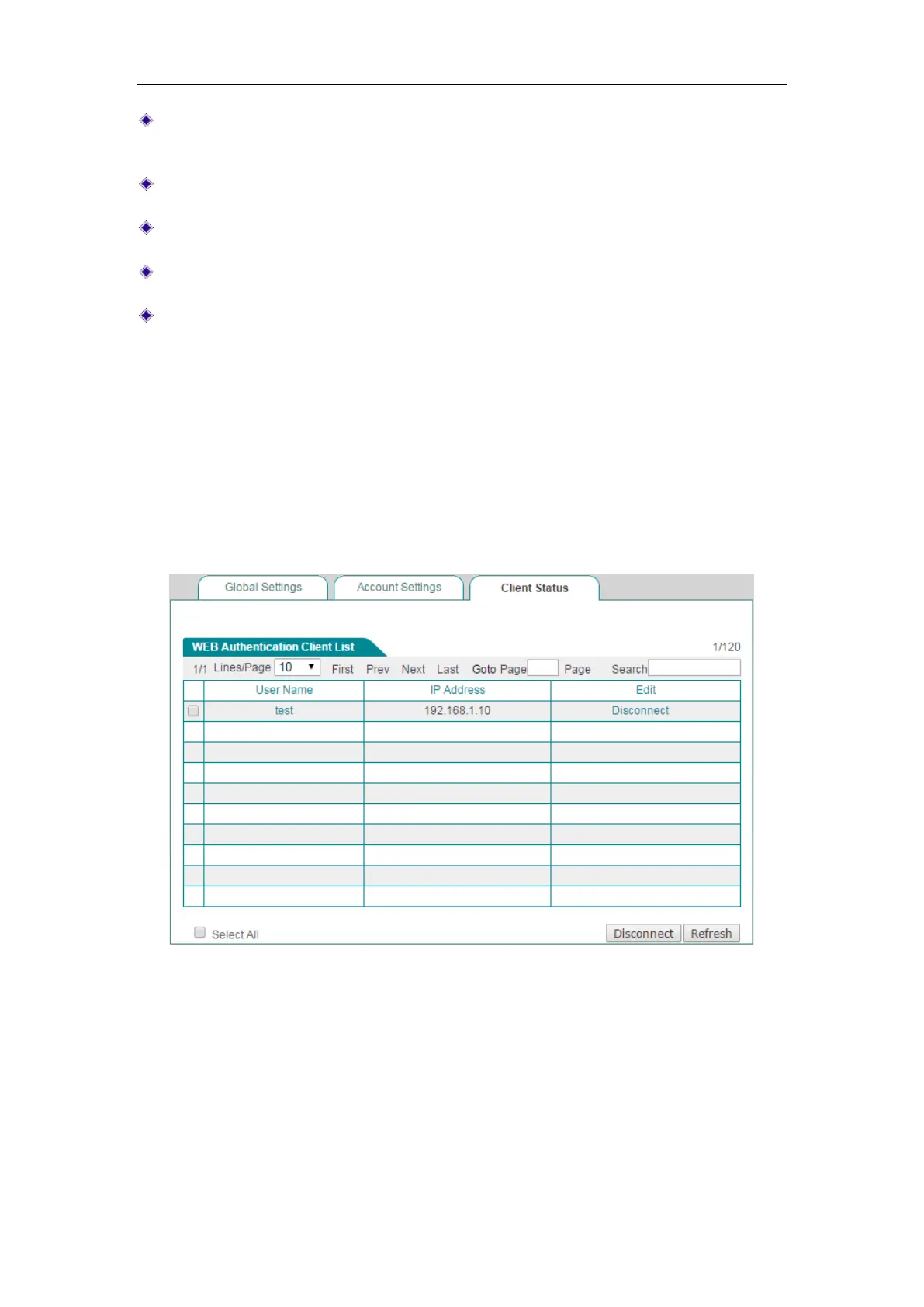
On the Web Authentication > Client Status page, you can view the current status of
the web authentication accounts which have been used.
Select the leftmost checkbox of the users, and then click the
Disconnect button to let
the users log off manually.
Figure 9-24 Web Authentication Client Status
9.4.4 The steps for using Web Authentication
If you want to use web authentication for a non-PPPoE dial-in user, do the following:
Step 1 Go to the User Management > Web Authentication > Global Settings page,
and then select the
Enable Web Authentication checkbox and Allow Users



 To Next Page