UTT Technologies System Menu
http://www.uttglobal.com Page 189
Figure 14-2 Language settings
14.3 Time
In order to guarantee that the functions of the Device relating to time work normally,
the time of the Device needs to be accurately set, to make it synchronize with the local
standard time.
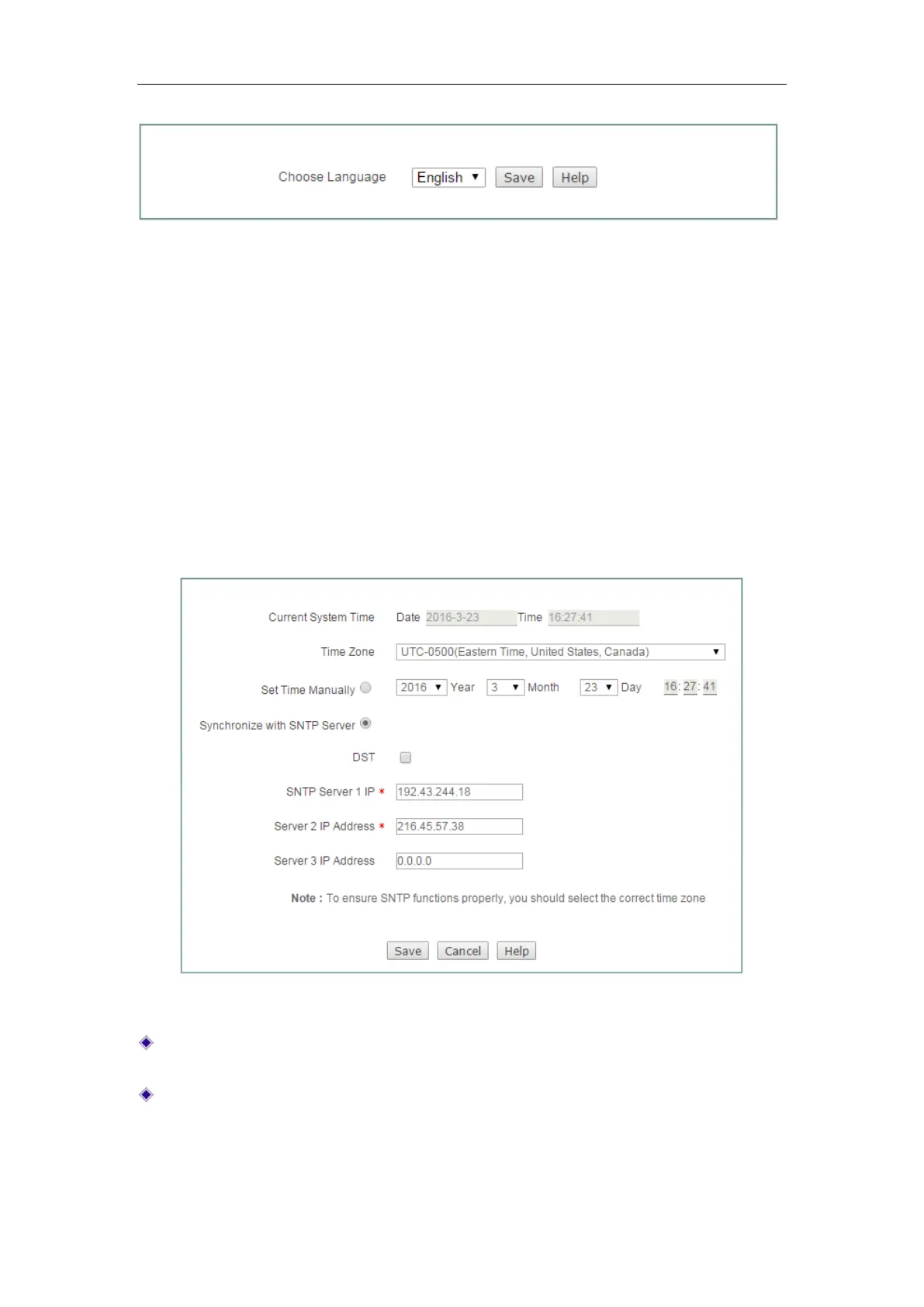
The Device provides two ways of setting system time,
Setup Time Manually and
Synchronize with SNTP Server. It is recommended to use the Synchronize with SNTP
Server function to obtain the standard time, and the Device will automatically get the
standard time from the Internet after it connects the Internet.
Figure 14-3 Time Settings
Current System Time: Displays the current date and time information of the
Device (unit: Y-M-D, H:M:S).
Time Zone: Selects the international time zone in which the Device resides. Only
choosing a correct time zone can the network time synchronization function work
properly.



 To Next Page