UTT Technologies App Control Menu
http://www.uttglobal.com Page 124
Allow 400/800 Enterprise QQ: Select to allow 400/800 enterprise QQ. If selected,
400/800 enterprise QQ numbers are exempt from the Internet application
management policies.
Enable QQ Whitelist: Select to enable QQ whitelist. If enabled, the QQ numbers
in
QQ Whitelist are exempt from the Internet application management policies.
Add: To add a new QQ number, click Add to go to QQ Whitelist Settings page,
and then configure it, lastly, click
Save.
Export Accounts: You can click Export Accounts export all QQ numbers with
description to a text file.
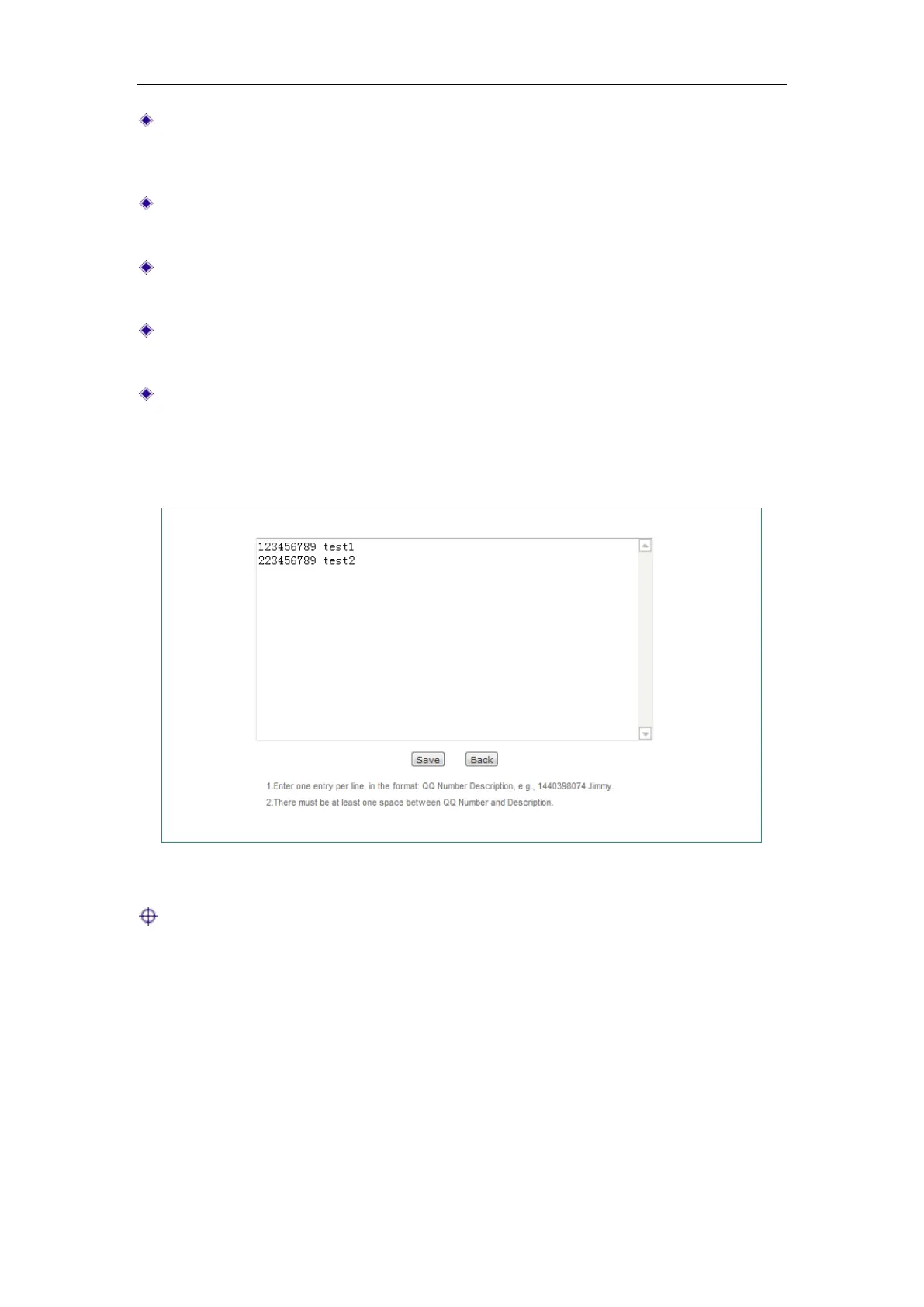
Import Accounts: To add multiple QQ numbers at once, click Import Accounts to
go to
Import QQ Numbers page, and then enter them in the text box, lastly click
Save. Enter one entry per line in this format: QQ Number <Space> Description,
e.g., 1440398074 Jimmy. Be sure to leave at least one space between QQ
Number and Description.
Figure 10-9 Import QQ Numbers
Note: The maximum QQ number that can be entered is 4294967295.
10.4 MSN Whitelist
This section describes App Control > MSN Whitelist page. This feature allows you to
add a list of MSN accounts that are exempt from the Internet application management
policies (set in
App Control > Application Control page).



 To Next Page