UTT Technologies Start Menu
http://www.uttglobal.com Page 12
Chapter 3. Start Menu
The Start menu is located in the upper left of the WEB interface, which provides you
four commonly used functions:
Setup Wizard, Interface Status, Interface Traffic, and
Restart Device. In this chapter, you can configure the basic parameters to access the
Internet, view each physical interface’s detail information and restart the Device.
3.1 Setup Wizard
This section describes the Start > Setup Wizard page. The Setup Wizard will guide
you to configure the basic parameters to quickly connect the Device to the Internet.
Even unfamiliar with the product, you still can follow the instructions to complete the
setup easily.
3.1.1 Running the Setup Wizard
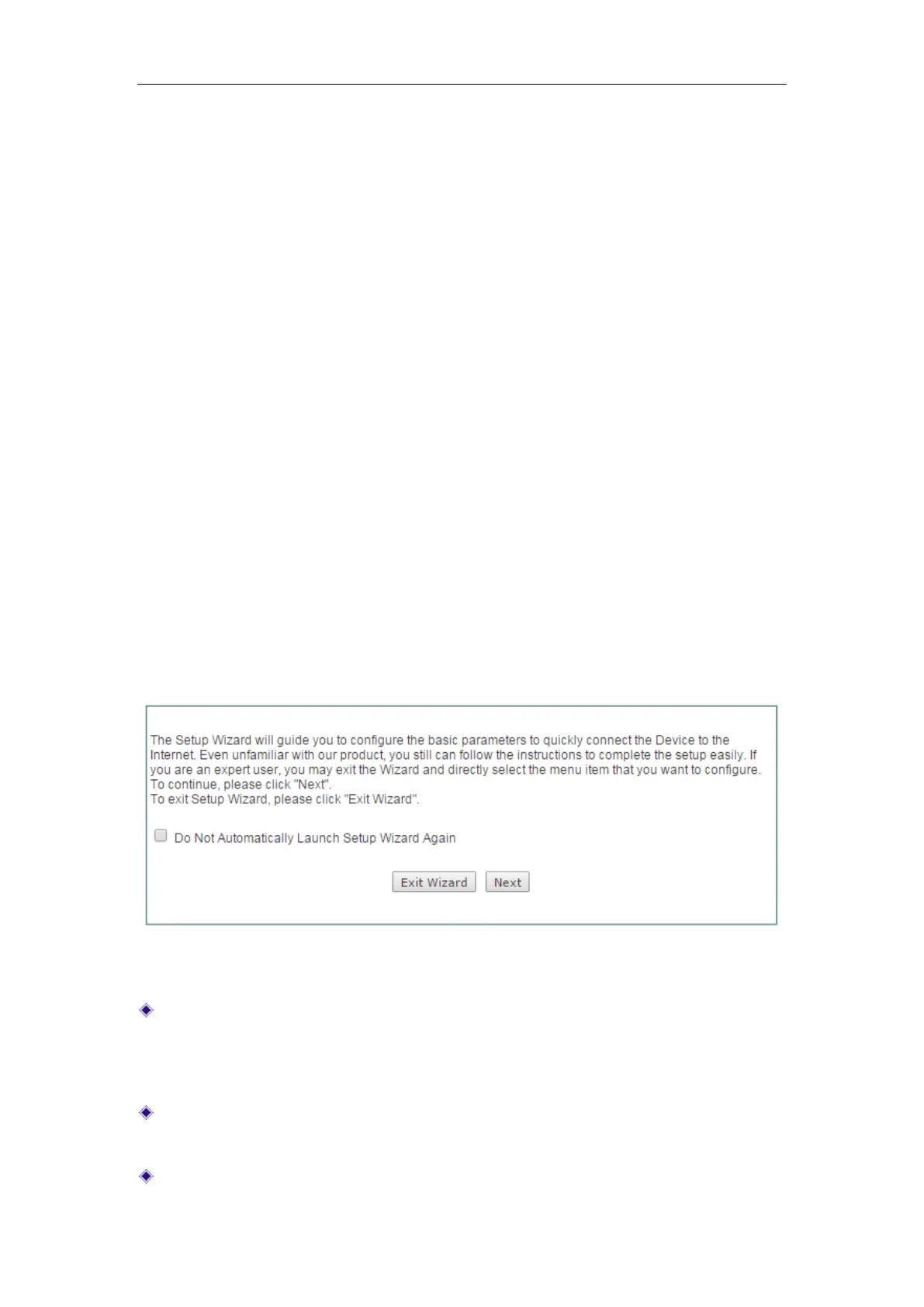
The first page appears is Setup Wizard immediately after your first login.
Figure 3-1 Running the Setup Wizard
Do Not Automatically Launch Setup Wizard Again: If selected, the system doesn't
automatically launch the
Setup Wizard the next time you log into the Device,
instead directly open the
System Information page(see Figure 3-2). Else, the
system will still launch the
Setup Wizard automatically.
Exit Wizard: Click to exit the Setup Wizard and go to the System Information page
(see Figure 3-2). The changes made in the
Setup Wizard will be discarded.
Next: Click to enter into the next page of the Setup Wizard.



 To Next Page