UTT Technologies Advanced Menu
http://www.uttglobal.com Page 81
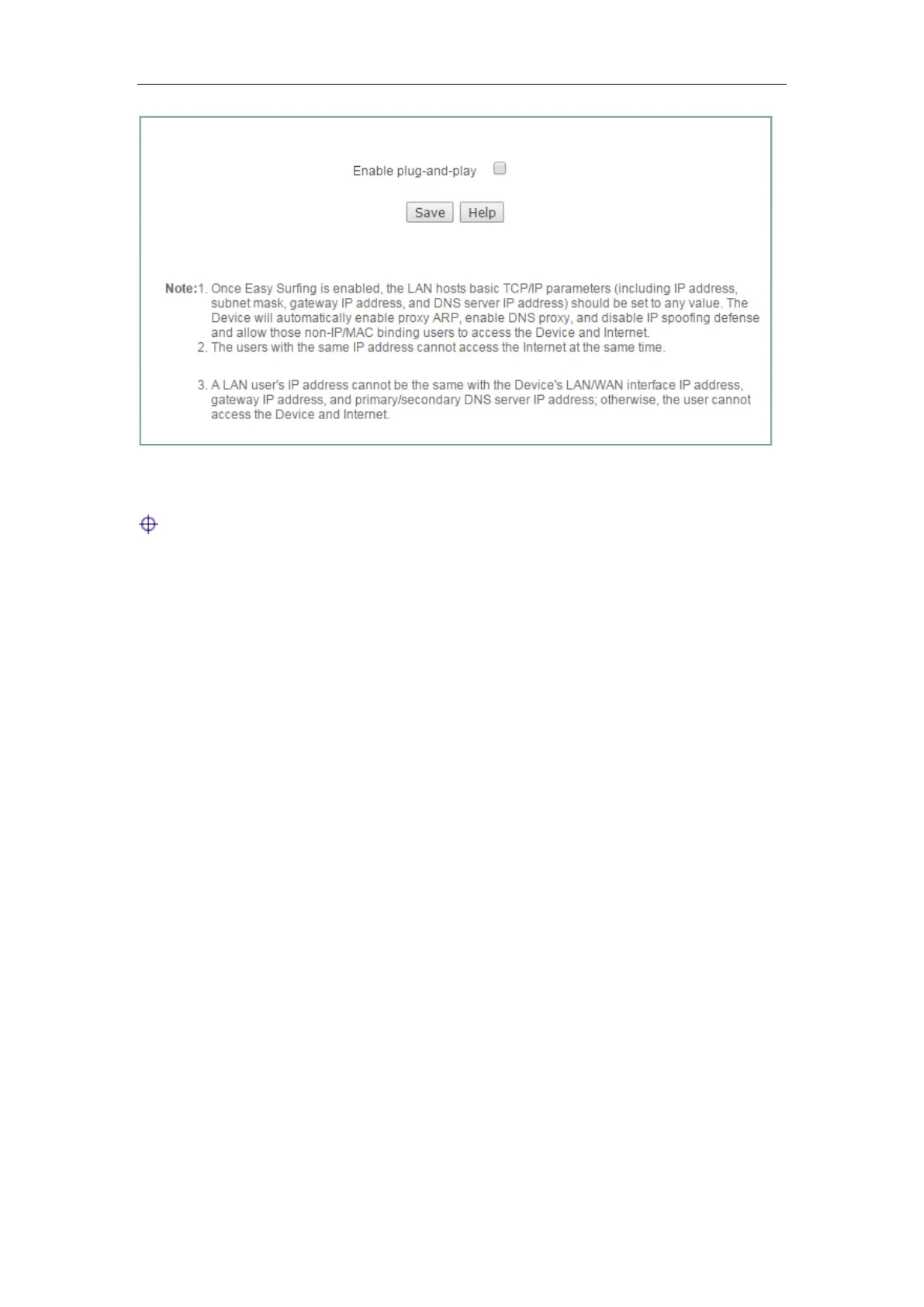
Figure 7-18 Plug and Play
Note:
1) The LAN hosts basic TCP/IP parameters (including IP address, subnet mask,
gateway IP address, and DNS server IP address) should be set properly;
otherwise, plug and play feature cannot act on those hosts.
2) Once plug and play is enabled, the Device will automatically enable proxy ARP,
enable DNS proxy, and disable IP spoofing defense.
3) Once plug and play are enabled, the Device will allow those non-IP/MAC binding
users to access the Device and Internet.
4) The users with the same IP address cannot access the Internet at the same time.
For example, if a LAN user with IP address 1.1.1.1 has connected to the Device
to access the Internet, another user with IP address 1.1.1.1 cannot access the
Internet through the Device.
5) A LAN user’s IP address cannot be the same with the Device’s LAN/WAN
interface IP address, gateway IP address, and primary/secondary DNS server IP
address; otherwise, the user cannot access the Device and Internet.
7.6 Port Mirroring
The port mirroring allows an administrator to mirror and monitor network traffic. It
copies the traffic from the specified ports to another port where the traffic can be
monitored with an external network analyzer. Then the administrator can perform traffic
monitoring, performance analysis and fault diagnosis.



 To Next Page