UTT Technologies System Menu
http://www.uttglobal.com Page 194
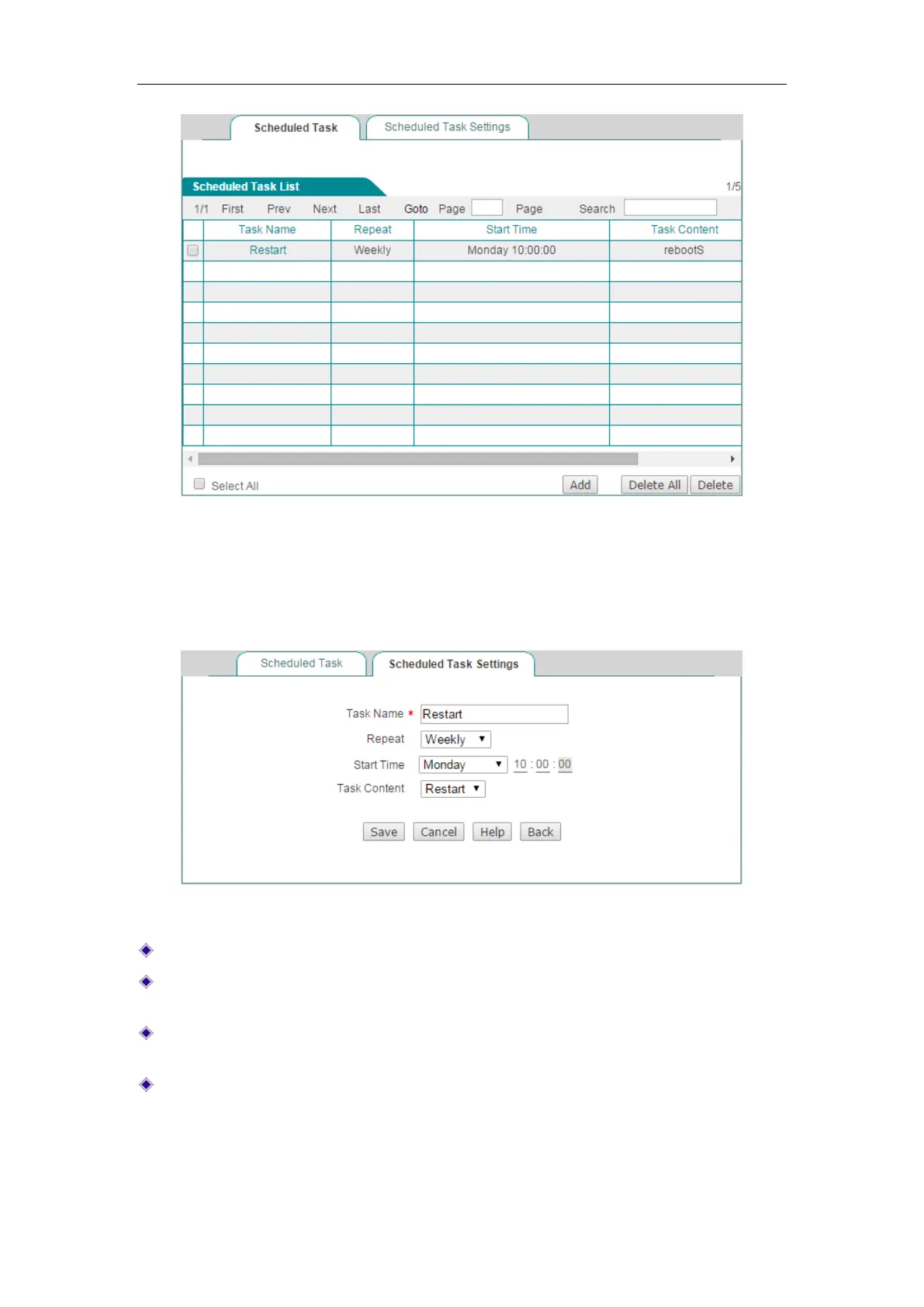
Figure 14-7 Scheduled Task List
You can click the Task Name hyperlink or the Edit hyperlink to change the content of
task. Clicking
System > Scheduled Task > Scheduled Task Settings, you can add a
new scheduled task.
Figure 14-8 Scheduled Task Settings
Task Name: Name of the custom tasks.
Repeat: Specify the time cycle or when the Device will perform the task. The
available options are
Weekly, Daily, Hourly, Minutely.
Start time: Specify the time at which the Device will start to perform the task. Its
settings will change according to the value of
Repeat.
Task Content: Selects the appropriate task content.



 To Next Page