UTT Technologies App Control Menu
http://www.uttglobal.com Page 119
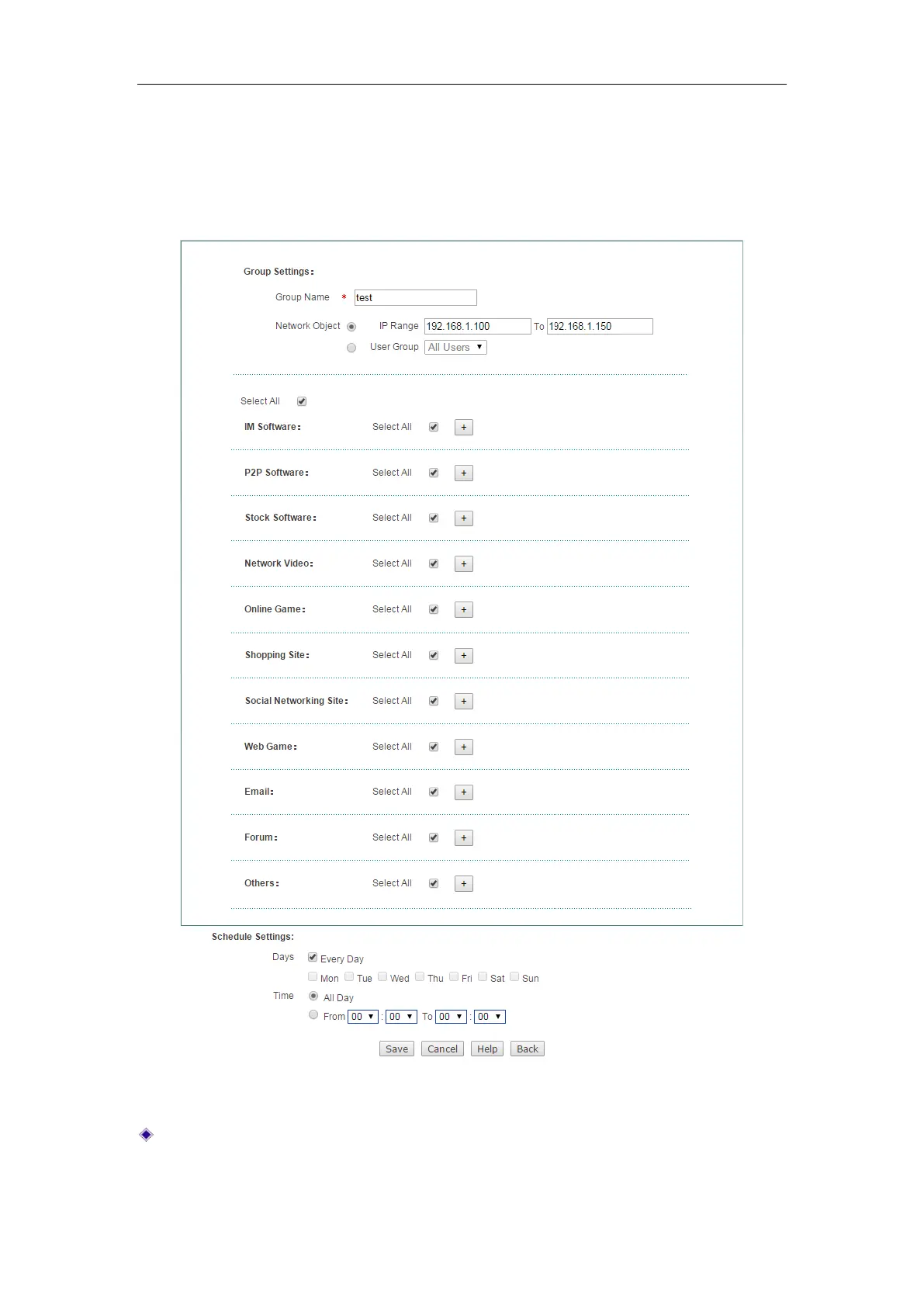
2) Internet Application Management Settings
To add a new application management policy, go to App Control > Application Control
page, next click Add to go to Internet Application Management Settings page
,
and
then configure it, lastly click
Save.
Figure 10-5 Internet Application Management Settings
Group Name: Enter a unique name for the group to which the Internet application
management policy applies.



 To Next Page