UTT Technologies Logging to the Device
http://www.uttglobal.com Page 10
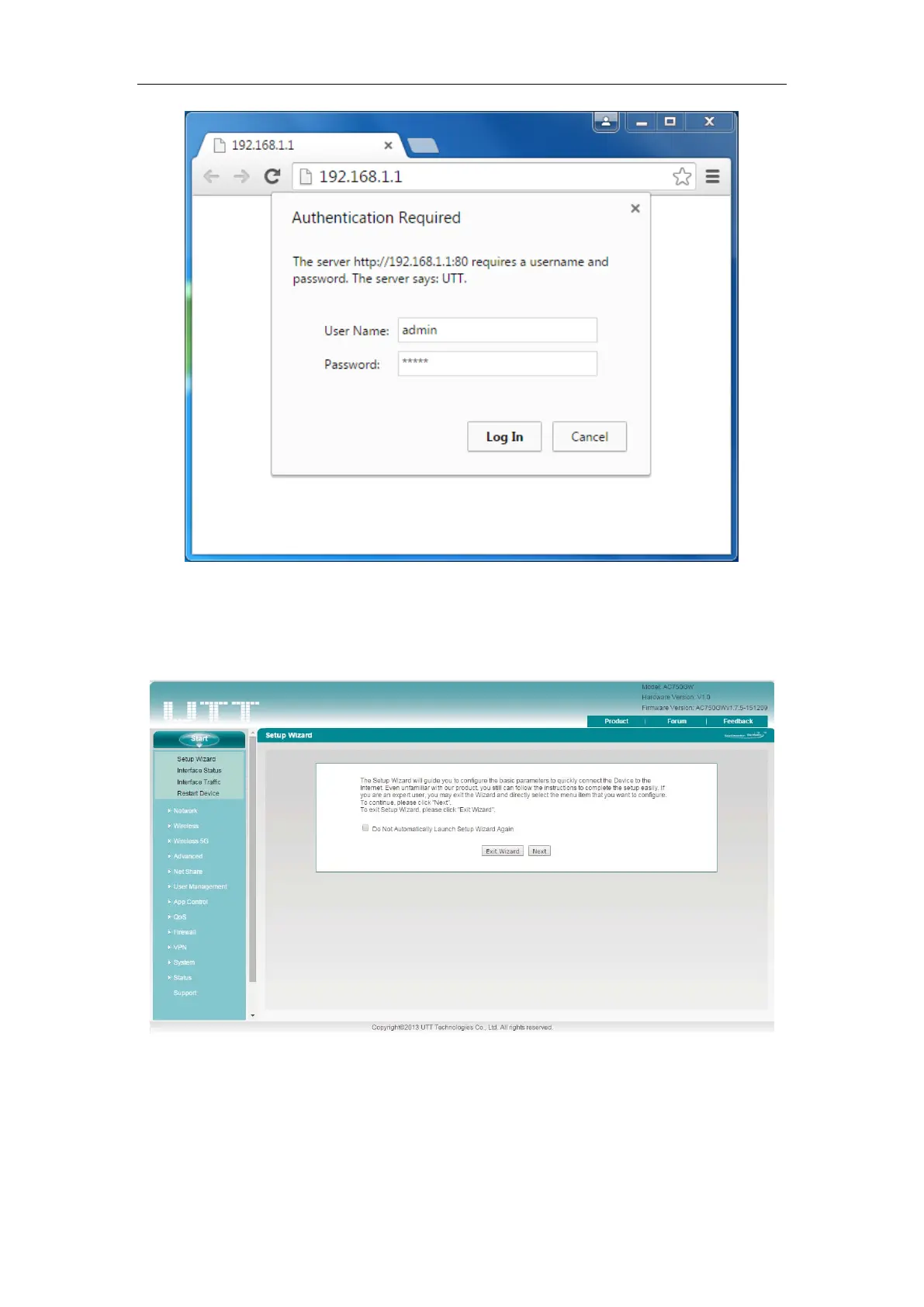
Figure 2-2 Login Screen
Step 3: After login the Device, the first screen that appears is the Homepage.
Figure 2-3 Homepage
Homepage Description:
1) On the top right corner, there is UTT logo, model and version information, and
quick link icons.



 To Next Page