UTT Technologies VPN Menu
http://www.uttglobal.com Page 186
3) Viewing the IPSec tunnel status
After you have configured IPSec parameters on both Devices, the IPSec tunnel
establishment can be triggered manually.
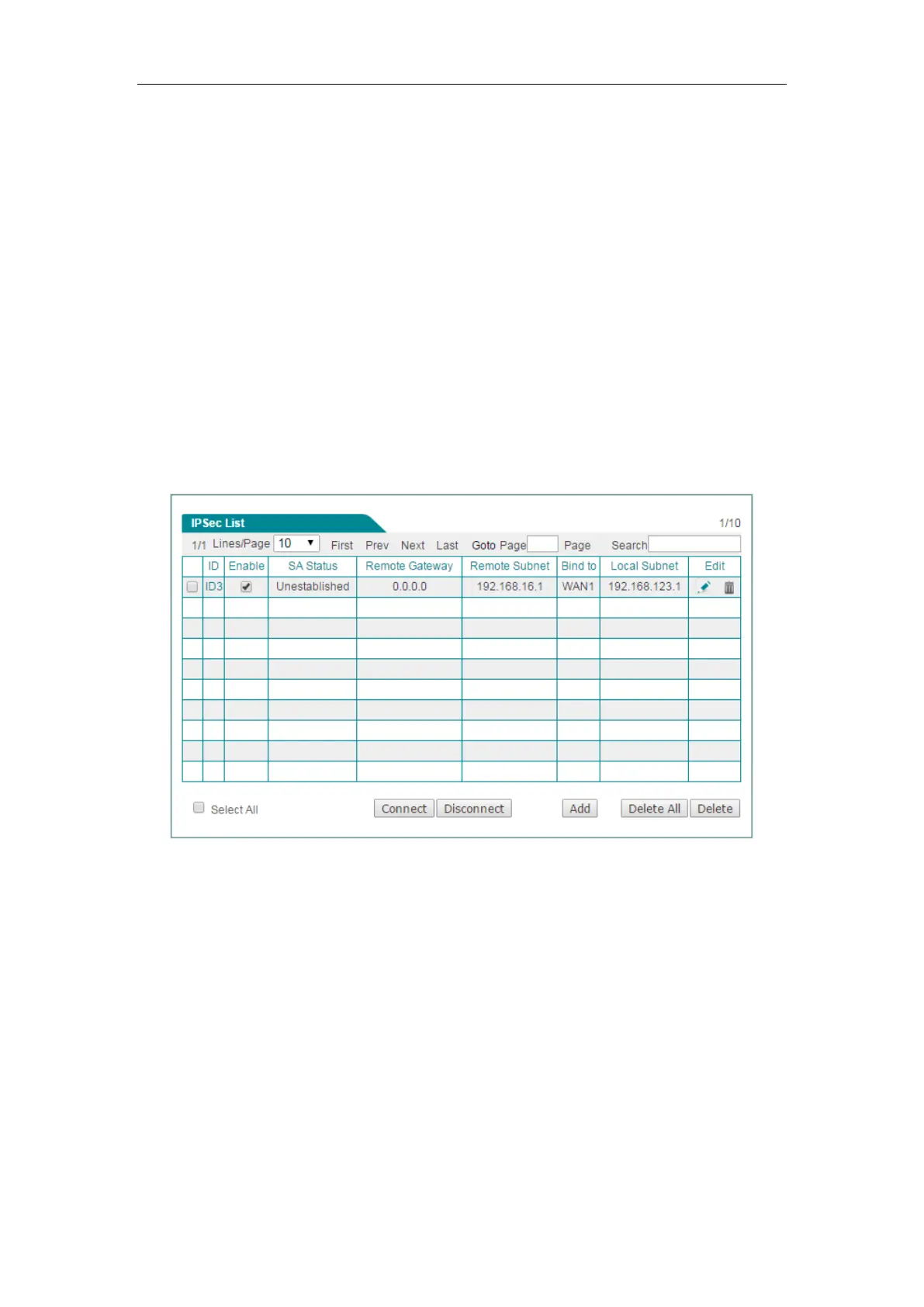
On the Device, you can go to the
VPN > IPSec > IPSec List page to view the
configuration of the IPSec tunnel, including the
Key Mode, Remote Gateway, Remote
Subnet IP, Bind to and Local Subnet IP. After the IPSec tunnel has been established,
you can see that the
SA Status displays Established, and the Out Pkts and In Pkts will
go on increasing as long as there is some network traffic being passed through the
IPSec tunnel.
(1) Viewing the Device at the head office
The following figure shows the configuration and status of the IPSec tunnel on the
Device with a static IP address at the head office.
Figure 13-20 Responder’s IPSec List
(2) Viewing the Device at the branch office
The following figure shows the configuration and status of the IPSec tunnel on the
Device with a dynamic IP address at the branch office.



 To Next Page