UTT Technologies Network Menu
http://www.uttglobal.com Page 27
3) Once the faulty connection is back to normal, the Device will enable it immediately,
and the traffic will be redistributed automatically.
If you choose to use Partial Load Balancing, some Internet connections are used as
primary connections, and others are used as backup connections. The operation
principle is as follows:
1) As long as one or more primary connections are normal, the LAN users will use
the primary connection(s) to access the Internet. In this case, if there is more than
one primary connection, the Device will control and balance the traffic among
these connections.
2) If all the primary connections are faulty, it will automatically switch to the backup
connection(s) to let the LAN users use them to access the Internet. In this case, if
there is more than one backup connection, the Device will control and balance
the traffic among these connections.
3) Once one or more faulty primary connections are back to normal, it will
automatically switch back to the primary connection(s).
Note: During connections switching, some user applications (such as some online
games) may be interrupted unexpectedly due to the nature of TCP connection.
UTT Technologies Co., Ltd. will not bear all the losses and legal
proceedings
caused by it.
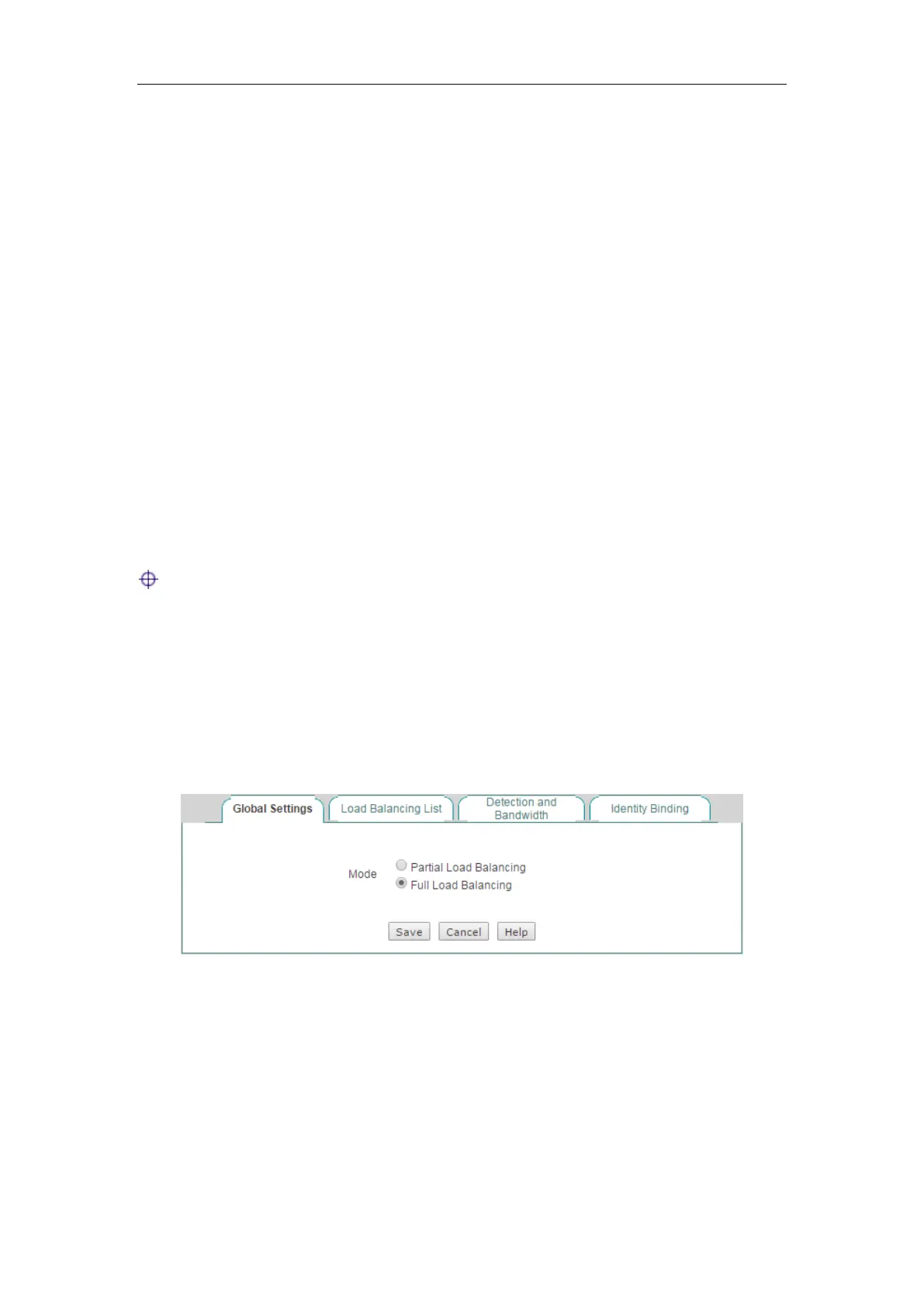
4.2.2.1 Full Load Balancing
Select the Full Load Balancing check box and click the Save button to save the
settings.
Figure 4-8 Full Load Balancing
4.2.2.2 Partial Load Balancing
Select the Partial Load Balancing check box and then set primary connection and
backup connection, lastly, click the
Save button to save the settings.



 To Next Page