8-24 SHB WL34 * 2.0
8 Hydraulic system
Control lever
8.13 Removing/installing operation lever for additional hydraulic sys-
tem (control lever)
1. Remove the operator seat – see “Removing/installing the operator
seat” on page 1-18.
2. Remove the cap of the control console on the inside – see “Removing/
installing filler cap for the control console” on page 1-19.
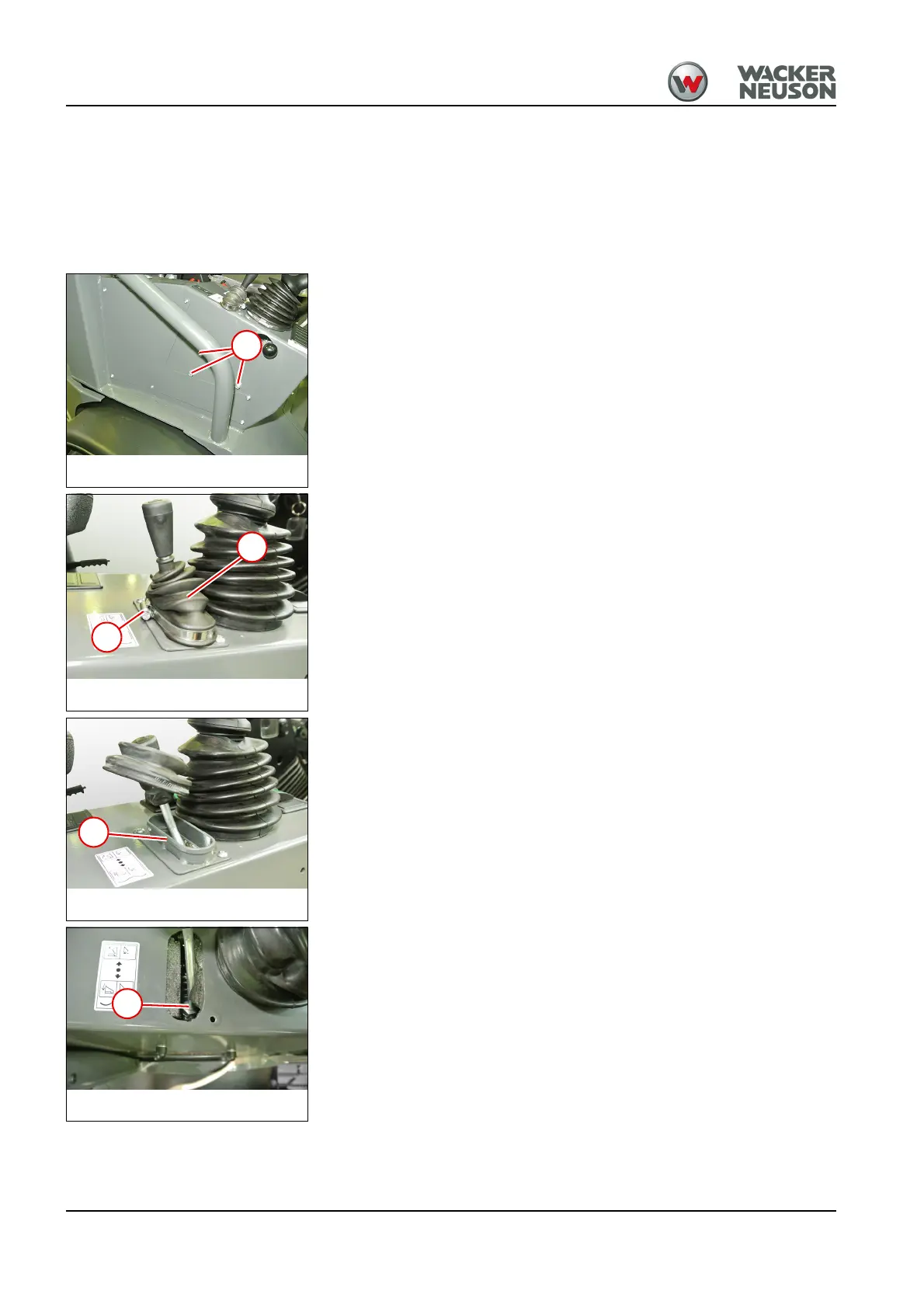
3. Remove nuts 1.
4. Loosen hose clamp 3 and raise the dust cover 2.
5. Remove screws and take off the console control lever 4.
6. Loosen nut 5.
7. Turn the control lever to loosen it. To do this, grip the lever through the
opening on the inner side and move the control valve along with it.
Install in the reverse order.
Hydraulic system
Control lever



 To Next Page