SHB WL34 * 2.0 9-5
Electrical system 9
Machine control unit
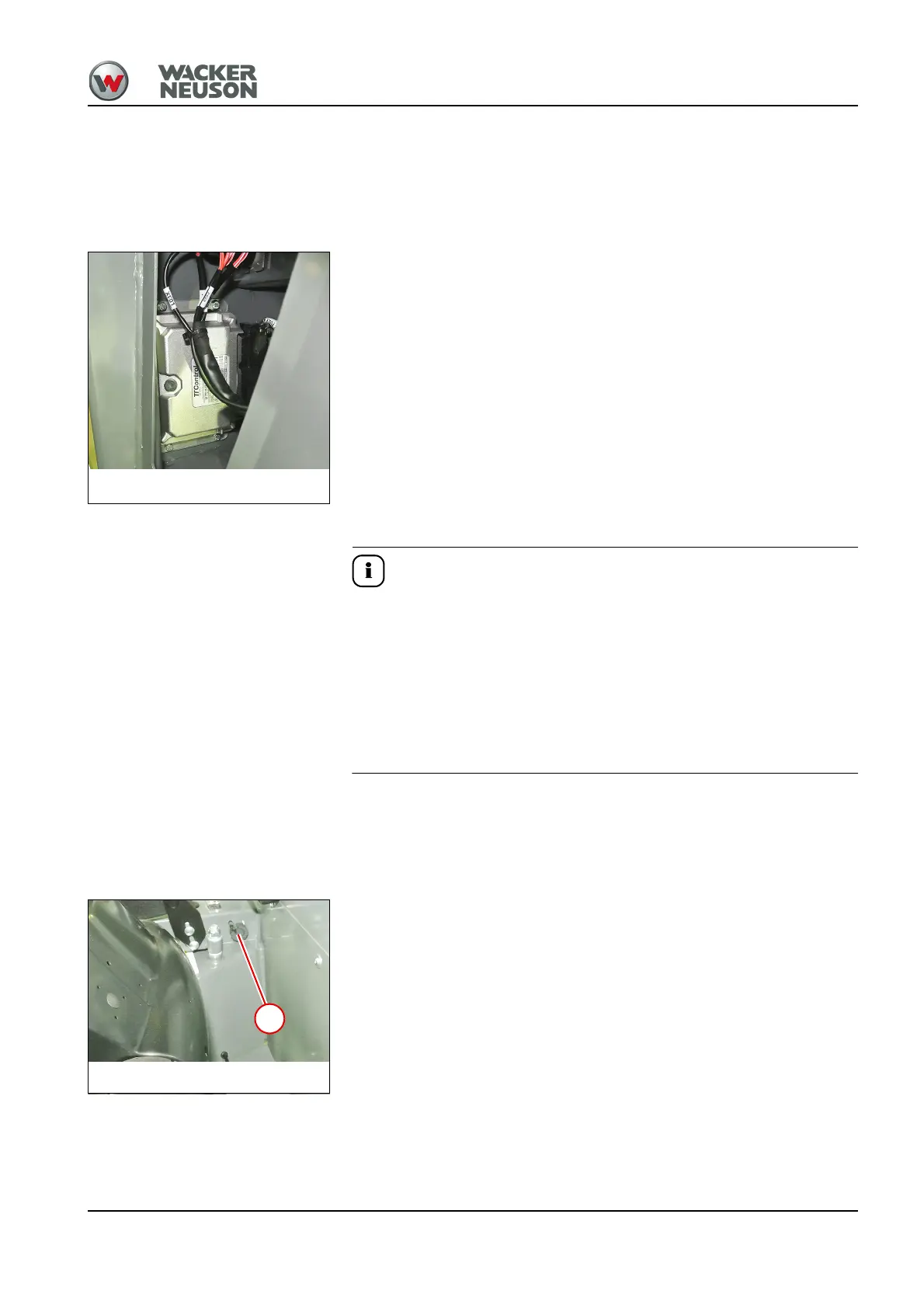
9.3 Removing/installing the machine control unit
Disassemble
1. Remove the cap of the control console on the outside –
see "Removing/installing filler cap for the control console" on
page 1-19.
2. Pull off the connector of control unit.
3. Remove the screws and take out the control unit.
Install
No software is installed on the machine control unit when it is delivered.
This has to be installed with the Wacker Neuson diagnostic tool WANDA.
Then the machine configuration (serial number, options, characteristic
valve curves, etc.) has to be loaded again.
► Ask Weidemann service (service@weidemann.de) for the configuration
file. State the serial number and operating hours of the machine as you
do so.
► Have a PC/notebook ready with WANDA software installed.
1. Assemble the machine control unit in the reverse order.
2. Start the Wacker Neuson update tool and download the update file if
necessary – see "WANDA initial installation instructions."
3. Connect the USB connector of the CAN-USB interface with the USB
connection of the PC/notebook.
4. Remove cover cap of the WANDA connector 1 and connect the
interface with the machine.
5. Start WANDA – see "WANDA operator’s manual."
Electrical system
Machine control unit



 To Next Page