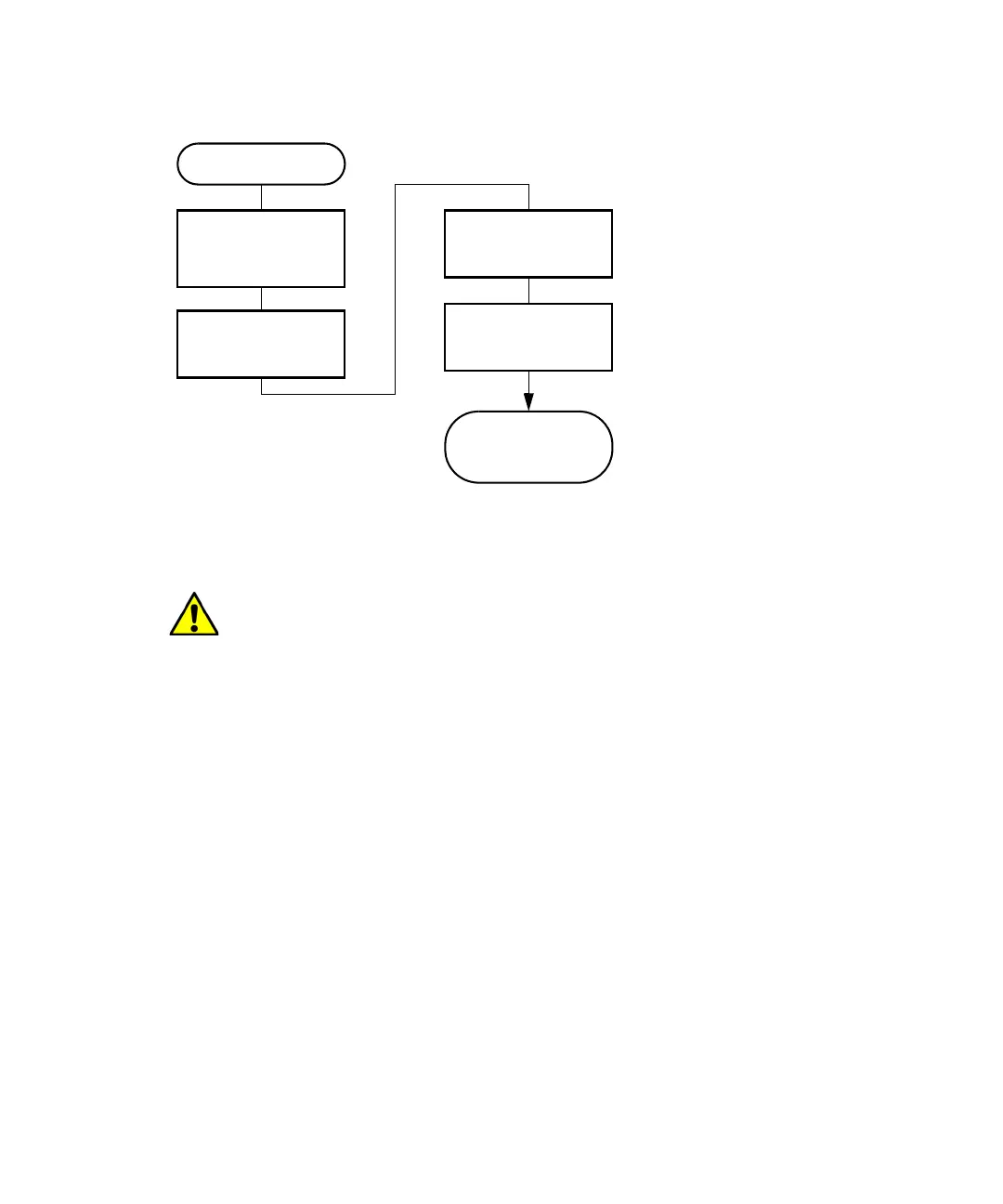
3 Prepare the e2695 Separations Module for Operation
108 July 29, 2013, 715003794 Rev. B
Preparing the sample management system:
Purge the system
Purge the sample management system on these occasions:
• You primed the solvent management system.
• You changed solvents.
• You see bubbles in the syringe.
• You start using the separations module at the beginning of each day.
To purge the sample management system:
1. In the Main screen, press Menu/Status.
2. In the Status screen’s Composition fields, specify the solvent
composition.
3. Press Direct Functions to display the Direct Functions menu.
4. From the Direct functions menu, select Purge Injector, and then press
Enter. The Purge Injector dialog box appears.
Caution: To avoid precipitating salts in the separations module, use an
intermediate solvent such as water when you change from buffers to
high-organic-content solvents.
Start
Purge the sample
management
system
Adjust the seal pack
Prime the needle
wash pump
Separations
module is ready
to operate
Load the carousels



 To Next Page