6 Create Methods, Sample Sets, and Sample Templates
148 July 29, 2013, 715003794 Rev. B
Create a separation method
To create a separation method:
1. On the Main screen, press the Develop Methods screen key.
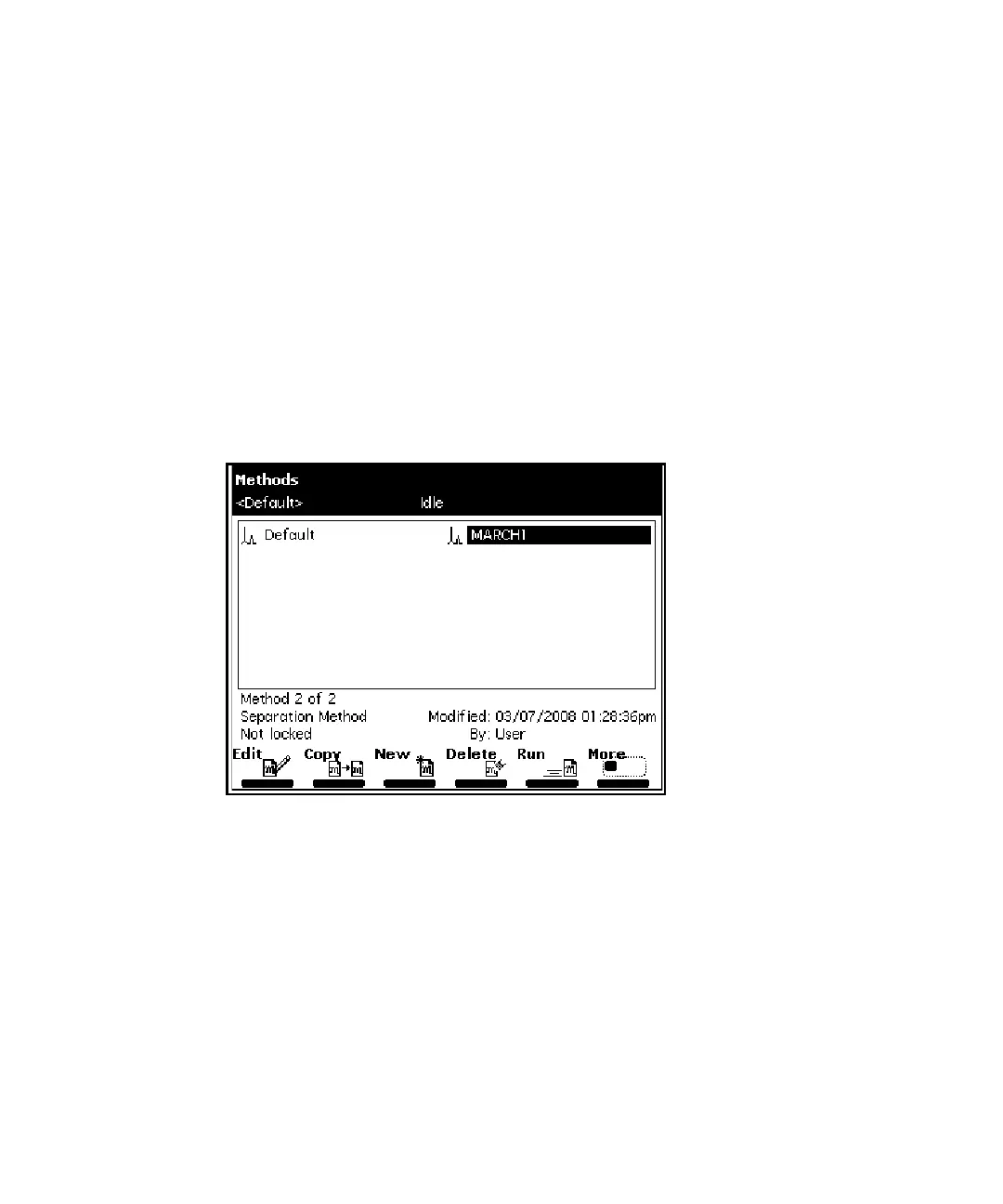
Result: The Methods screen appears, displaying the following
information:
• The type of method (Separations Method, Sample Set, Sample
Template)
• The date the method was last modified, and by whom
• Whether the method is locked or unlocked
Methods screen:
2. Press the New screen key.
3. Press the Separation Method screen key.
4. Enter a name for the method, and then press Enter.
5. On the Mobile Phase screen, specify values for all applicable parameters
and also in the 5 associated parameter screens.
Tip: Press the Next or Previous screen key to scroll through the
parameter screens. For details, see “Set separation method parameters”
on page 150.
6. To save the method, press Exit then the Yes screen key.



 To Next Page