Set separation method parameters
July 29, 2013, 715003794 Rev. B 151
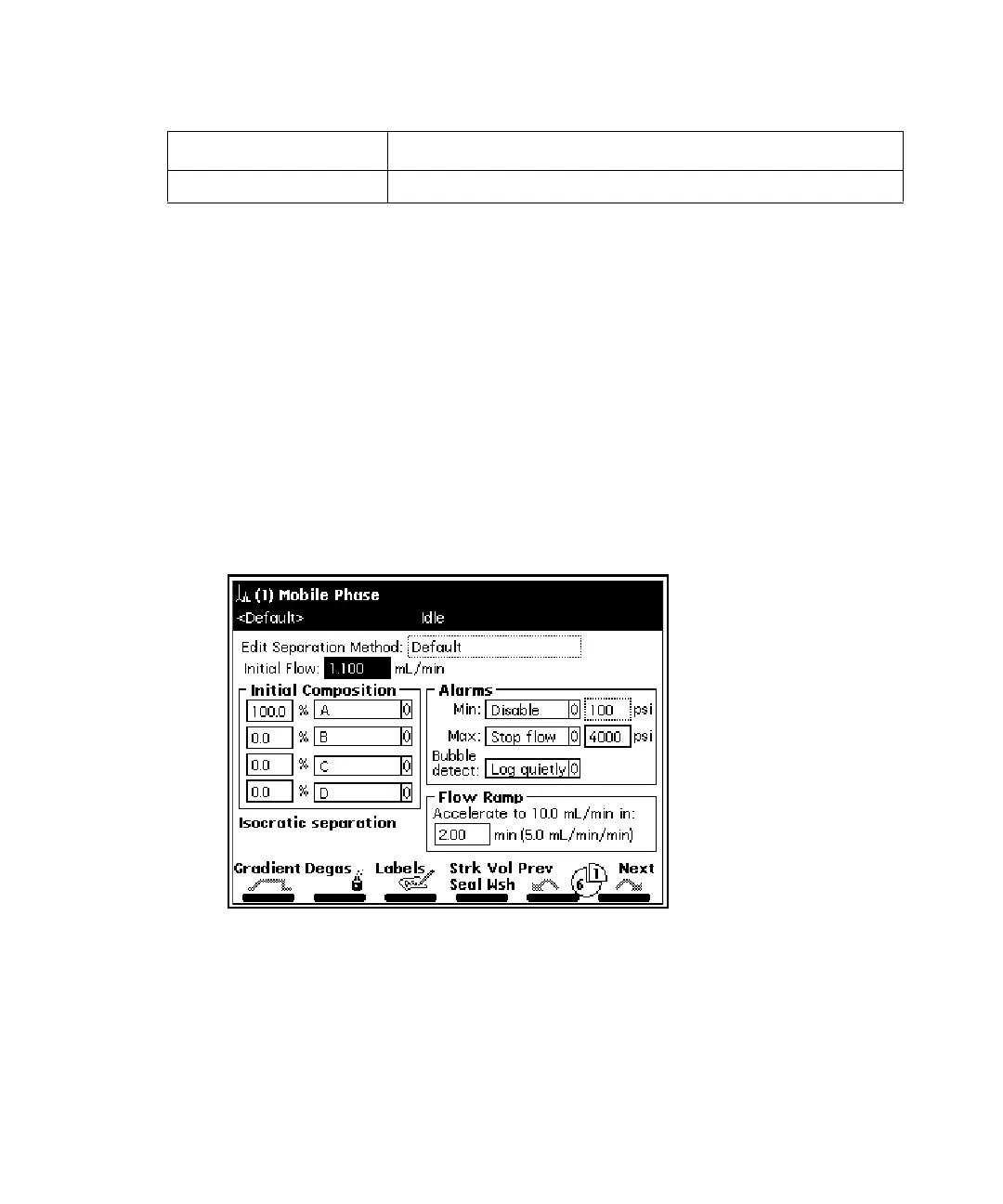
Set Mobile Phase screen parameter values
The Mobile Phase screen appears when you select a separation method to edit.
Press the Next or Previous screen keys to move among the six method
parameter screens. The icon between the Next and Previous screen keys
shows your place in the six-screen sequence. Press Exit to return to the
Methods screen. A dialog box prompts you to save the changes to the
separation method.
To enter parameters in the Mobile Phase screen:
1. Press the Next or Prev screen key to display the Mobile Phase screen.
Mobile Phase screen:
2. Enter values in the fields, as appropriate.
Detectors “Set detector parameters” on page 166
Separation method parameter screens: (Continued)
Screen name Reference



 To Next Page