Create and edit a sample set
July 29, 2013, 715003794 Rev. B 179
Link rows in a sample set
You can link together one or more rows in a sample set so that you can
perform multiple functions for the same set of vials. For example, you can link
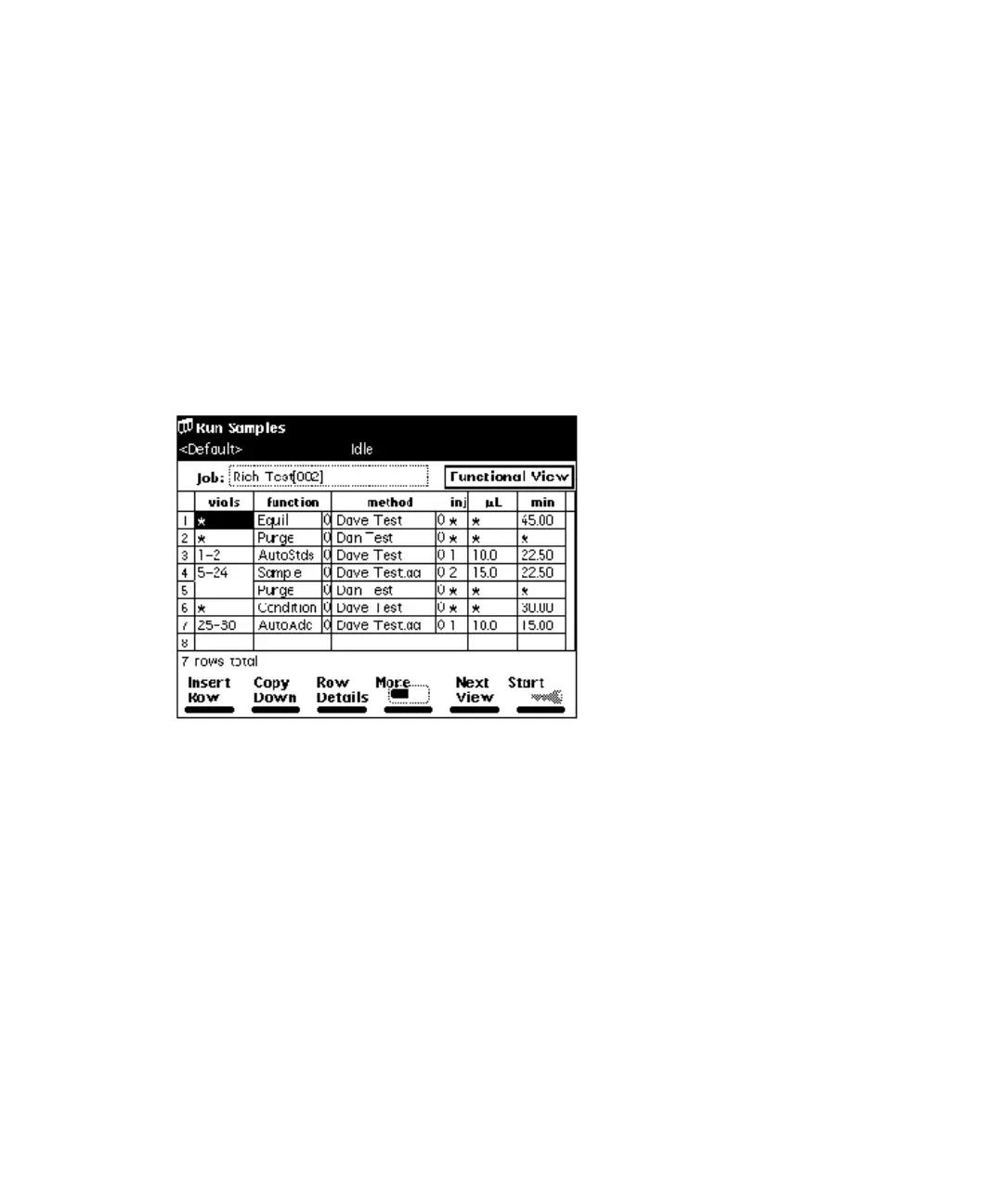
an inject sample function with a purge function, as shown in the following
figure. In this example, two 15-µL injections are made from vial 5, followed by
a purge. The process is repeated for each vial that you specify.
Tip: When unlinking or deleting linked rows in a sample set, vial numbers in
the remaining rows may differ from those originally entered. Make sure that
vial numbers for all rows are correct before running the sample set.
Linked rows in a sample set:
To link rows:
1. Select the row you want to link.
2. Press the More screen key, and then press the Make Link screen key.
Result: The current row is linked with the previous row.
To unlink lines:
1. Select the row you want to unlink.
2. Press the More screen key and then the Break Link screen key.



 To Next Page