Set separation method parameters
July 29, 2013, 715003794 Rev. B 159
Set autosampler parameter values
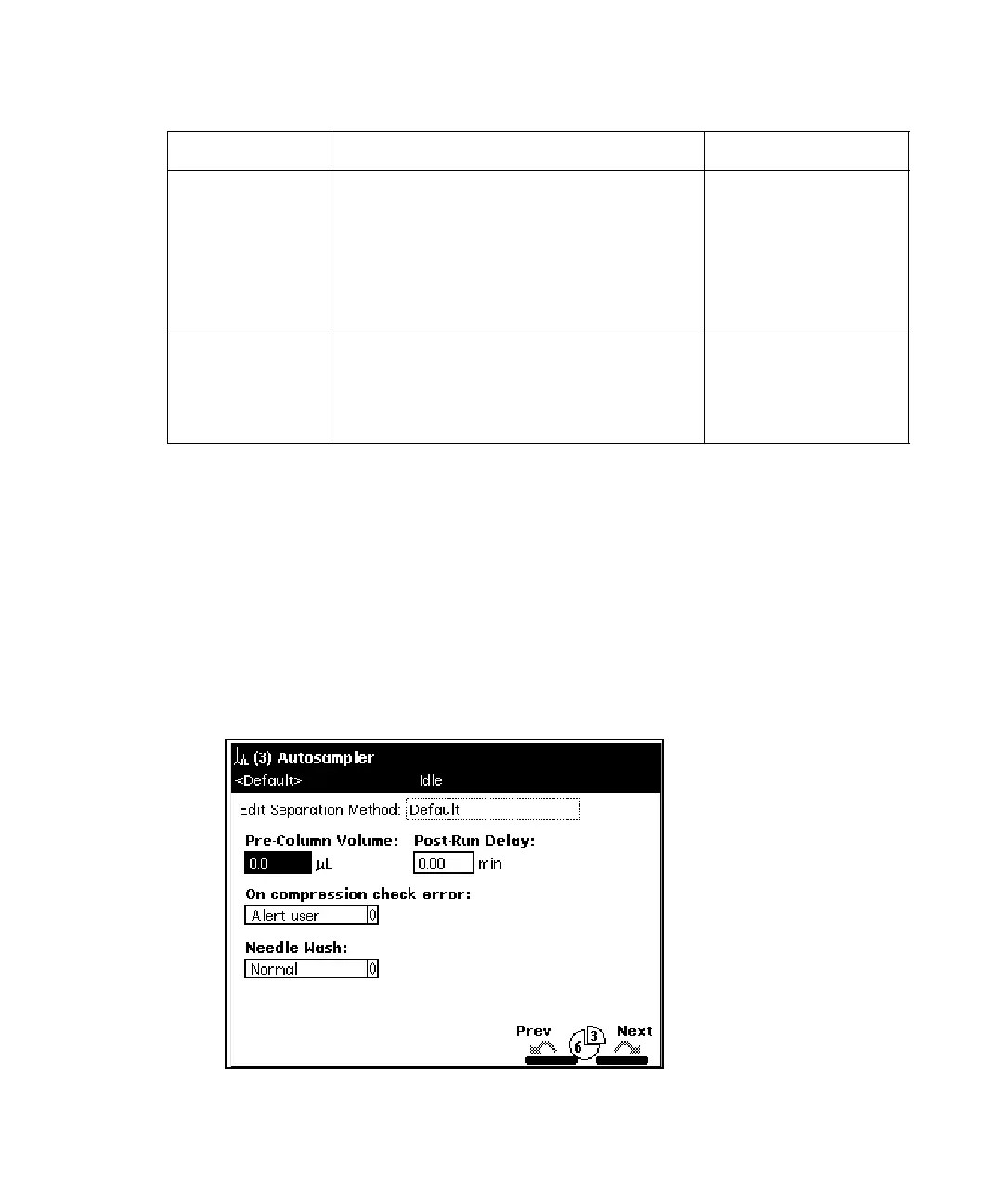
To enter parameters in the Autosampler screen:
1. Press the Next or Prev screen key to display the Autosampler screen.
Autosampler screen:
Syringe Draw
Rate
Custom
Selects one of three pre-set syringe
draw rates to accommodate viscous
samples. The rate changes with the
size of the installed syringe.
Specifies a user-entered custom draw
rate value.
Fast (5.0 µL/sec)
1
Normal (2.5 µL/sec)
Slow (1.0 µL/sec)
Custom (1.00 to
5.00 in 0.01 µL/sec
increments)
Sample Draw
Depth
2
Adjusts the depth of the needle tip to
accommodate for sedimented samples
or nonstandard vials. A value of 0
corresponds to the bottom of the vial.
2
0 to 20 in 1 mm
increments
2
1. These draw rates are for a 250-µL syringe. The values automatically change to reflect the
syringe size entered in the Configuration screen.
2. See “Vials and low volume inserts” on page 286, for a list of sample draw depths required for
use with separations module vials and Low Volume Inserts.
Sample parameters: (Continued)
Parameter Function Value range



 To Next Page