Connect tubing and attachments
July 29, 2013, 715003794 Rev. B 53
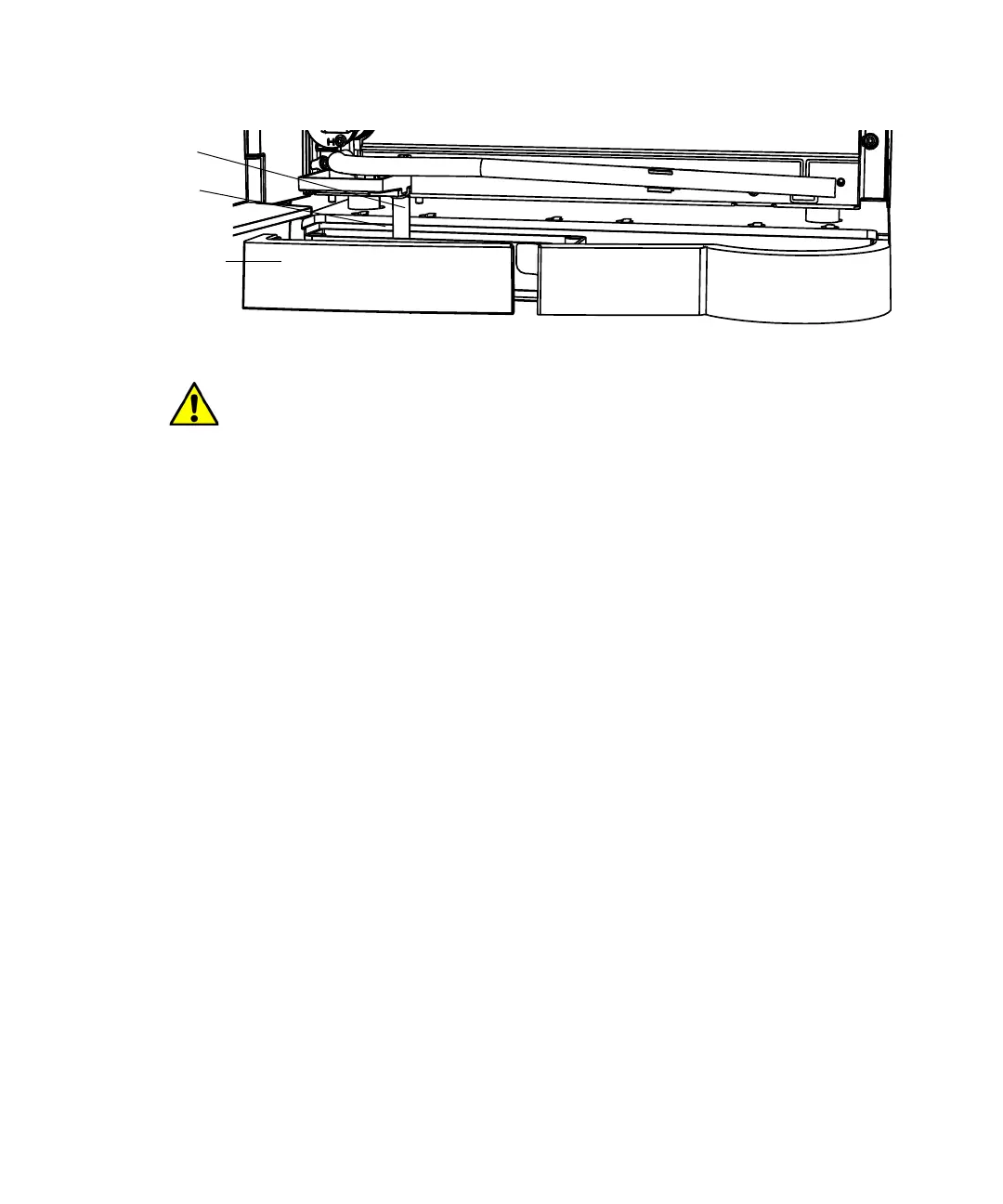
B series detector to drip tray tubing (2424 shown):
Install A and C series drip tray and support bracket
In the Alliance HPLC A and C-series configurations, the detector drip tray is
not included with the solvent bottle tray kit, but is part of the auxiliary tray
and support bracket kit (205001128). In these configurations, the detector is
stacked atop the separations module on a support bracket. The bracket
provides a extended platform on which the feet in the rear of the detector can
securely sit.
Important: For A and C series configurations, only the 2424, 2489, and 2998
detectors require installation of the drip tray. The remaining detectors drain
directly into a small drip tray in the syringe compartment via a length of
tubing.
The following is an overview of the procedure:
• Install the drip tray on the detector (2424, 2489, and 2998 detectors
only).
• Install the detector support bracket and detector on the separations
module.
• Route the drip tray or detector drain tubing into the separations module.
Required materials
• Screwdriver, T-10 TORX
Caution: Ensure that the end of the tubing does not sit flush on the
bottom of the drip tray, because this prevents the system from draining
properly.
Tubing
Detector base
Drip tray
(inside base)



 To Next Page